CNC Router Manufacturer in China | SENYO Machinery


 +86 1525 3141 880

From: www.senyocnc.com Date: 03rd January 2025 Author: SENYOCNC Views: 1313
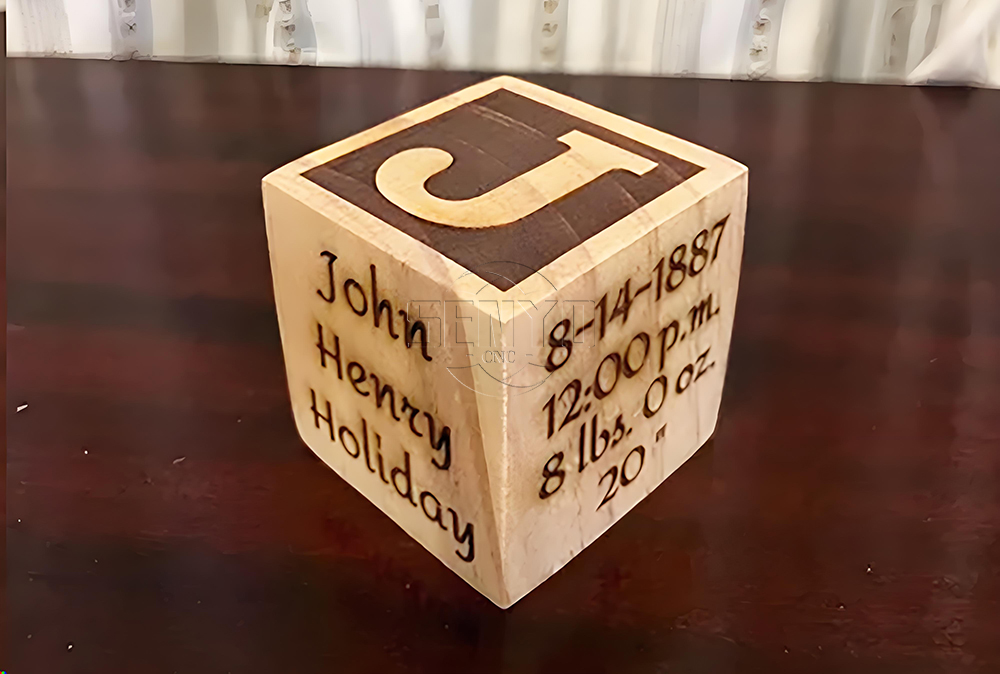
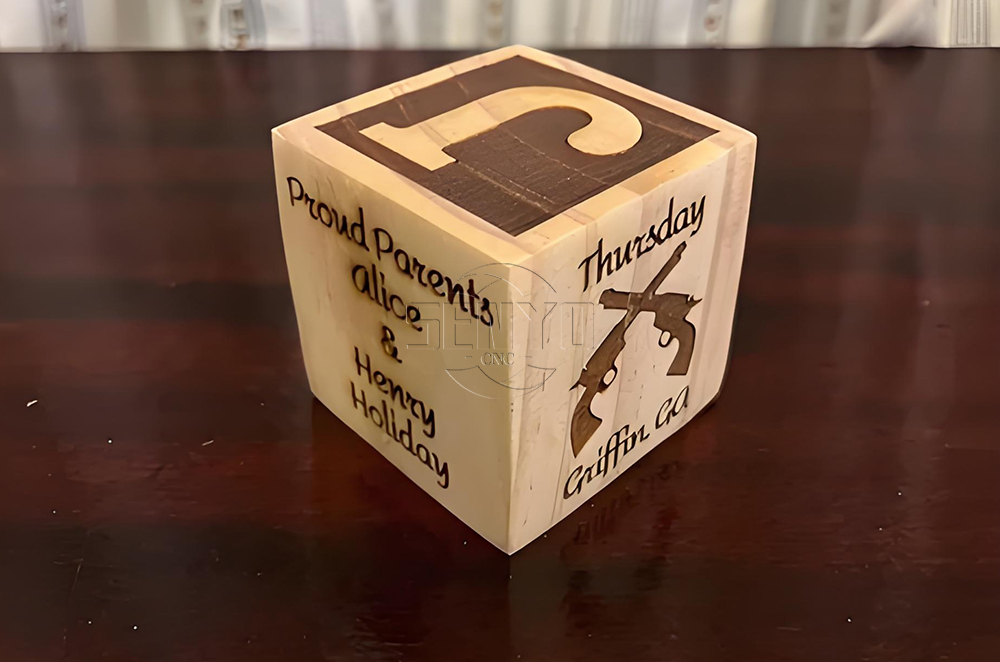
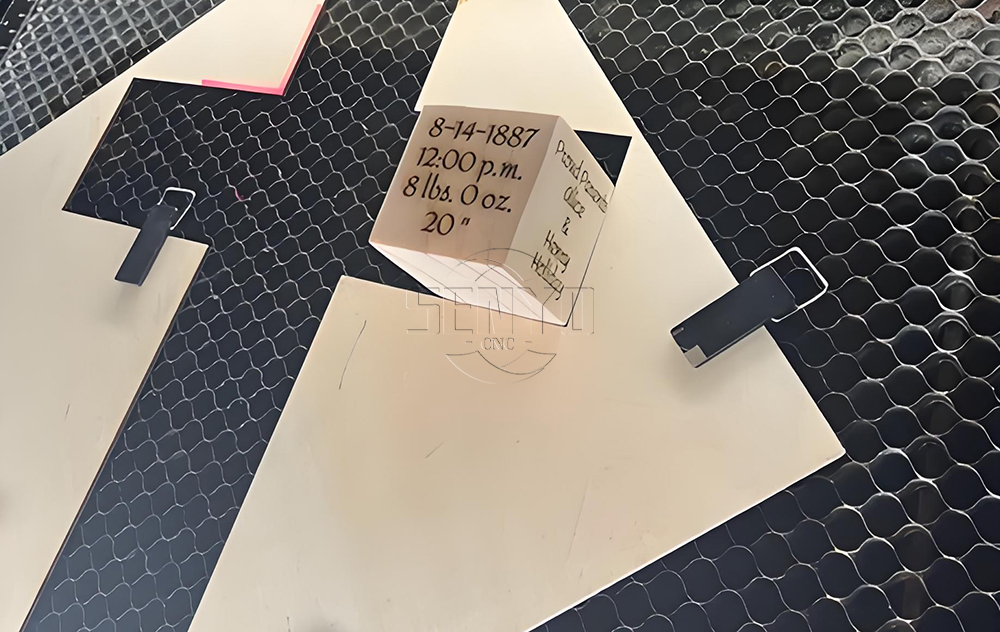


Supplies
Tools:
CNC 6090/ Any size your laser engraver , we use power 80w
orbital sander
Software:
Materials:
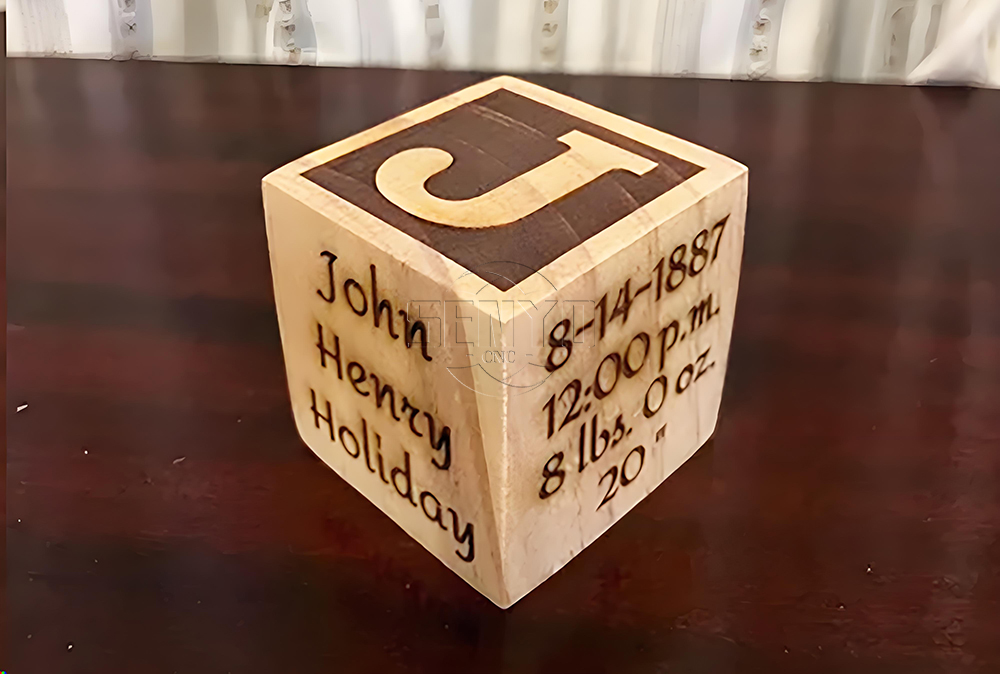
wood block (mine was a 2" pine cube)
clearcoat
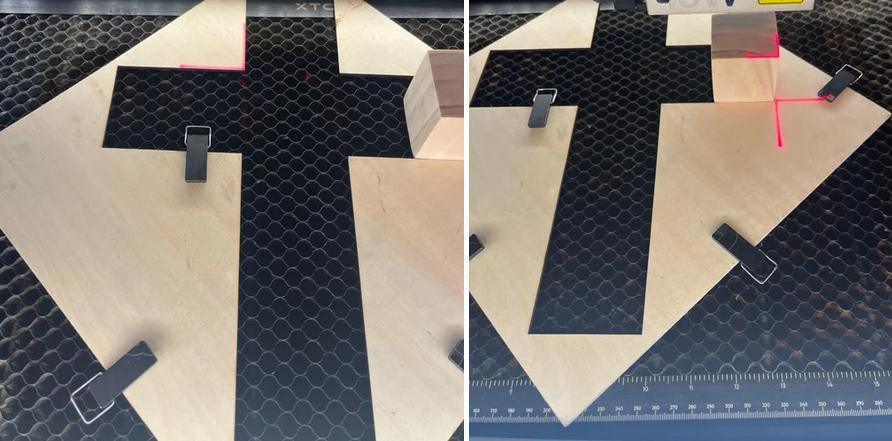
Start by sanding all six sides of the cube to your desired smoothness.
Keep in mind that you’ll only be able to do minor sanding after the engraving is complete.
You’ll need to run the laser five separate times, so it’s crucial to place the block in the same position each time.
The best way to ensure consistent placement is by using a simple jig.
I used a piece of scrap plywood with a 90-degree cutout to secure the cube.
Place the cube in the jig with the end grain facing up, and establish your working area for each side.
For this cube, I had a working area of 1.88”.

Choose a font for the letter on the top of the block.
I recommend experimenting with different fonts to find the best one for the specific letter you’re working with.
Create a square the size of your working area, then create an inset approximately 0.125” inside the square.
Combine the letter with the inset rectangle to form a single object,
allowing you to engrave the negative space and leave the letter with a border.
Next, select a font for the remaining text. I used the “Amita” font with sizes ranging from 20 pt. to 30 pt.
Optional: After creating your engraving designs, make a copy of each and set it for score lines to outline the engraving.
This adds a neat detail to your finished block.
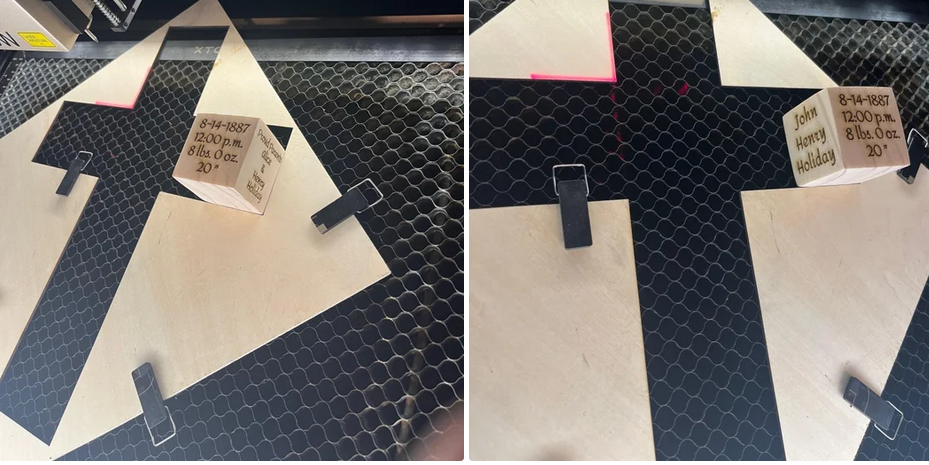
Engraving settings: 30% power, 150 mm/sec speed
Scoring settings: 30% power, 50 mm/sec speed
Engrave each side of the cube individually, following the design.
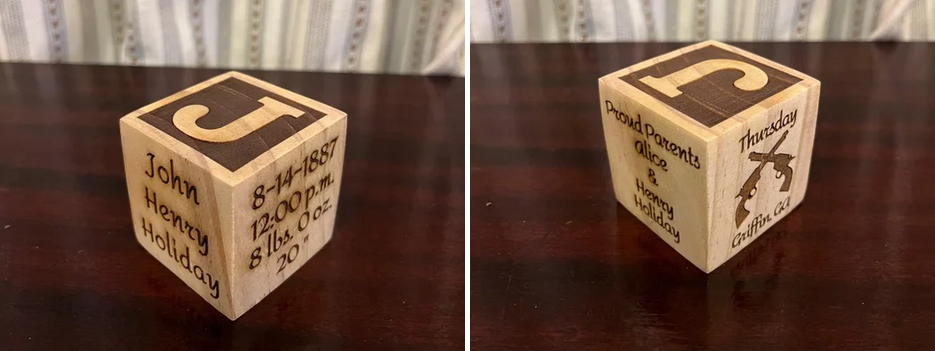
Lightly sand the block to remove any scorch marks, and use an air compressor to blow off the dust from the engravings.
After reviewing the pictures, I noticed my block could have used a bit more sanding.
Apply a clear coat and allow it to dry completely. Finally, lightly sand the finished block to achieve a smooth surface.
• Previous: Co2 laser wood cut Illuminated Pattern Box
• Next: Laser Cut Adjustable Table Lamp
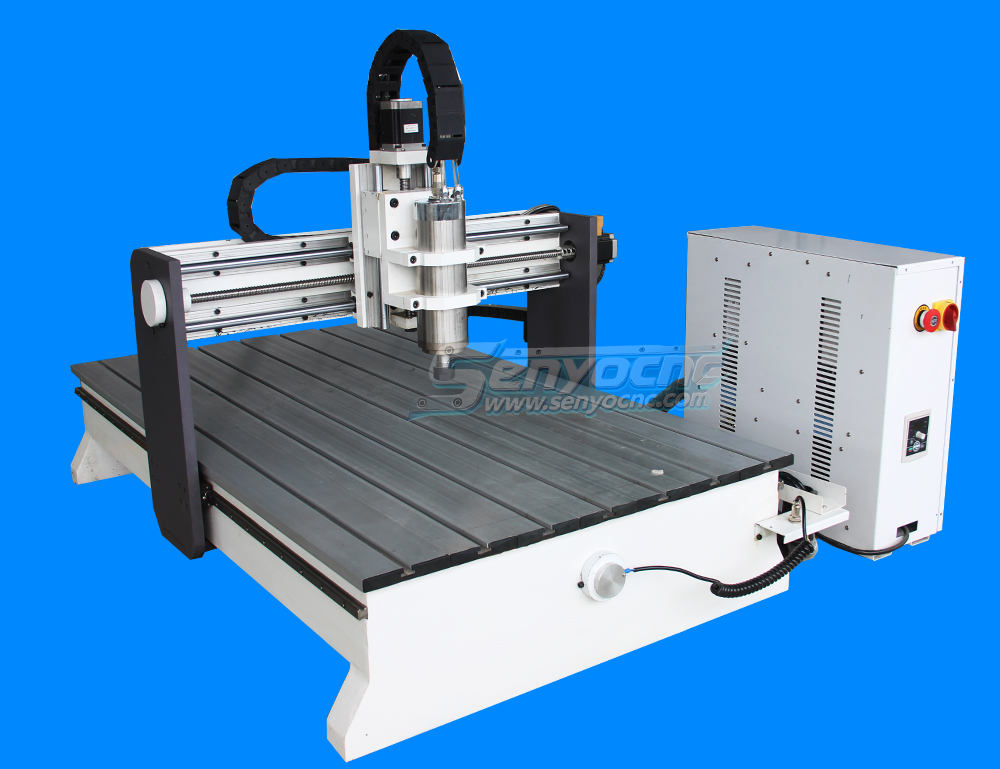
Mini Desktop CNC Router for Gifts Making Small Business
Best Granite marble manual polishing machine For Sale
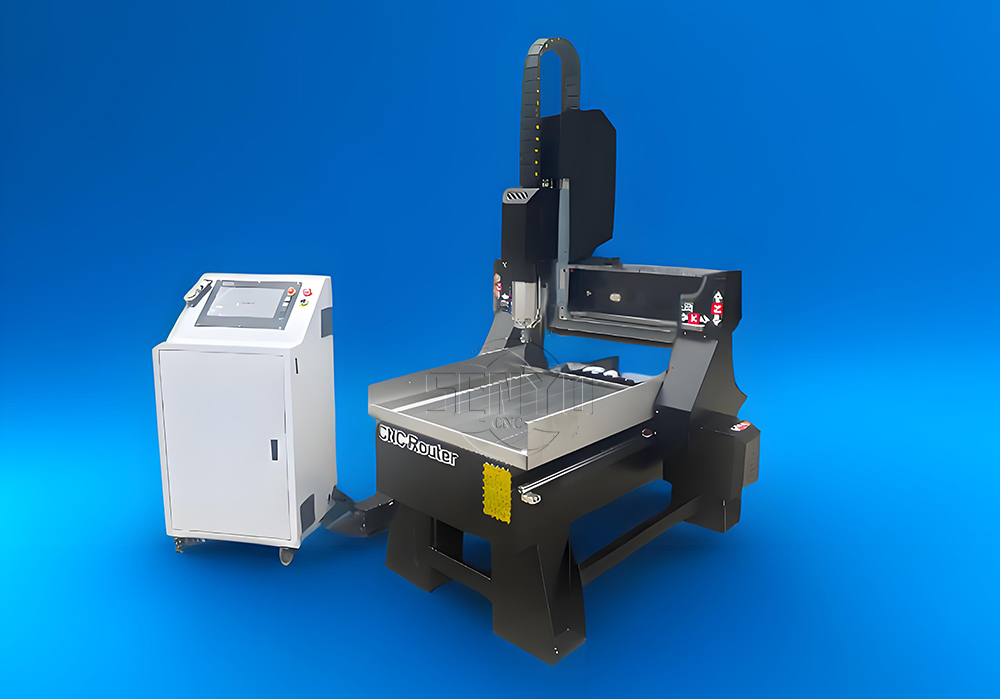
Stone Processing CNC Equipment Automatic Tool Changer CNC Quartz Stone Machining
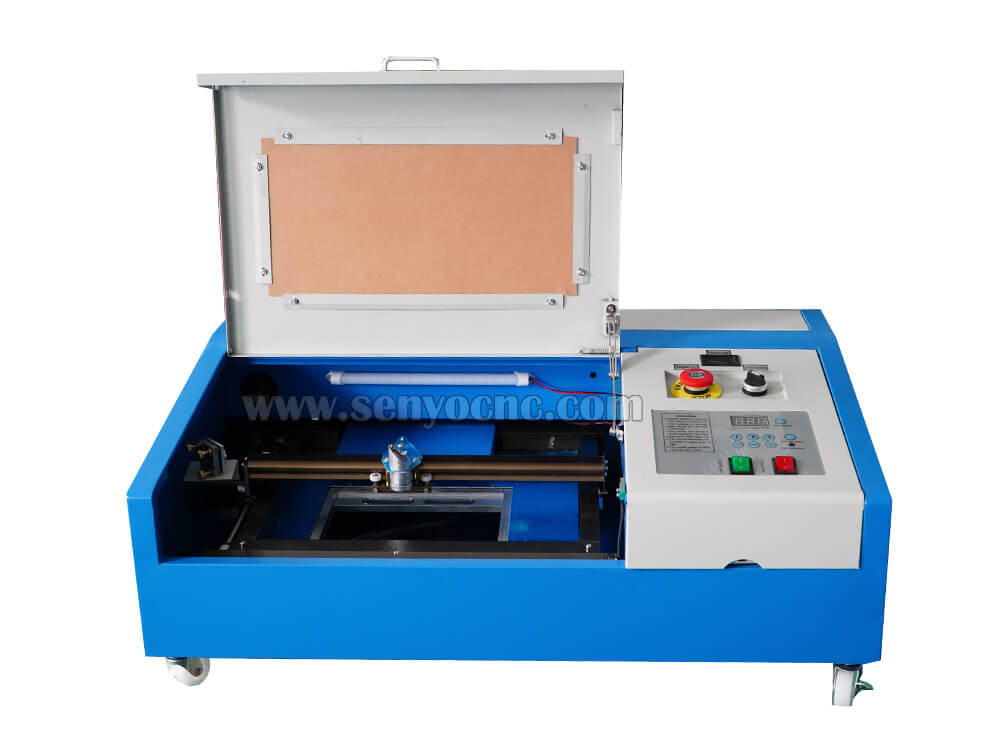
3020 40W Mini CO2 Laser Engraving Cutting Machine
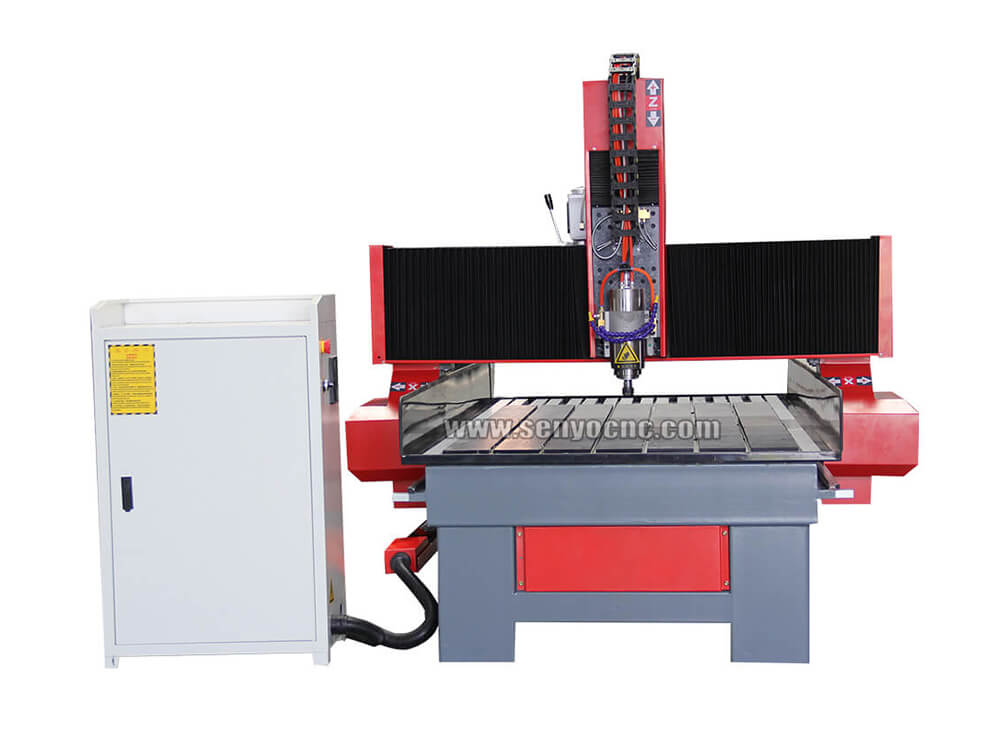
New Design Mini Stone CNC Machine for Marble, Granite and Quartz
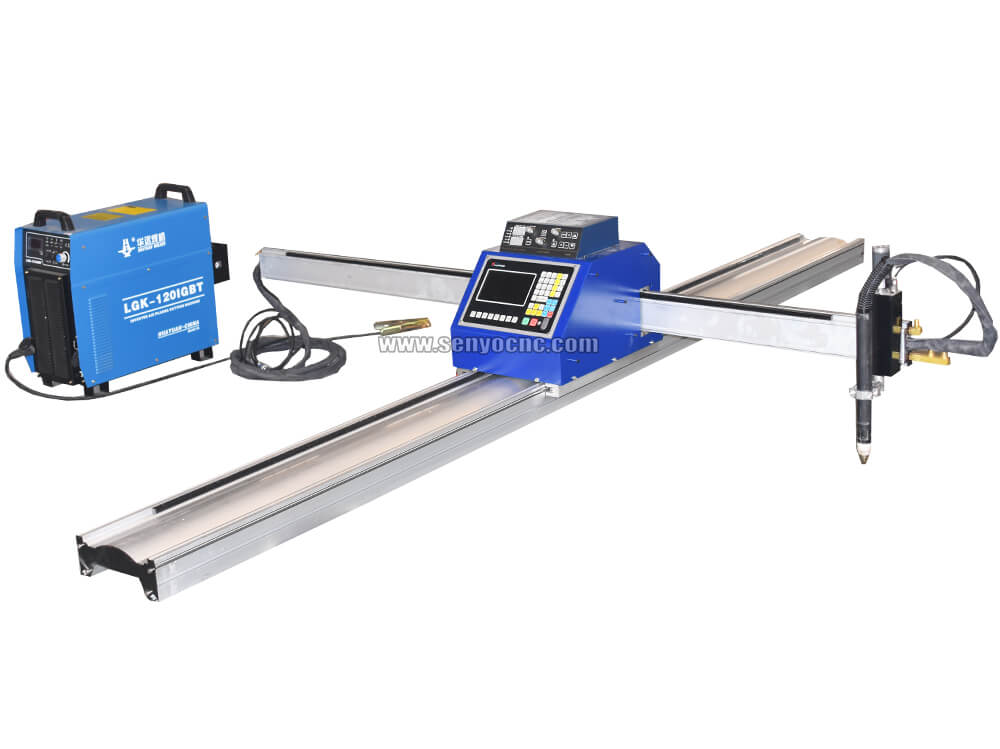
Portable CNC Flame Cutting Machine with Plasma Torch for Sale
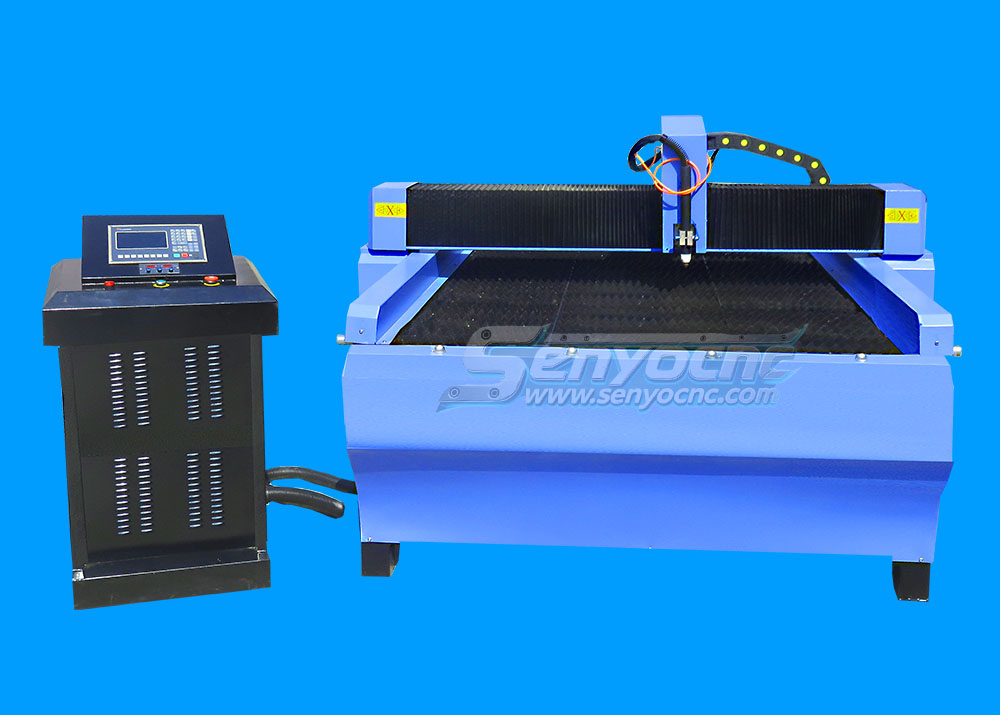
High-Precision Mini Hobby CNC Plasma Cutting Machine for Metal
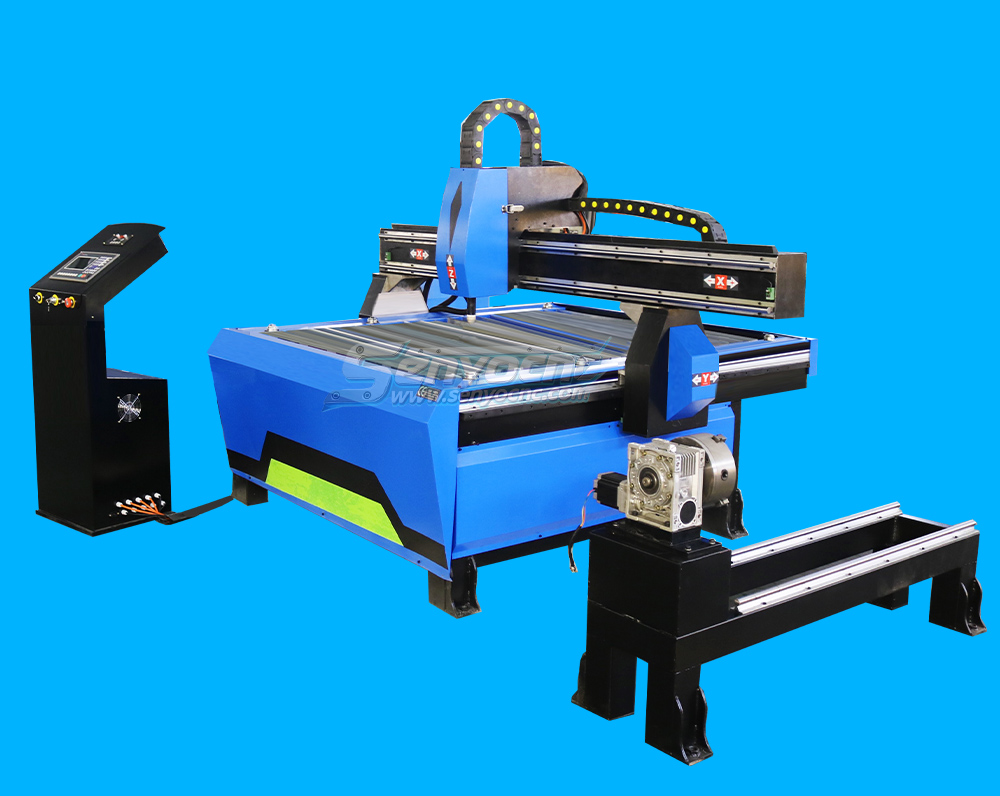
Mini CNC Plasma Cutter With Rotary
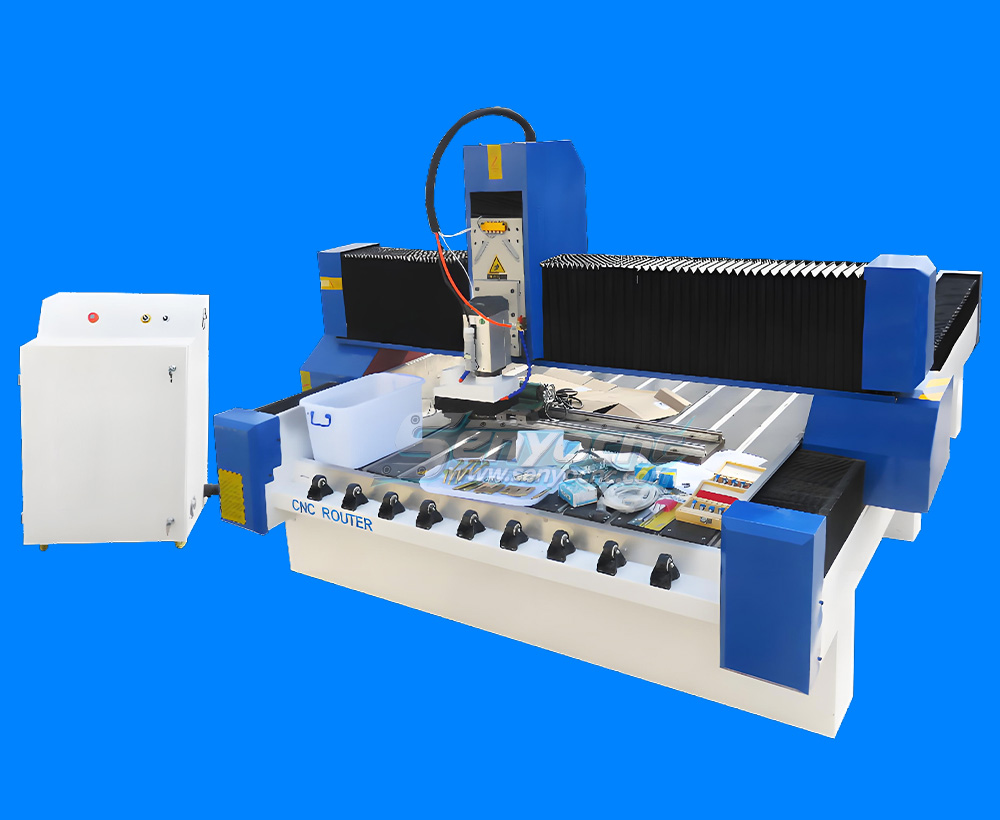
4 Axis 1325 Sculpture Machine Cnc Carving Marble Granite Stone Cnc Router
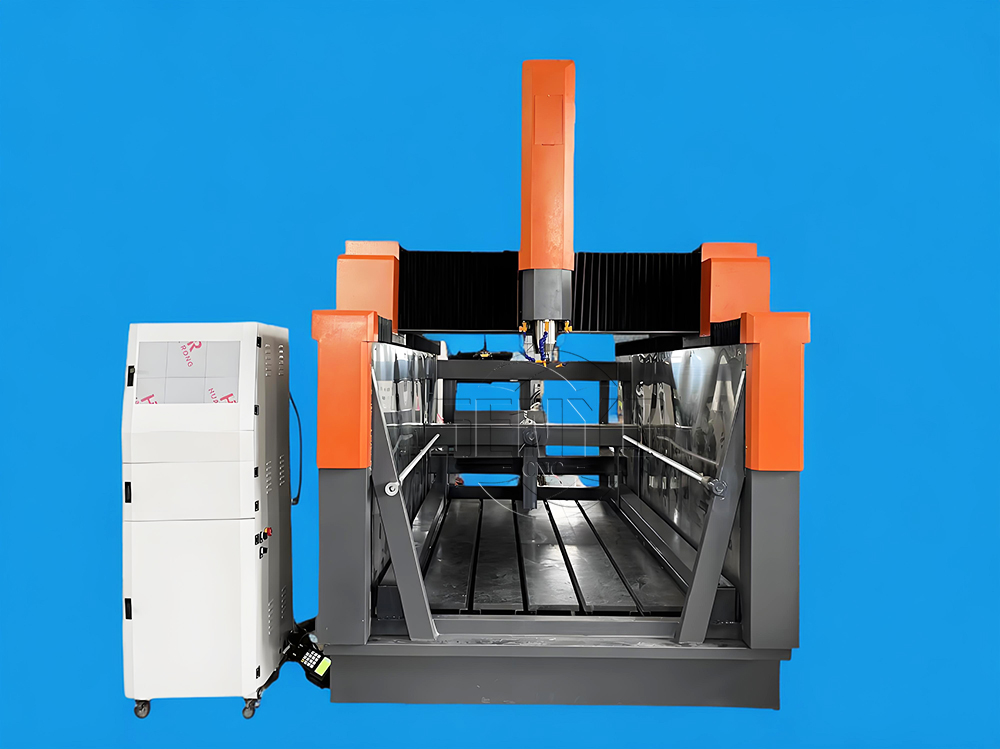
Z Height 1000MM 4-AXIS Stone Engraving CNC Machine Heavy-duty Stone CNC Machine Stone Relief Carving CNC For Sale
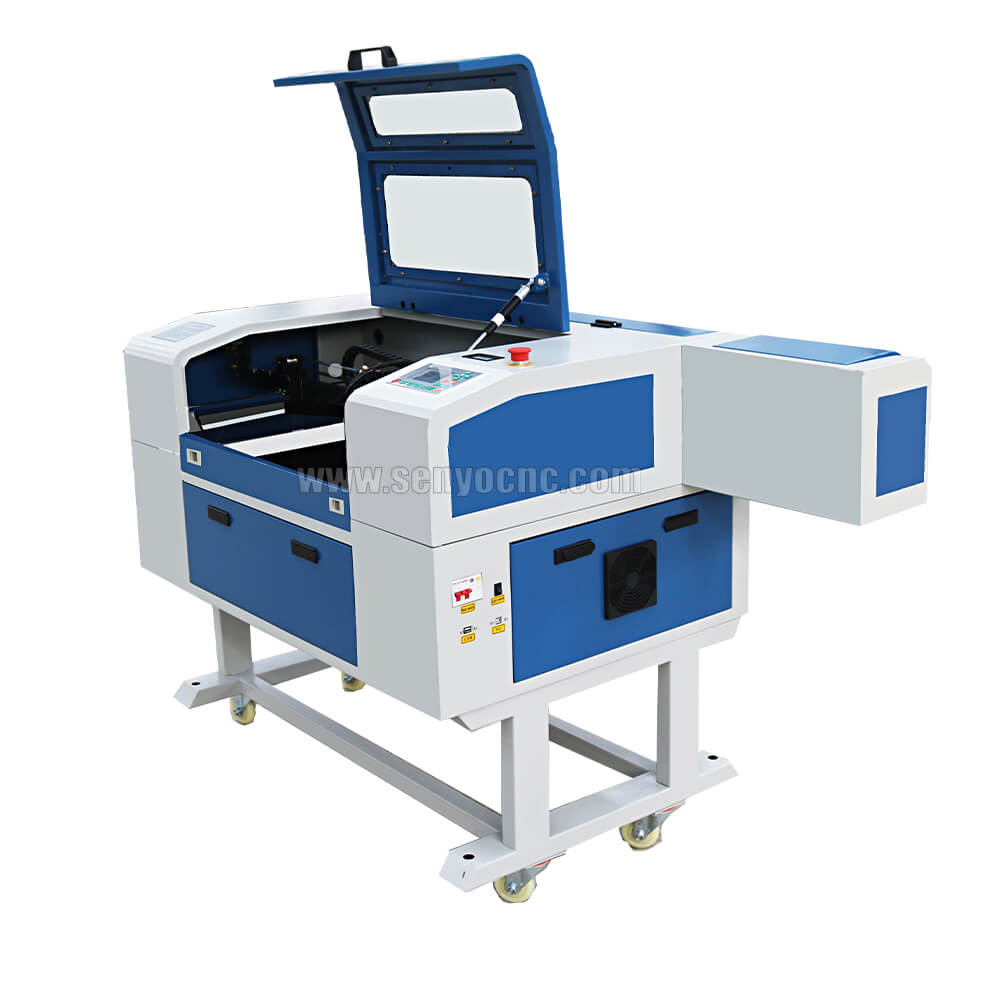
4030 portable mini co2 laser carving and desktop rubber stamp laser engraving machine
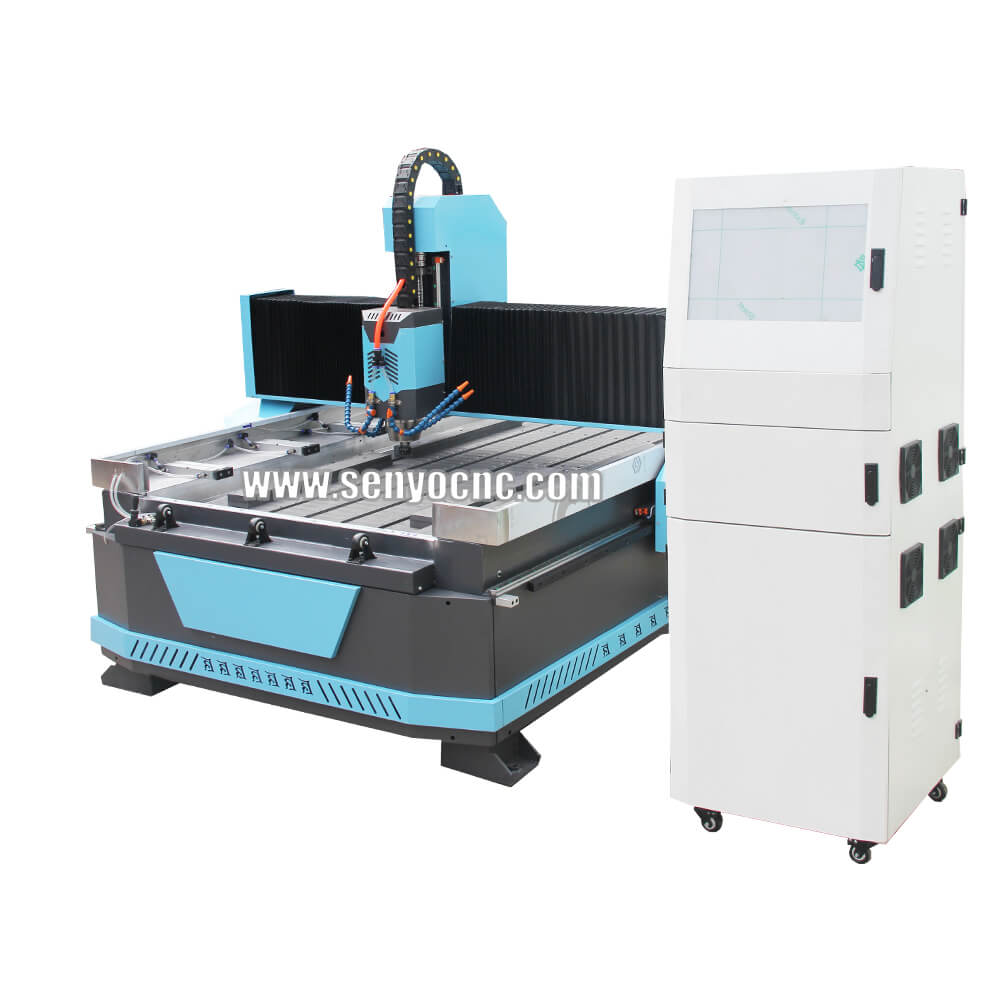
Stone CNC Router For Kitchen sink tile carving and cutting Marble, Granite and Quartz
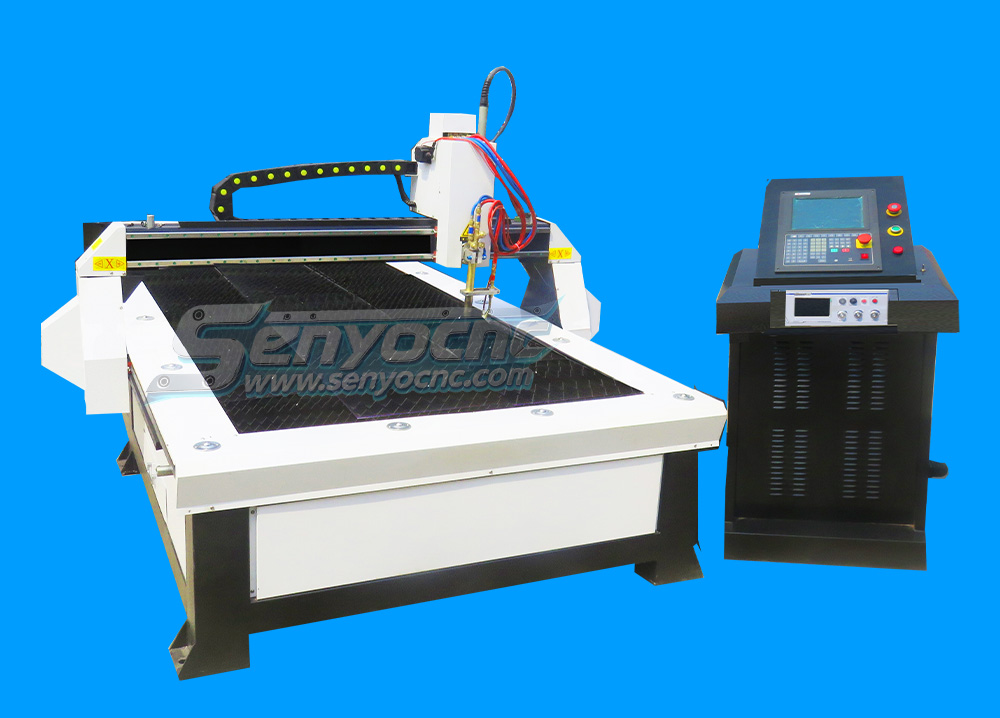
Robust CNC Plasma Cutting Machines with Flame Cut Head for Heavy-Duty Industrial Use
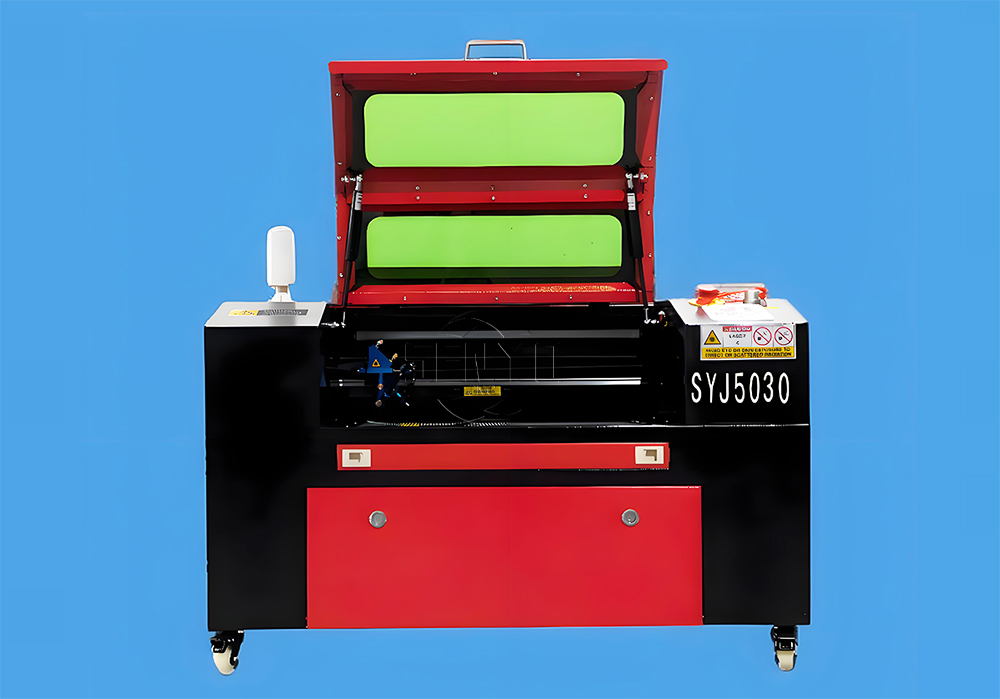
Small Portable CO₂ Laser Cutter Engraving for DIY & Business – Ideal for Wood, Acrylic, Leather
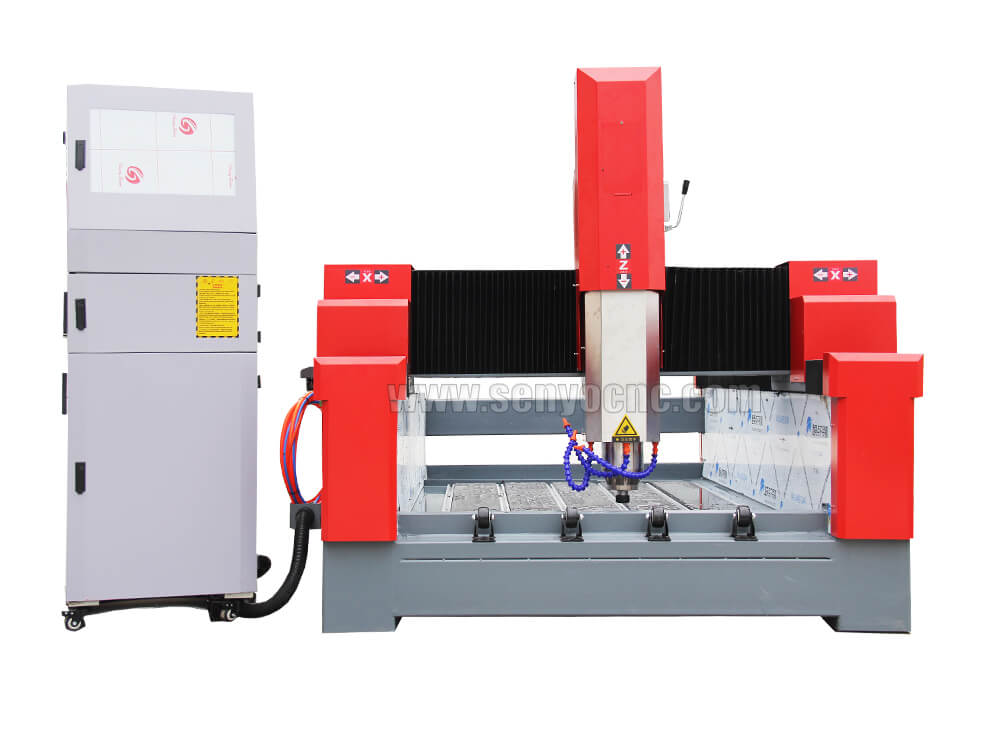
1325 3 Axis 4x8 CNC Stone Router for Sale
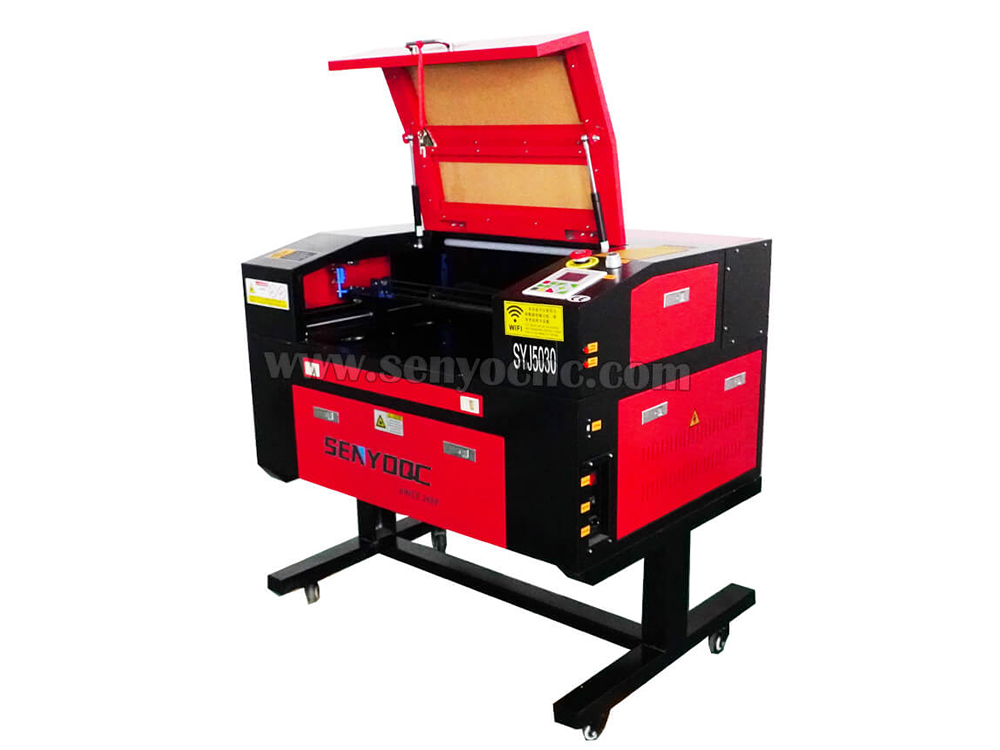
Mini CO2 Laser 5030 Cutting Engraving Machine For Sale
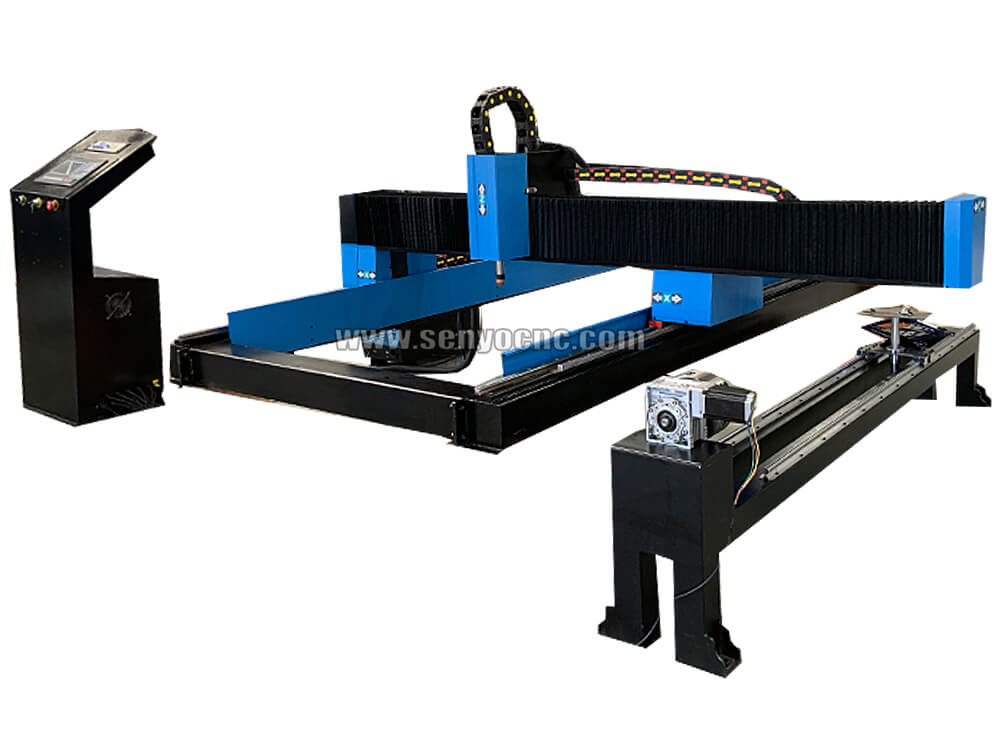
Portable CNC Plasma Flame Cutting Machine for Sale at Cost Price
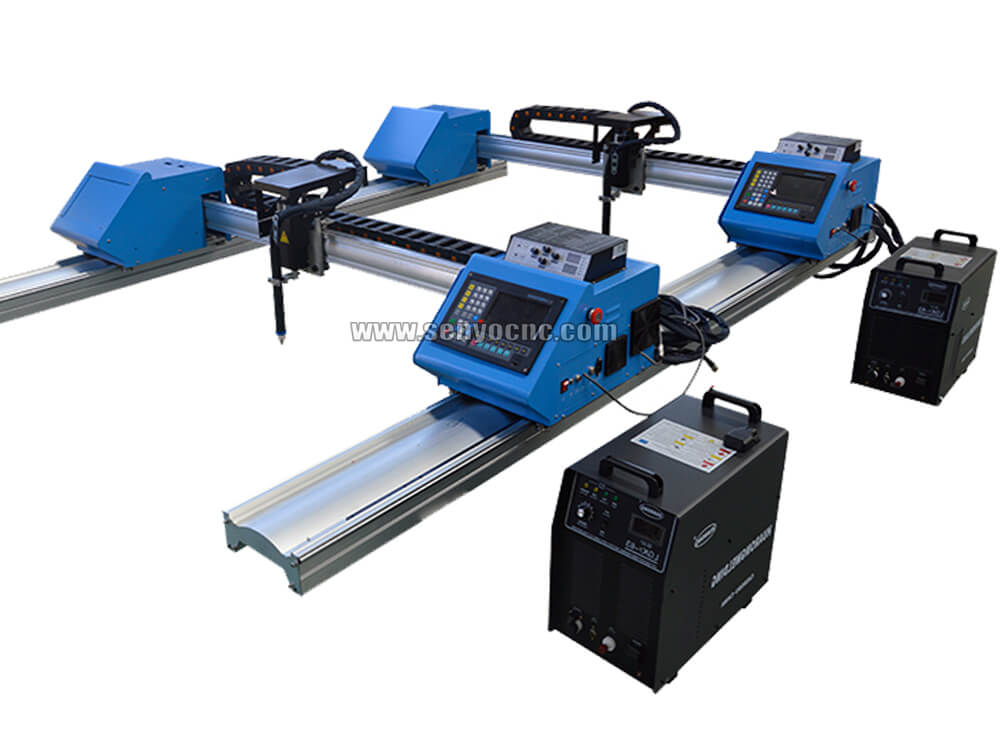
Portable Cnc Plasma Oxyfuel Sheet Metal Cutting Machine for sale
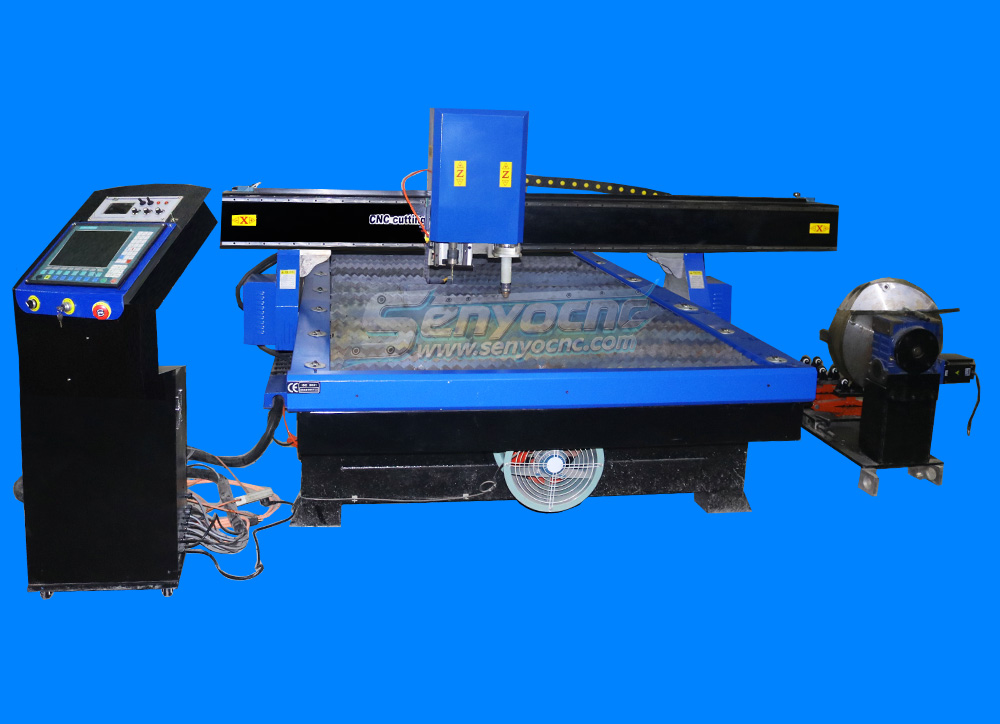
CNC Plasma Cutters for Customized Metalwork –Rotary&Drilling Head
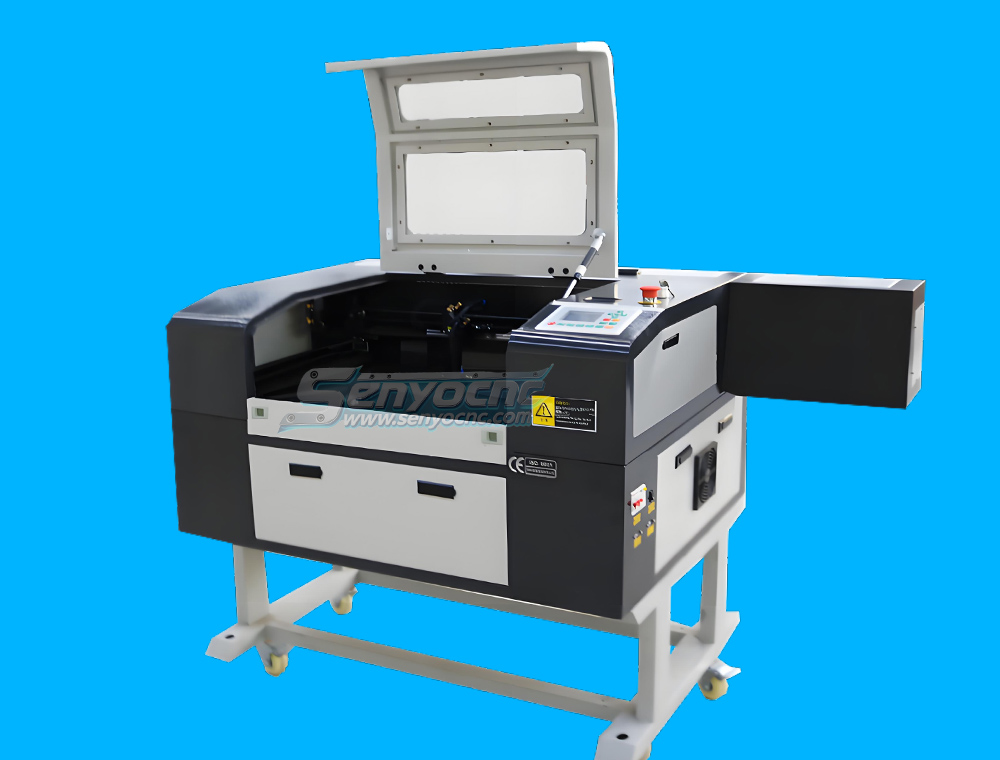
Small Table design 6040 Easy Move CO2 Hobby Laser Cutter Machine for Beginners
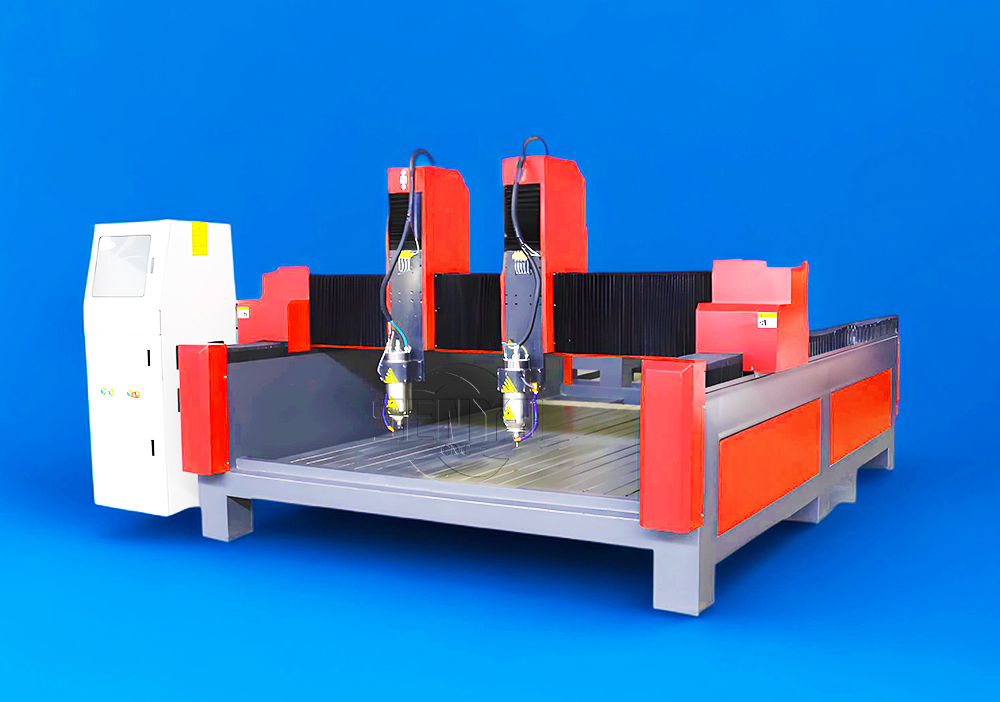
High-Efficiency 2 Heads CNC Machine for Aluminum Stone Marble Engraving & Cutting
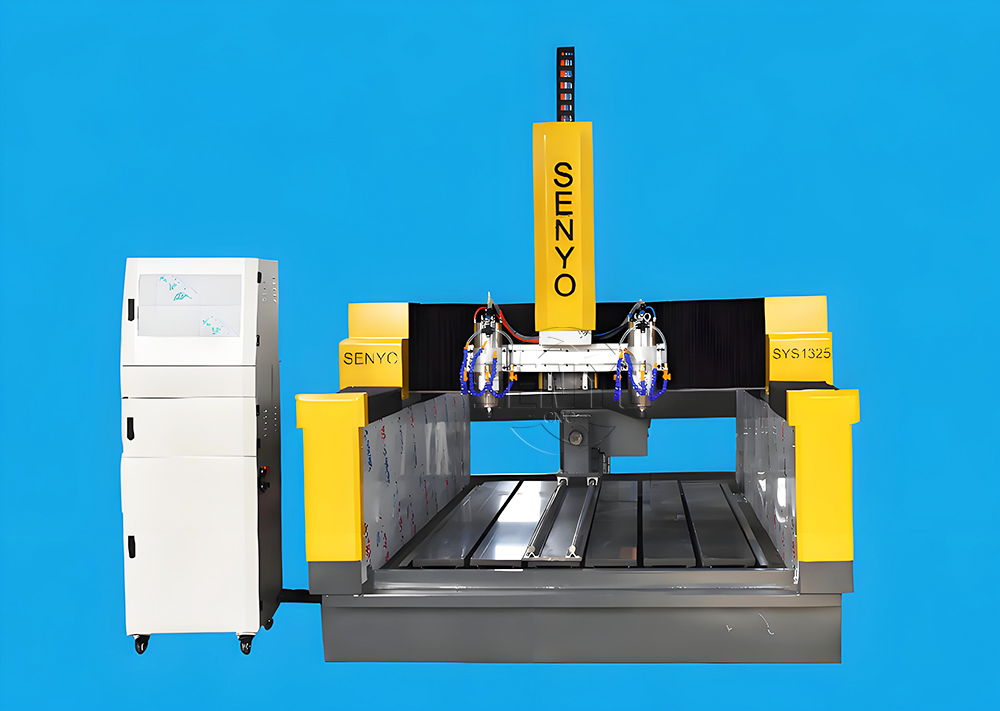
Best CNC 2 Spindle 4-AXIS Stone Carving Machine High-precision Stone Carving Stone Countertop Fabrication
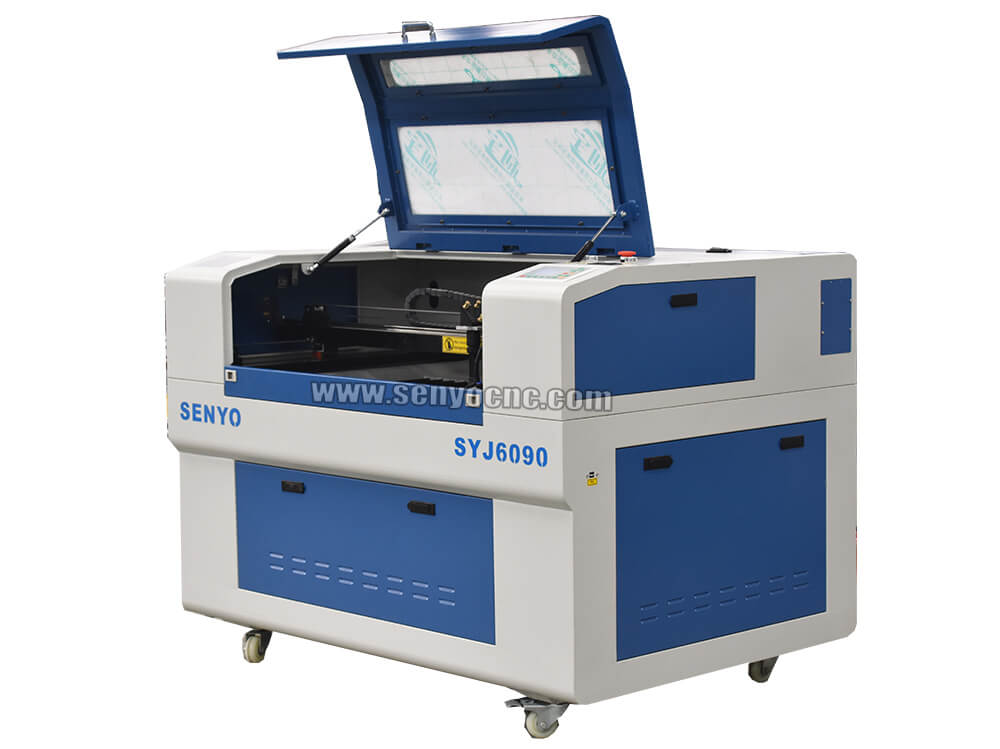
Top Rated 2x3 CO2 Hobby Laser Cutting Machine for Sale at Affordable Price
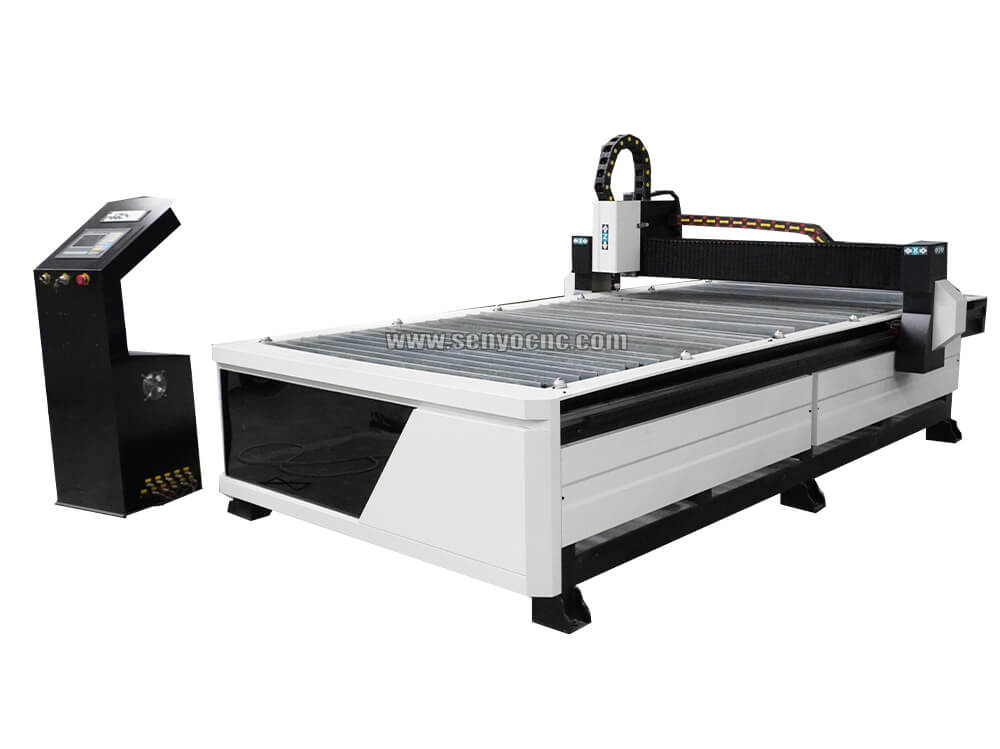
Best 4x8 CNC Plasma Cutter Table for Sale at Affordable Price
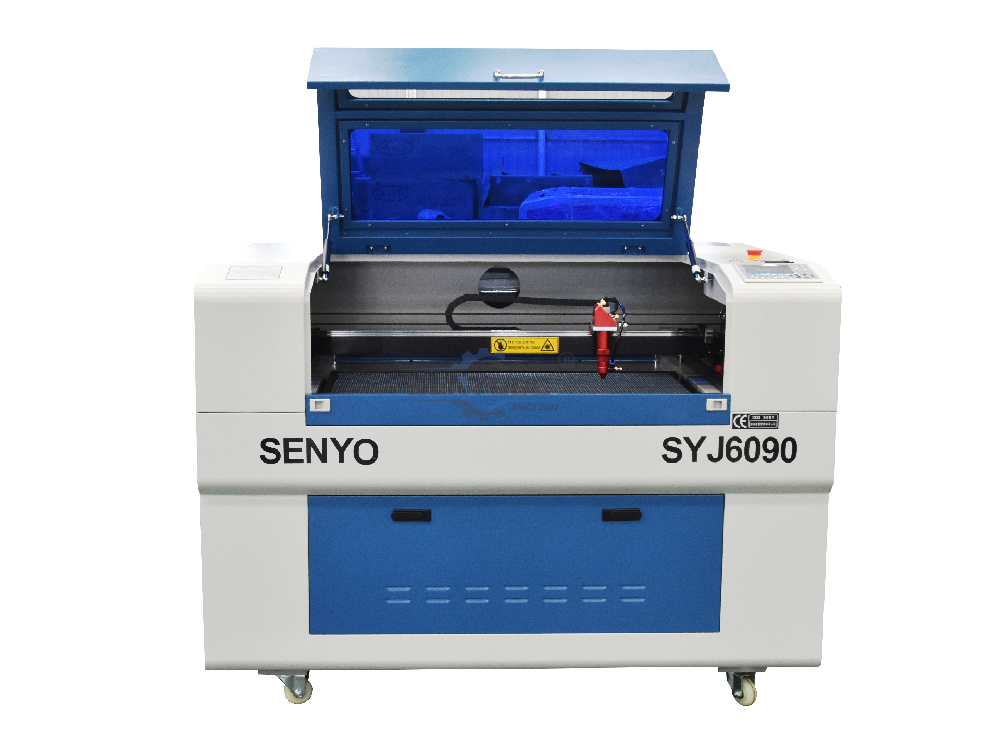
Entry Level CO2 Hobby Laser Cutter Machine for Beginners
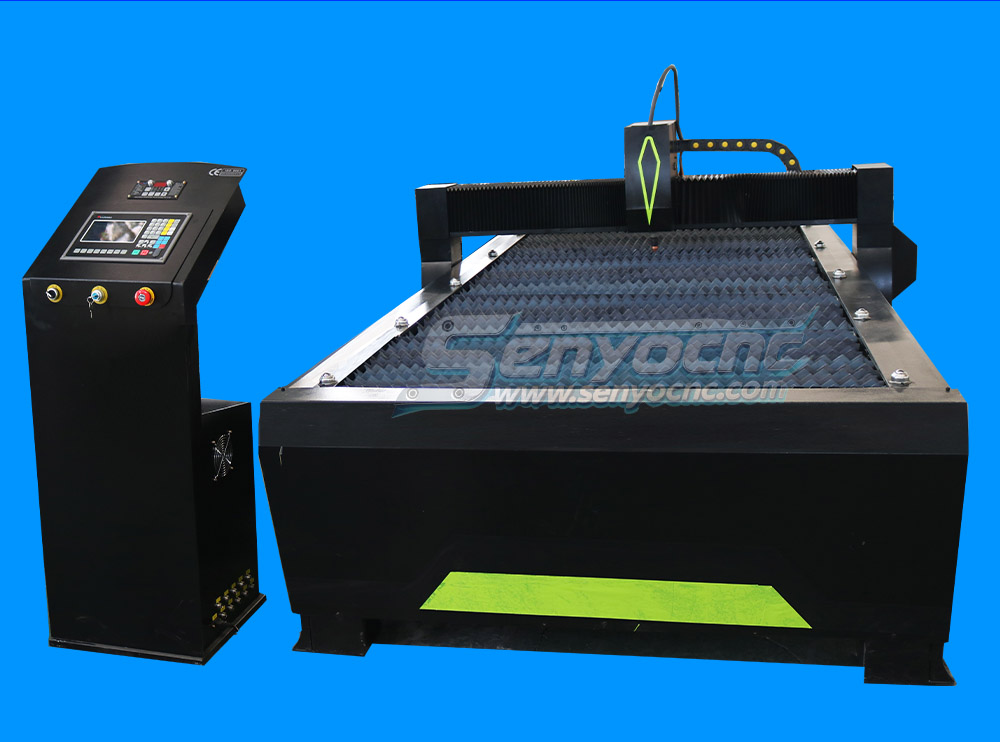
Top CNC Plasma Cutters for Automotive, Aerospace, and Manufacturing Industries
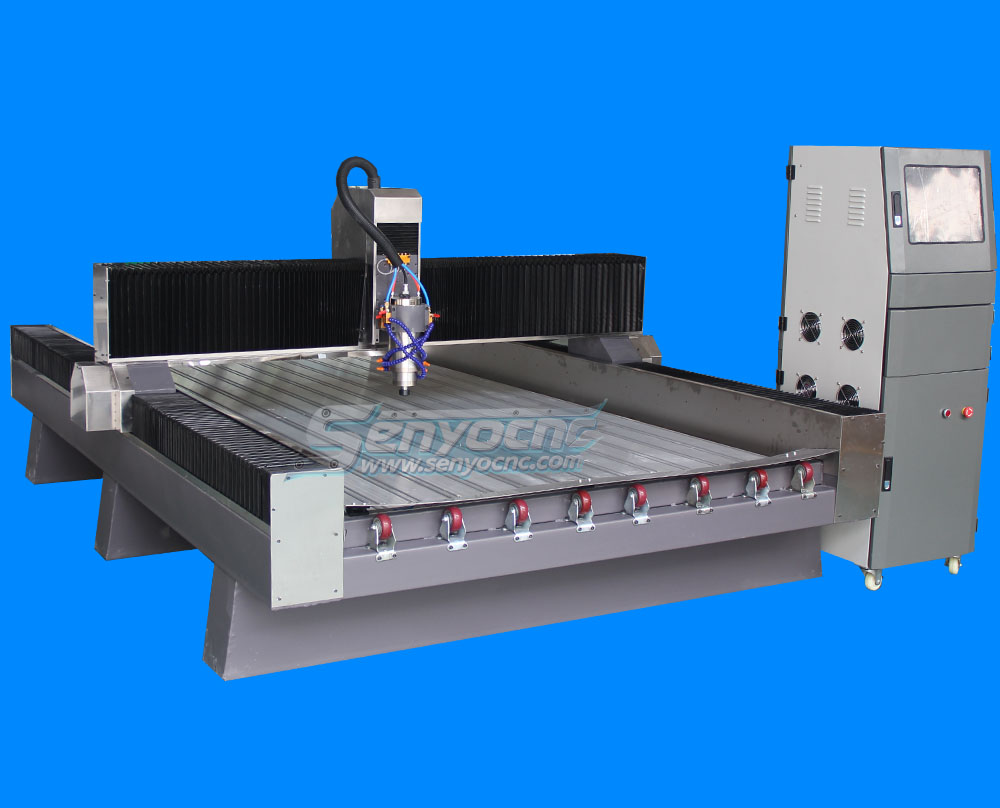
Precision Stone Engraving Machines for Memorials & Signs
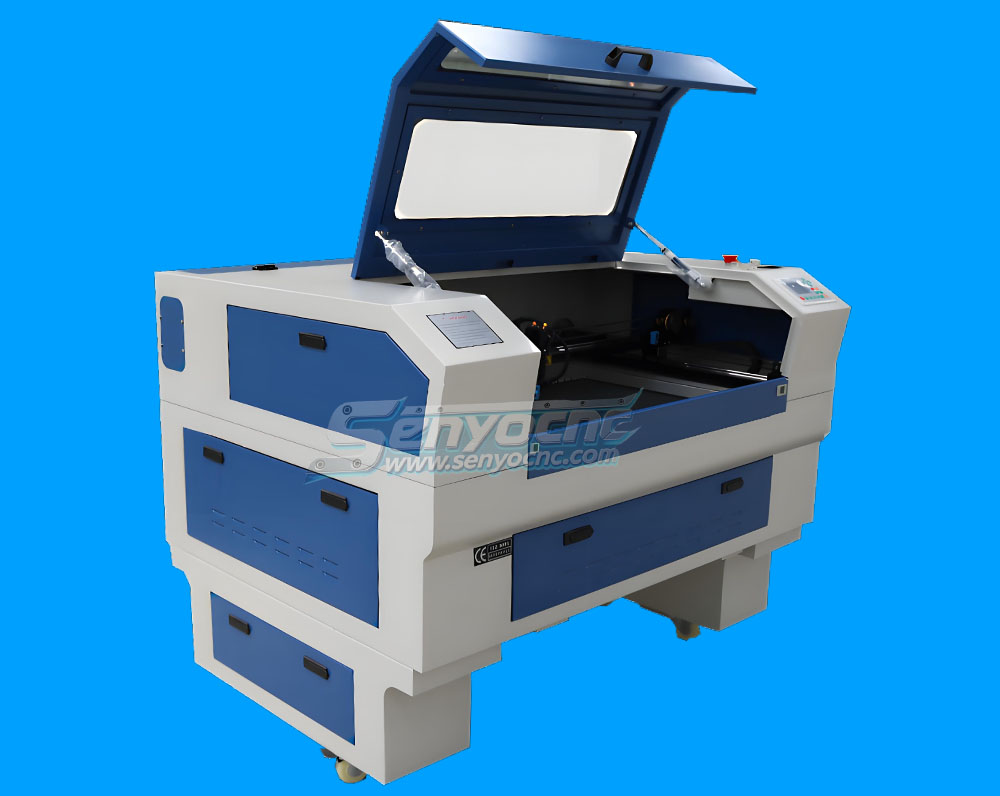
Portable Co2 9060 Laser Nonmetal Cutting Engraving Machine
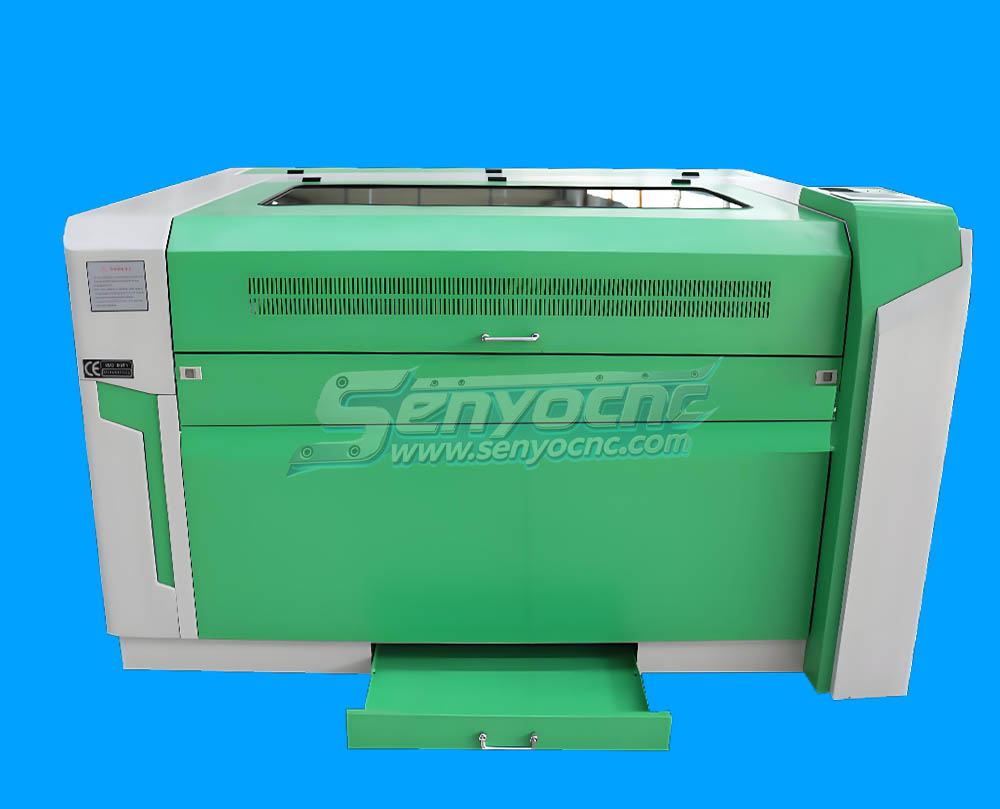
1090 CO2 Laser Machine with Ruida Controller for Non-metal Glass Acrylic Engraving Cutting
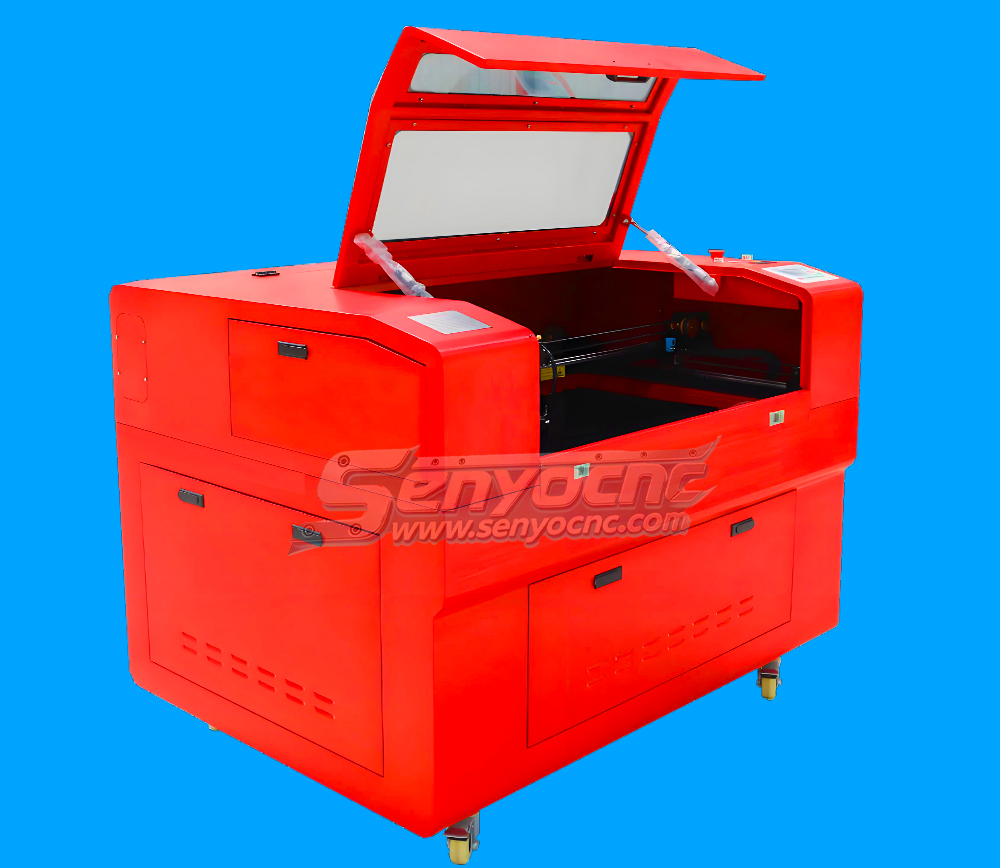
Entry Level 9060 CO2 Hobby Laser Cutter Machine for Beginners
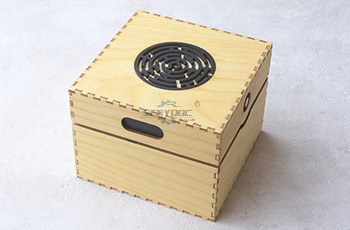
The Apprentice Maze Puzzle Box
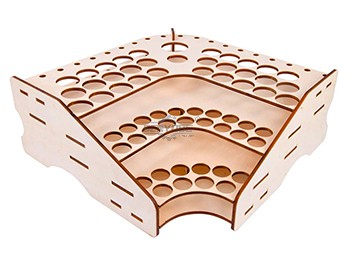
Box laser cutting software share
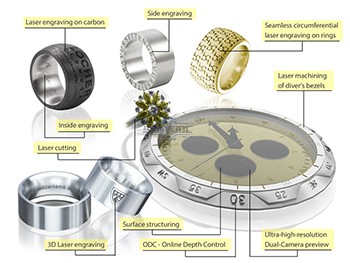
laser marking and engraving for the jewelry industry
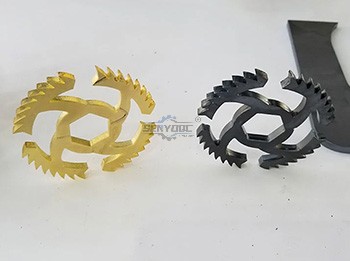
Copper cutting for fiber laser cutting machine
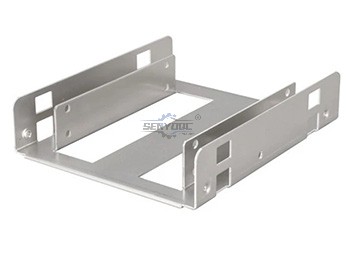
Aluminum Cutting for fiber laser cutting machine
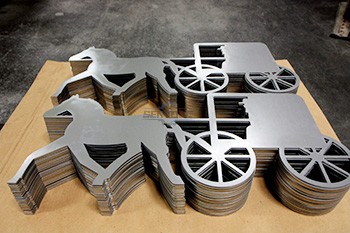
CS Laser Cutting Factors that Affect the Process
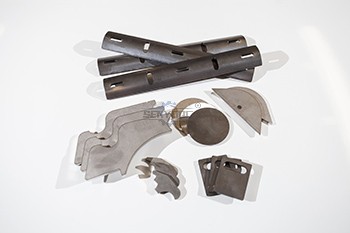
Stainless steel Fiber Laser Cutting
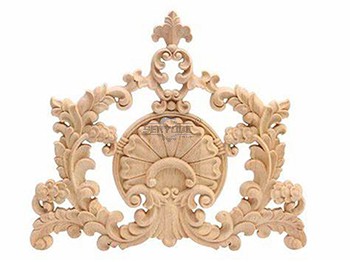
2d&3d wood MDF carving and cutting
3D CNC Router for Stone Relief Carving Projects
Laser Cut Adjustable Table Lamp
CO2 Laser cutting Baby Birth Block
CO2 laser cutting and engraving for 6 Sided Box Puzzle
Co2 laser wood cut Illuminated Pattern Box
Engrave Round Parts With 50W Fiber Laser Marking Machine
CNC Plasma Cut Deer Head
Relief Map on a CNC Router
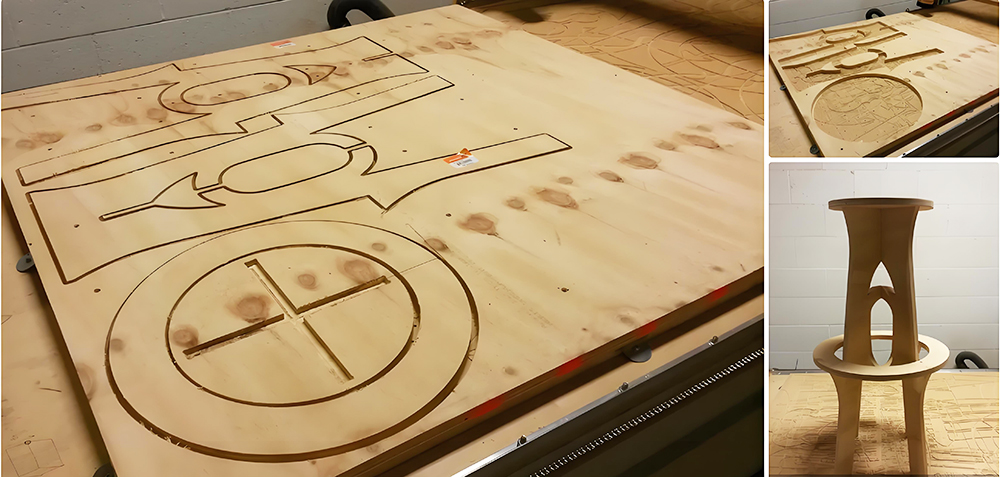
CNC Router Bar Stool
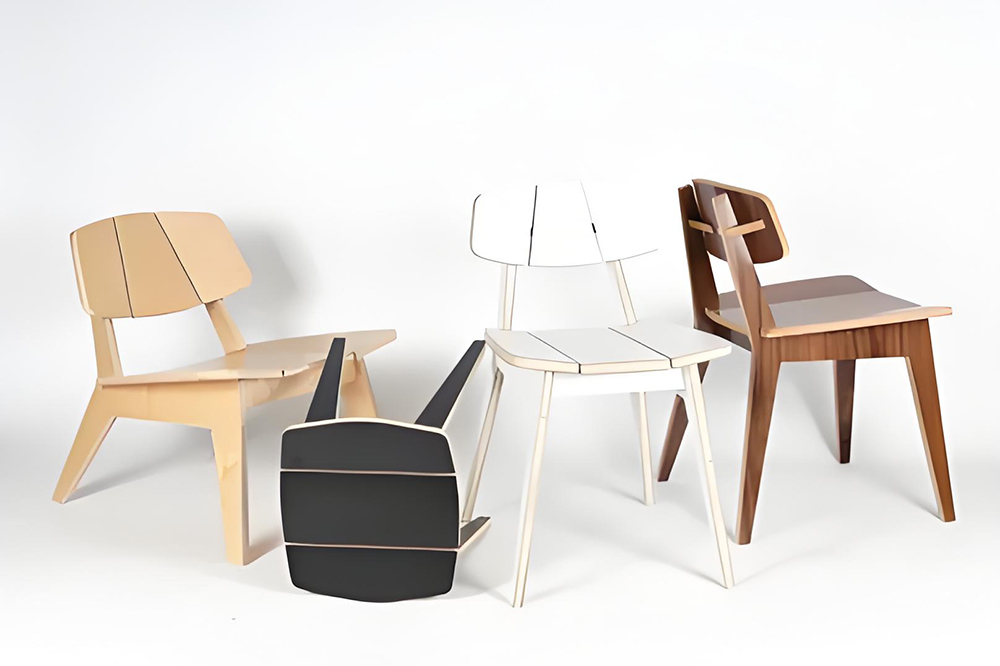
Wood Chair Made With CNC Router
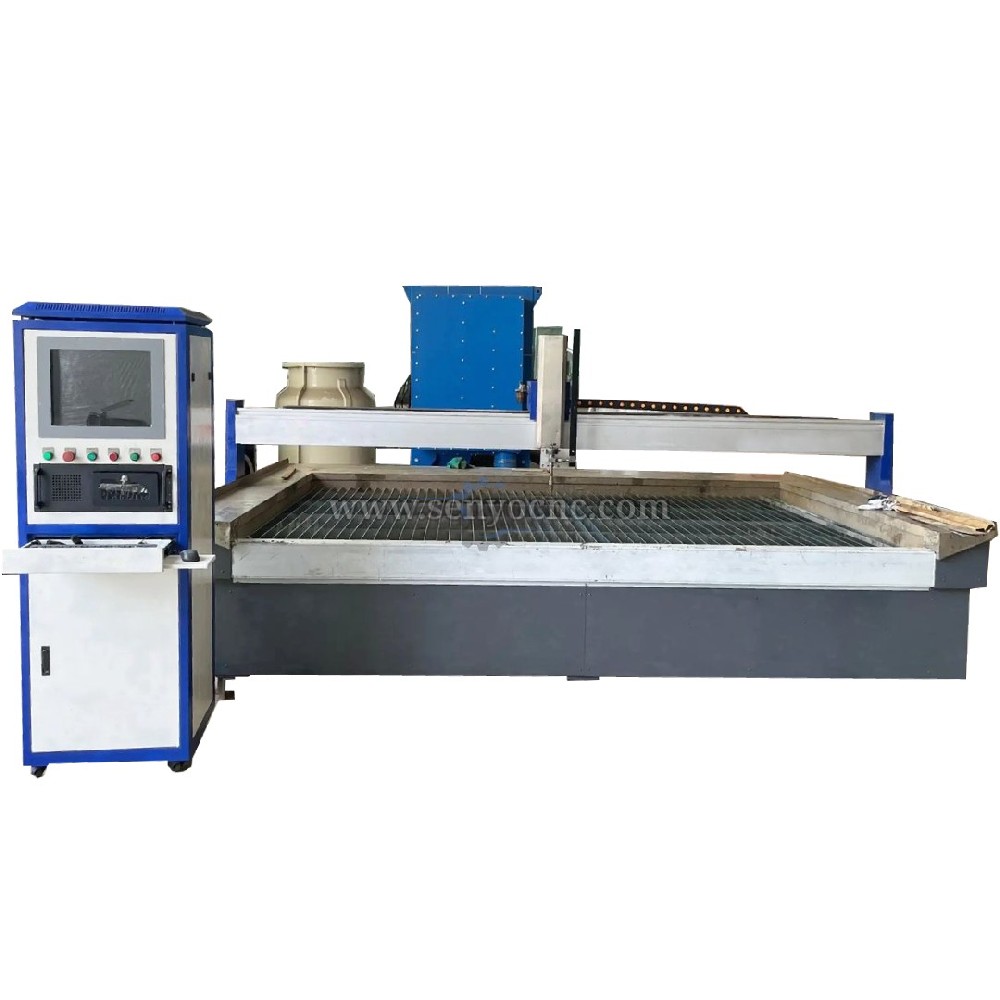
Competitive Price New Design Waterjet Machine 3 axis Cutting Machine

Typical industries that use waterjet technology
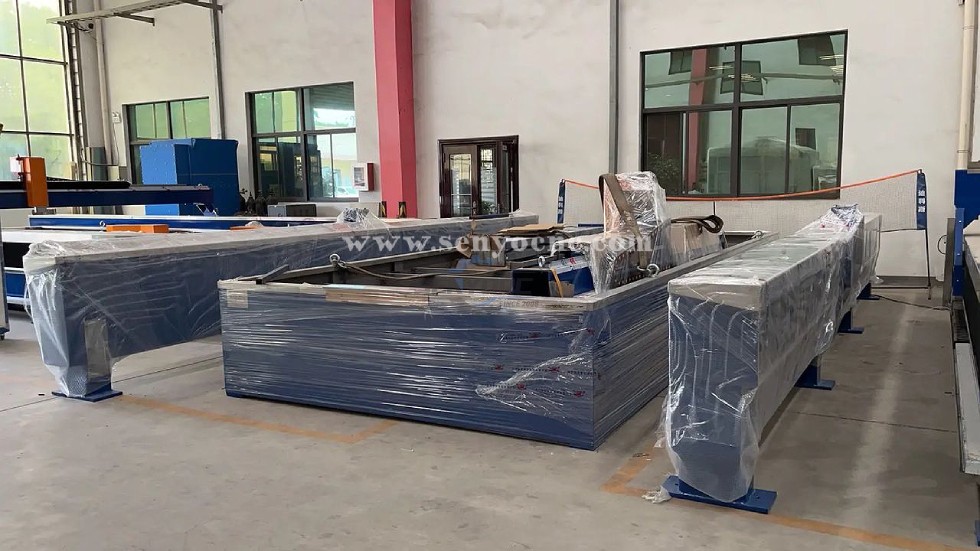
What main benefits to waterjet cutting ?
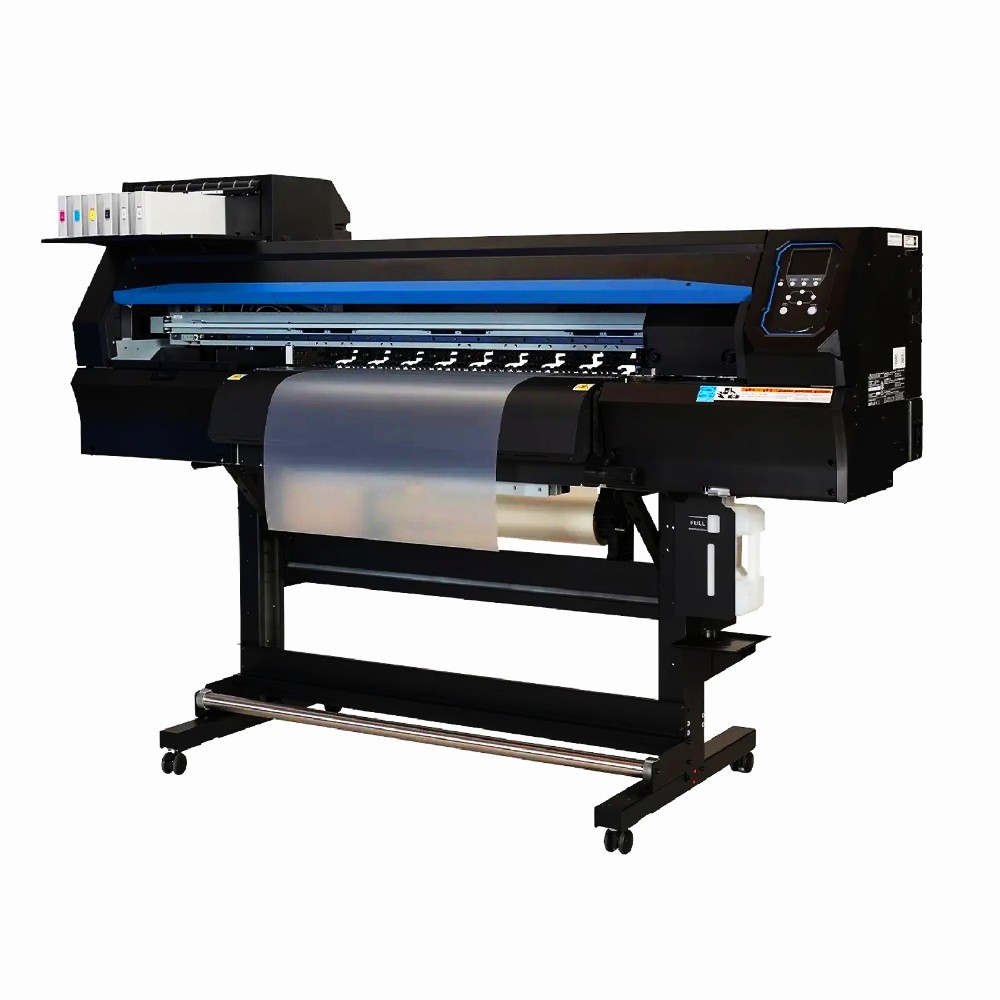
DTF Printer Machine Application
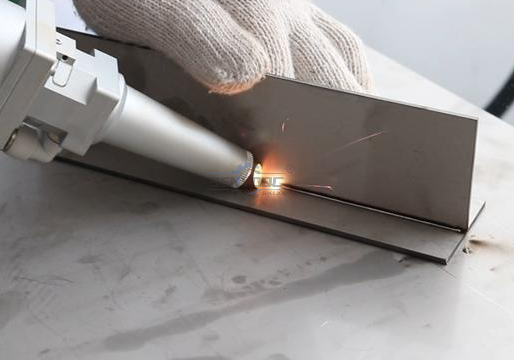
Typical fields of application
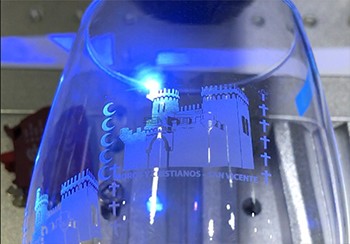
UV Laser Marking Machine For Glasses Engraving
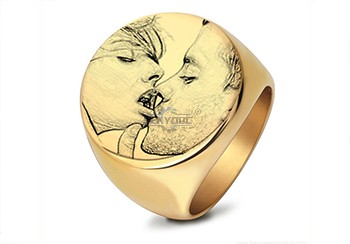
GOLD Engraving -Fiber laser marking work
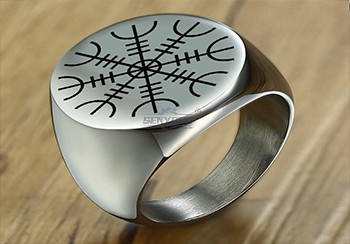
Sover Engraving -Fiber metal engraving and marking
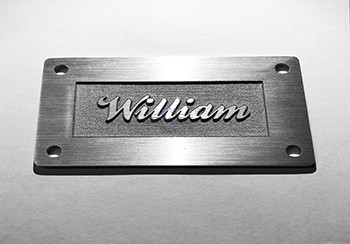
3D Marking Logo deep engraving -Fiber marking machine
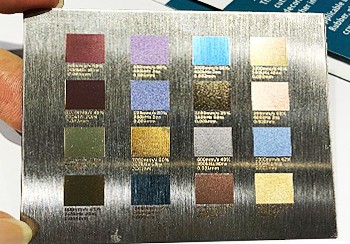
MOPA Fiber Laser Marking Machine Application and Samples
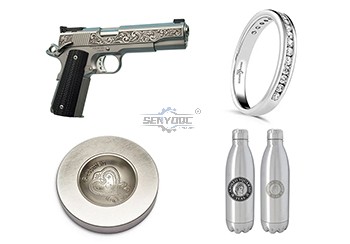
Fiber Laser Engraving and Marking Machine for Metalworking Projects
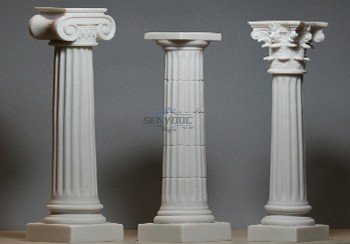
Stone shaft Rotary use engrave cnc router machine

Jacob from United States
I am a beginner at CNC, I’ve never used a CNC machine before and with in a day I was carving. An awesome machine for a beginner to learn as hobbyists. I used the manual and the help video. One hour to assemble and test, very friendly and easy to use. It’s a good buy for the money. I would definitely recommend this machine to someone getting into CNCs.
Weinstein from France
I've been using CNC plasma SYP2060-300A and I am very impressed with this unit.
This unit is of higher quality, made in China. Five stars all the way!
SYM1530 CNC Router 4 Axis from 🇨🇱 Diego Morales — Chile
We use the machine for wooden prototypes, decorative parts and 3D models. The 4-axis capability allows us to create shapes that were difficult to produce before.
SYM1325 CNC ATC Router from 🇳🇱 Pieter Jansen — Netherlands
Our production includes cabinet doors, MDF panels and solid wood components. The automatic tool changer makes repeated production much more convenient.
SYJ1325H CO2 Laser Cutter from 🇵🇹 Tiago Costa — Portugal
We use the laser mainly for acrylic letters and display products. The cutting edges are smooth and the machine is easy for our operators to handle.
SYS1530 CNC Marble Engraving Machine from 🇬🇷 Nikos Papadopoulos — Greece
We purchased the machine for marble signs and personalized monuments. Portrait engraving and lettering are much faster compared with our previous manual process.
CNC Router with Rotary Axis SYM1325-4th Axis from 🇧🇦 Marko Kovačević — Bosnia
We process wooden columns and decorative cylindrical parts. The movable rotary axis gives us more possibilities without purchasing another dedicated machine.
SYM2040 CNC Wood Router from 🇷🇸 Nikola Petrović — Serbia
We make custom wooden doors and furniture decorations. The router handles detailed patterns well and has become an important machine in our workshop.
SYS1530 CNC Stone Carving Machine from 🇷🇴 Andrei Popescu — Romania
We use the machine for marble lettering and religious monuments. The engraving depth is consistent and the machine structure feels very stable.
CNC Router SYM1530 from 🇨🇿 Jan Novák — Czech Republic
The large 1500×3000mm working area is exactly what we needed for full-size boards. We mainly cut plywood and decorative MDF panels. Thanks Senyo team!


Jinan Senyo Machinery Co., Ltd

 manager@senyocnc.com
 SENYOCNC
 +86 1525 3141 880
 +86 1525 3141 880
 2061579344
