CNC Router Manufacturer in China | SENYO Machinery


 +86 1525 3141 880

From: www.senyocnc.com Date: 03rd January 2025 Author: SENYOCNC Views: 1310
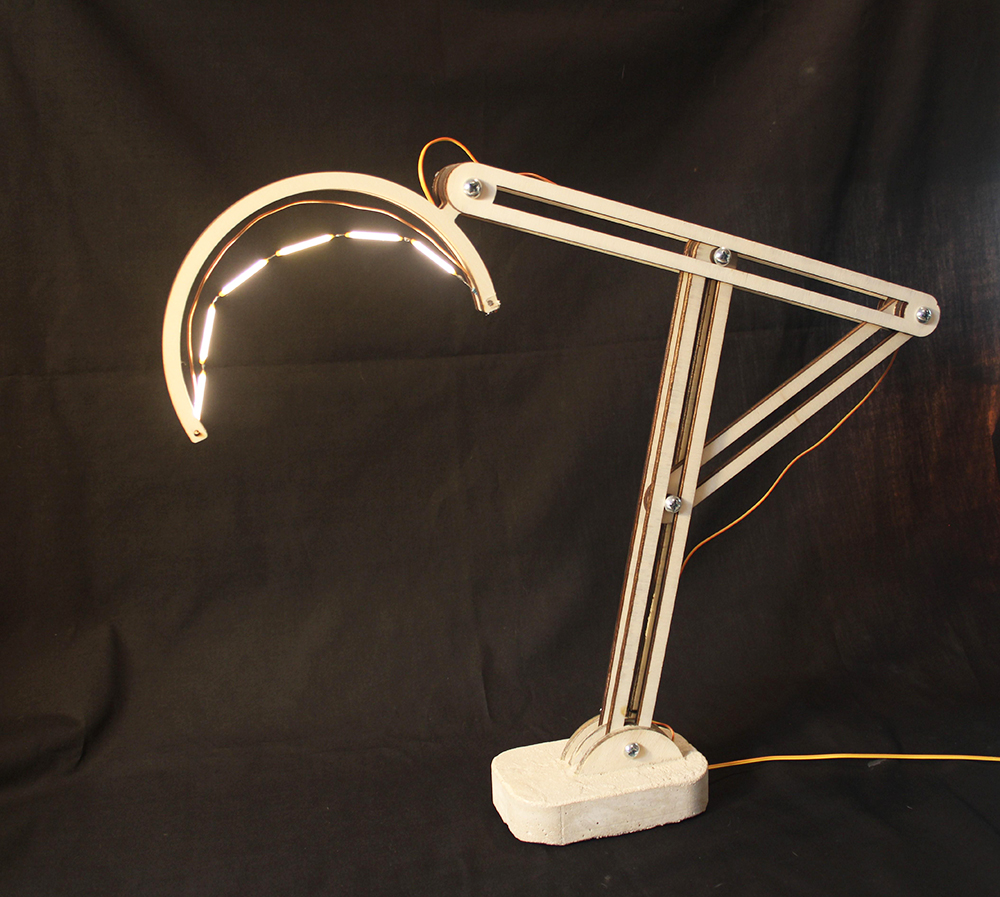
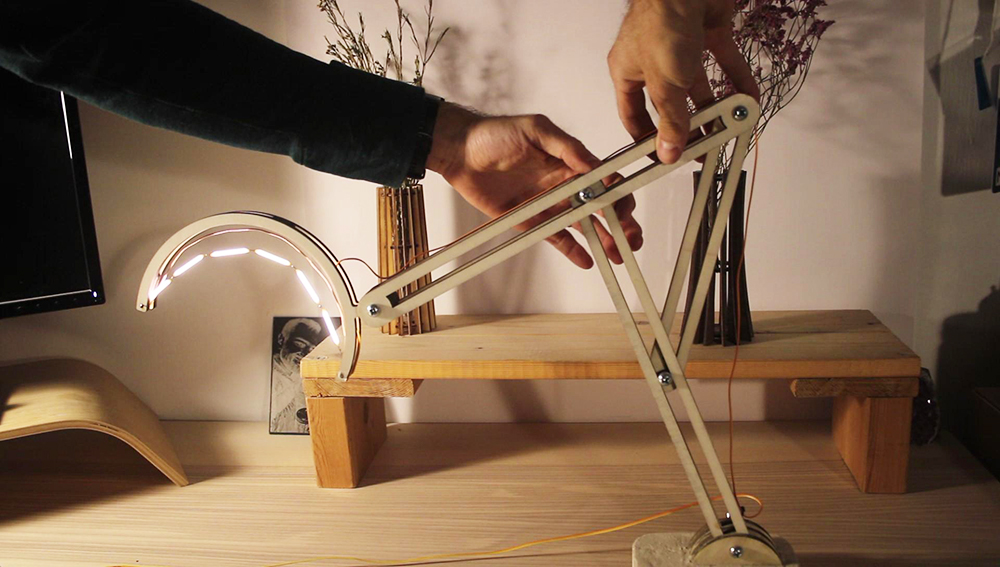
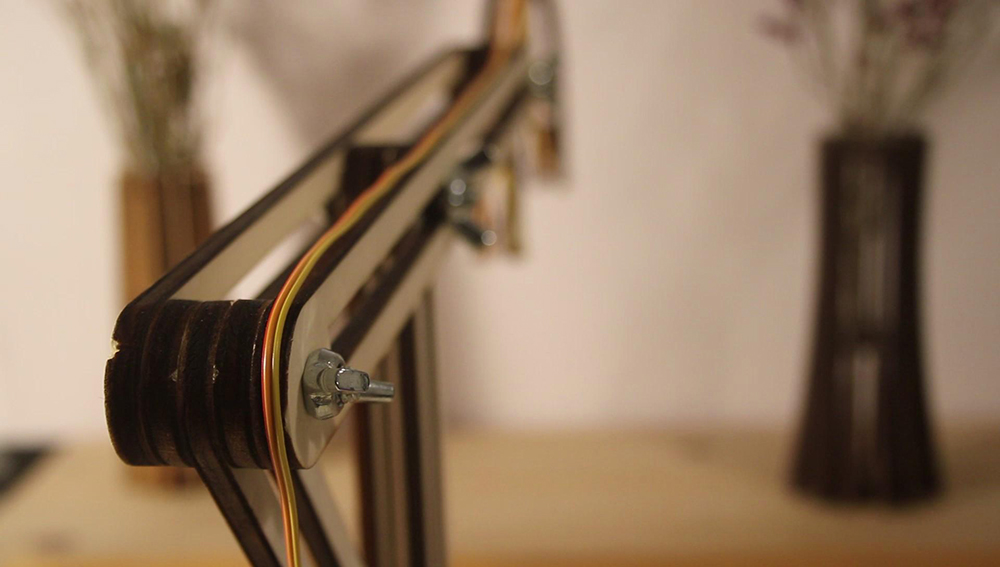


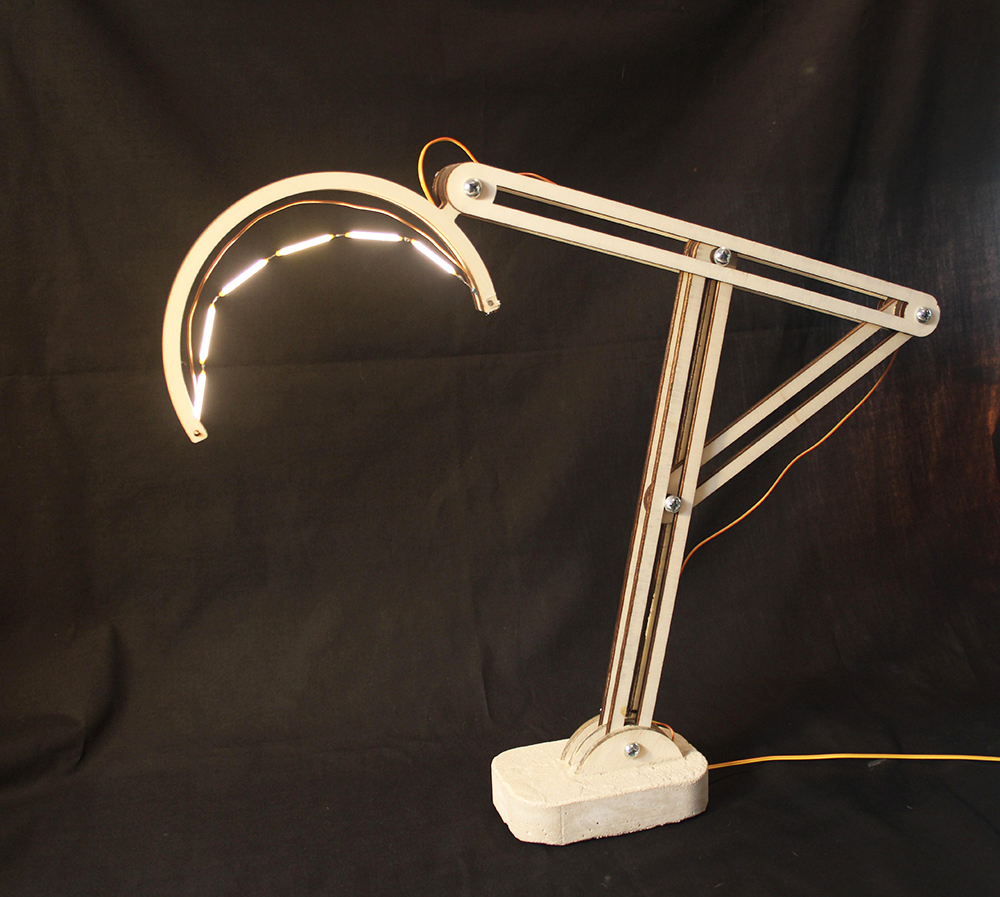
In this instructable we'll show you how to make this adjustable table lamp (that's also modular).
The lamp consists of 4 main parts:
The base
The arm (laser cut)
The lamp holder (also laser cut)
The lamp (LED & wires).
Each part of can be modified as you like, as long as you keep it compatible with the joints I made. I'll mention what that means as we go.
I hope you follow along and enjoy this project, and if you have any questions or comments Tools:
3D printer or access to one (not 100% mandatory)
Laser cutter or access to one.
Soldering iron & related accessories
Materials:
6mm wood (to be laser cut)
x4 (four) 35mm and x1 (one) 25mm M6 bolts
x5 (five) wing nuts (for M6 bolts)
Cement & sand (or a smooth concrete mix)
x6 (six) 3V LED's
18V DC power supply
5.5mm power jacks
Electrical wire
Plastic tube with a 6mm outer diameter
Anti-slip stickers
Glue (wood glue & gel super glue)
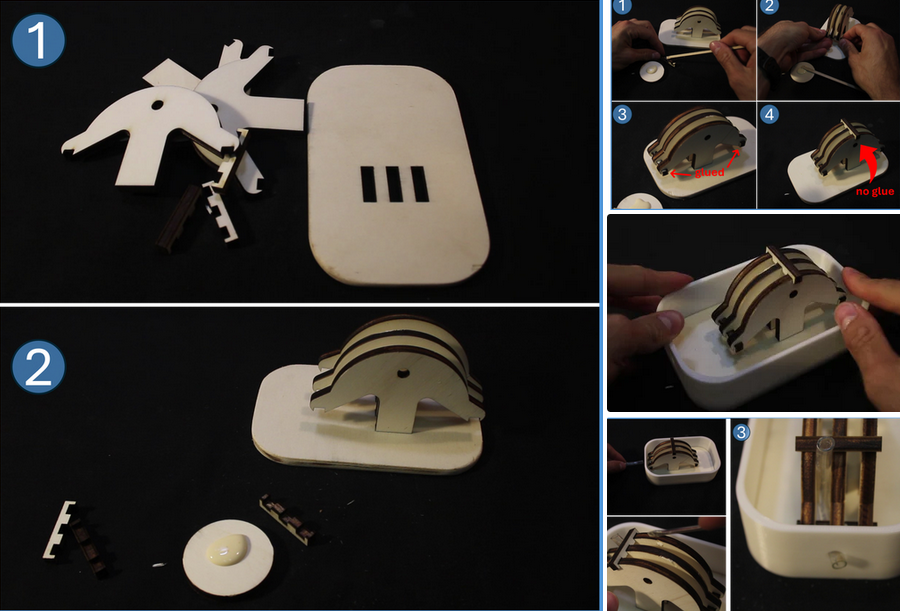
Press the odd-looking pieces (the ones that look kind of like umbrellas) into the bottom plate, as shown in the first image.
To make sure the parts are evenly spaced and remain so while the concrete sets, I used some spacers.
Use wood glue to attach two spacers to the odd-pieces like shown in the second image.
Then, add a third spacer to the top, this time without using glue.
Place the 3D printed shell onto the laser cut bottom plate (as shown in the third image).
To make a hole in the concrete base for the electric wire,
insert a short section of a 6mm plastic tube into the hole in the 3D printed shell,
and secure it away from the middle of the umbrella-looking parts using the spacer at the top (see the last image).
If you don't want to thread the electric wire through the base like I did, use some tape to cover the hole in the 3D printed shell.
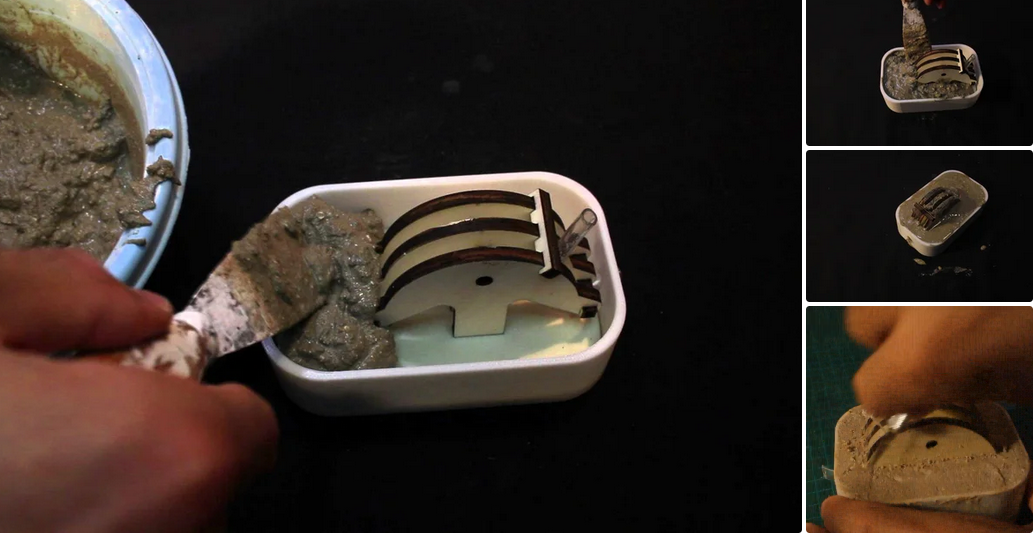
Mix cement, sand, and water to make smooth concrete.
Pour the concrete into the mold.
Make sure it's all filled, and that no air bubbles remain trapped inside.
After a few hours, use a knife to clean up the wooden parts (the joint) and sand the concrete to your liking
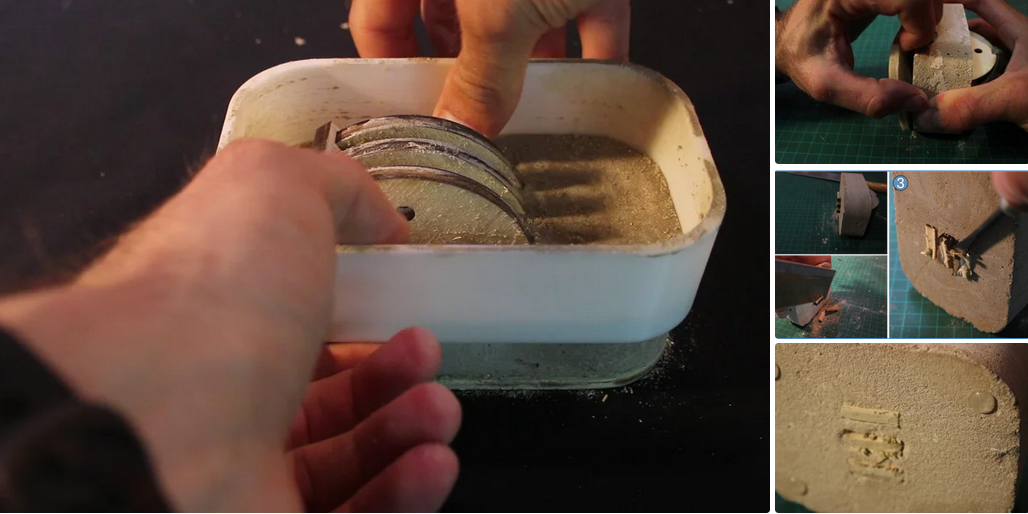
Let the concrete harden for a few days. Be patient, or else you'll have to repeat the previous steps many times like I did.
Demold by removing the 3D printed shell and the bottom plate (1st & 2nd images).
Use a saw to cut of the finger joints from the bottom. Don't worry it's not perfect, because it's going to be hidden anyway (3rd image).
Clean dust off the bottom side and glue anti-slip stickers to it (4th image)
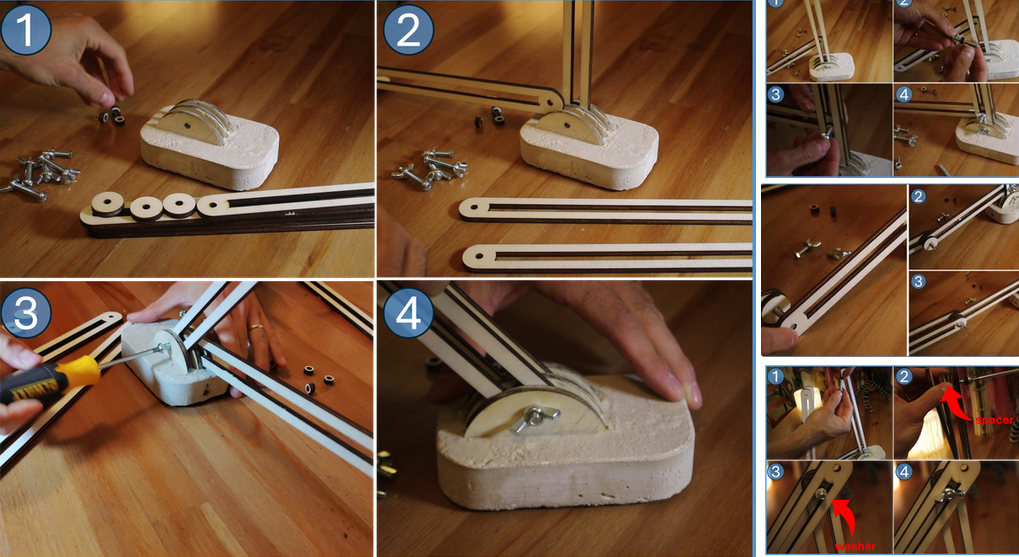
This step is not difficult, but hard to explain, so be sure to view the pictures along the text!
Cut the arms and the dedicated spacers and washers out of 6mm wood (file below).
You should have 4 long segments, 1 short segment, spacers and washers.
Use a 35mm M6 bolt and a wing nut to connect two of the long segments to the base (see 1st image).
Connect the short segment to the previous two segments:
thread a washer onto a 25mm M6 bolt and use it to connect the short segment to the two long ones,
as shown in the 2nd image. Insert another washer from the other side, and secure everything with a wing nut.
Connect the two remaining long segments to the shorter one.
Sandwich the short segment with the two long segments and two spacers like so: long-spacers-short-spacer-long,
and secure everything with a 35mm M6 bolt and a wing nut (3rd image).
Lastly, connect the previous 2 long segments to the ones attached to the base, with a spacer at the center,
and two washers at either end of the 35mm M6 bolt (see 4th image). Secure everything with a wing nut.
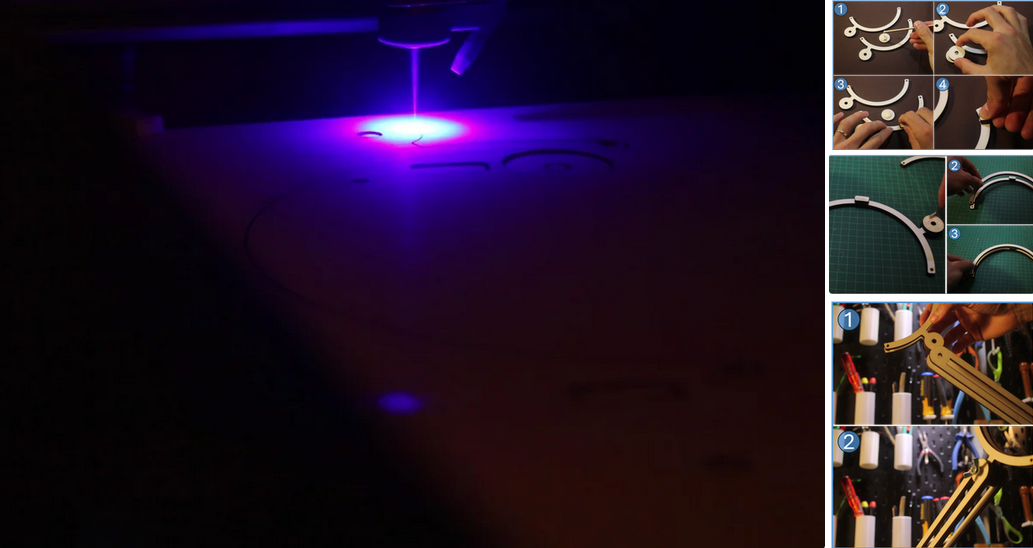
Laser cut the lamp holder out of 6mm wood (file attached).
Glue the circular spacer and the two rectangular ones to one of the outer parts of the lamp holder (2nd image).
Once the glue dries, spread some glue on top of the spacers and glue the second outer part to the spacers, as shown in the 3rd image.
To connect the lamp holder to the arm, use a 35mm M6 bolt and a wing nut (you can do it now or after adding the LED's).
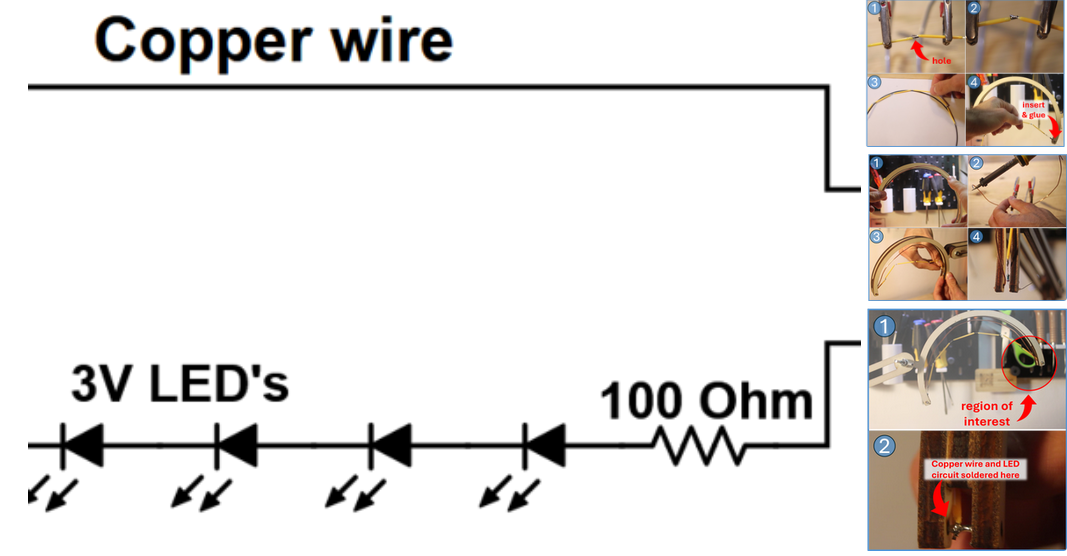
The schematic drawing for the circuit is shown in the first image. It's made of 6 LED's (3V each) connected in series,
along with a 100 Ohm resistor to limit the current going through them. The circuit is closed with a decorative copper wire instead of a simple wire. Let's get to it!
Solder 6 LED's + 100 Ohm resistor in series. Notice the LED's have a positive and a negative side, usually differentiated by a small hole in one of their arms (2nd image).
Bend the circuit to fit the lamp and use hot glue to secure it in place. It should fit into the small holes at either end of the lamp holder (2nd image).
To close the circuit you could run a simple wire from
the far side of the lamp holder, but I used an exposed copper wire.
first bend a copper wire to the shape of the lamp. Then, prime its ends with solder.
Finally, insert it into the lamp holder. It should fit into the small holes at either end of the lamp, but not at the same side as the LED's and the resistor (3rd image).
Solder the LED's to the copper wire at the far side of the lamp holder. I used a small bit of copper wire and soldered both of them to it (see 4th image).
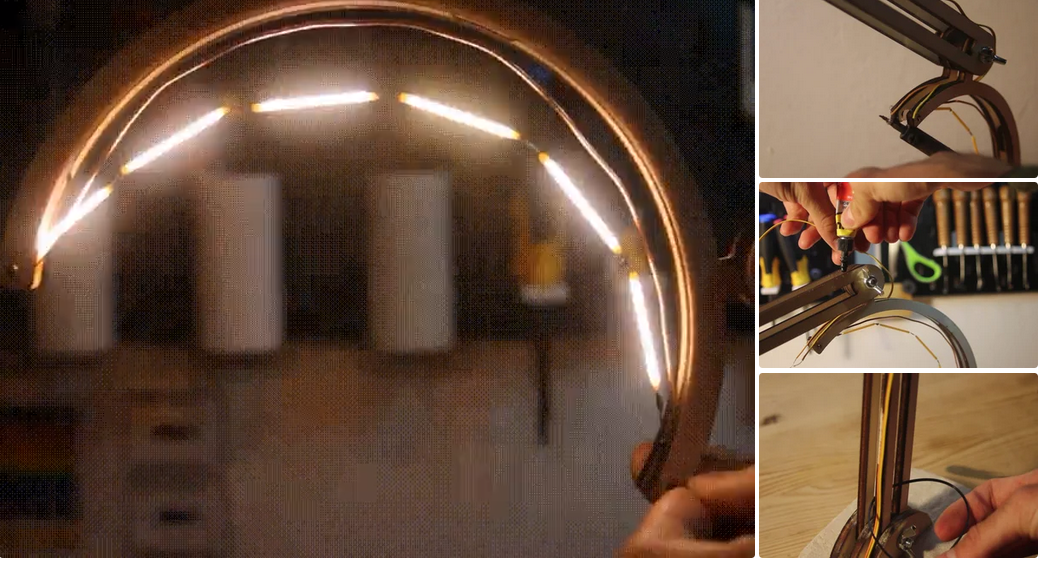
At this point, the circuit is almost done, and all we need to do is to run wires along the arm and to connect the circuit to a power supply.
Before we do, it's a good idea to make sure everything is working properly! In my case about 20% of the LED's were broken upon delivery!
Solder electrical wires to the LED circuit (one to each of its ends, as shown in the 2nd image).
Run it along the lamp holder and use gel super glue to hold it in place. Make sure you leave enough slack so the elbow joints can flex freely (see 3rd image).
Secure the wire with a zip tie and thread it through the concrete base (4th image).
Lastly, solder the power jacks to the electrical wires and connect the LED's to an 18V DC power supply.
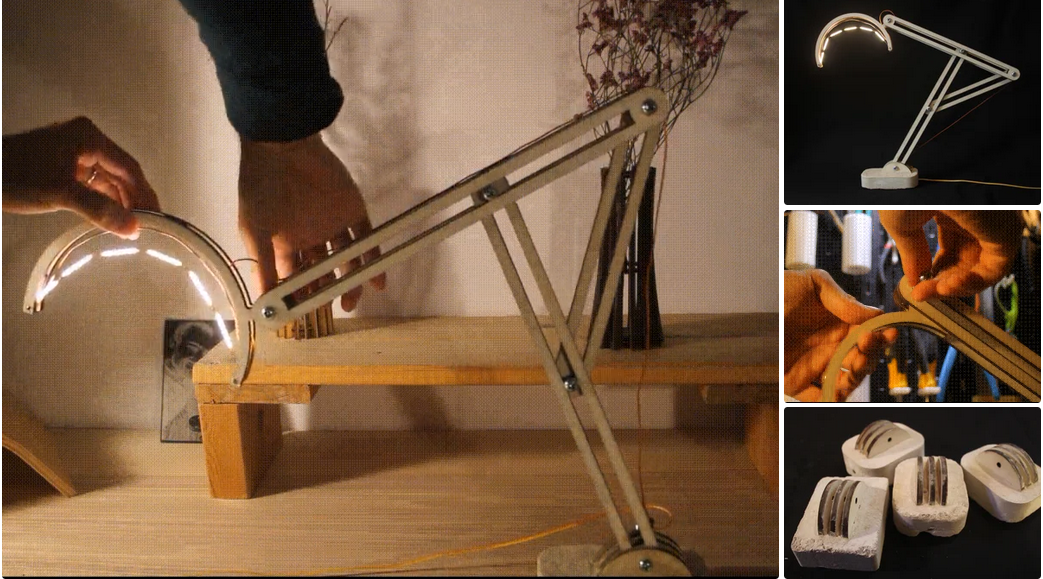
That's it! The lamp is ready for use.
If you look back at the project, you may notice that showed various versions of each part of the lamp along the way.
Specifically, made about 6-7 versions of the concrete base and two lamp holders.
Since the lamp is built to be modular, I was able to replace them with my favorite version (see the 2nd GIF and last image).
So, if you want to make changes to the design, you don't have to start from scratch - just modify the part you want to and keep the rest!
We hope this project inspires you to make something of your own!
• Previous: CO2 Laser cutting Baby Birth Block
• Next: None
Mini Desktop CNC Router for Gifts Making Small Business
Best Granite marble manual polishing machine For Sale
Stone Processing CNC Equipment Automatic Tool Changer CNC Quartz Stone Machining
3020 40W Mini CO2 Laser Engraving Cutting Machine
New Design Mini Stone CNC Machine for Marble, Granite and Quartz
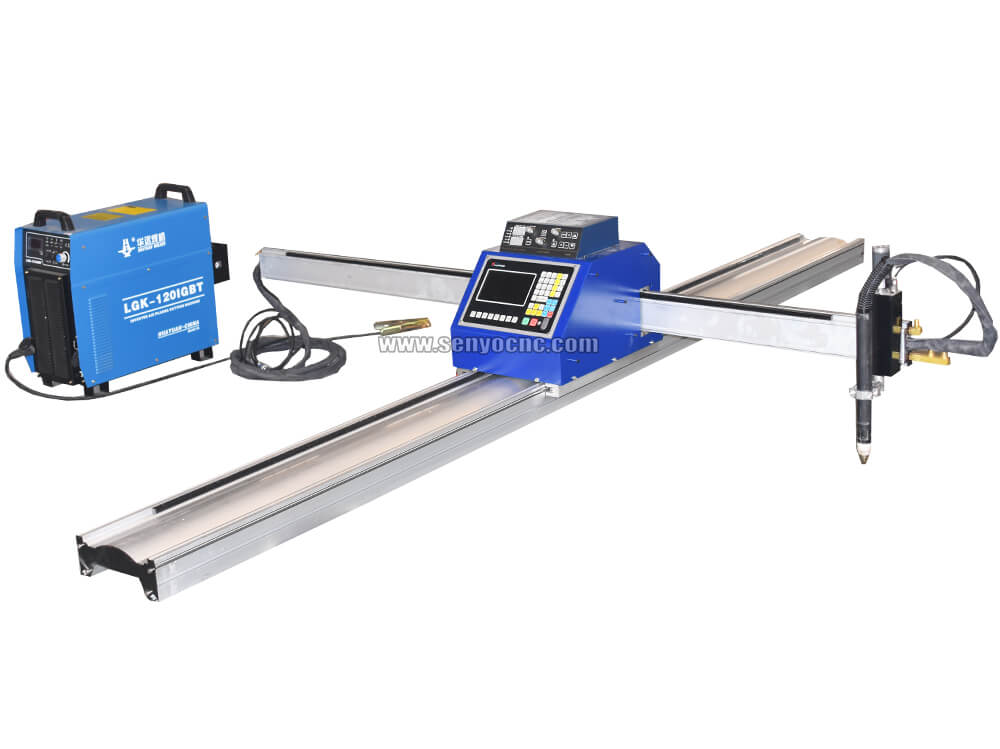
Portable CNC Flame Cutting Machine with Plasma Torch for Sale
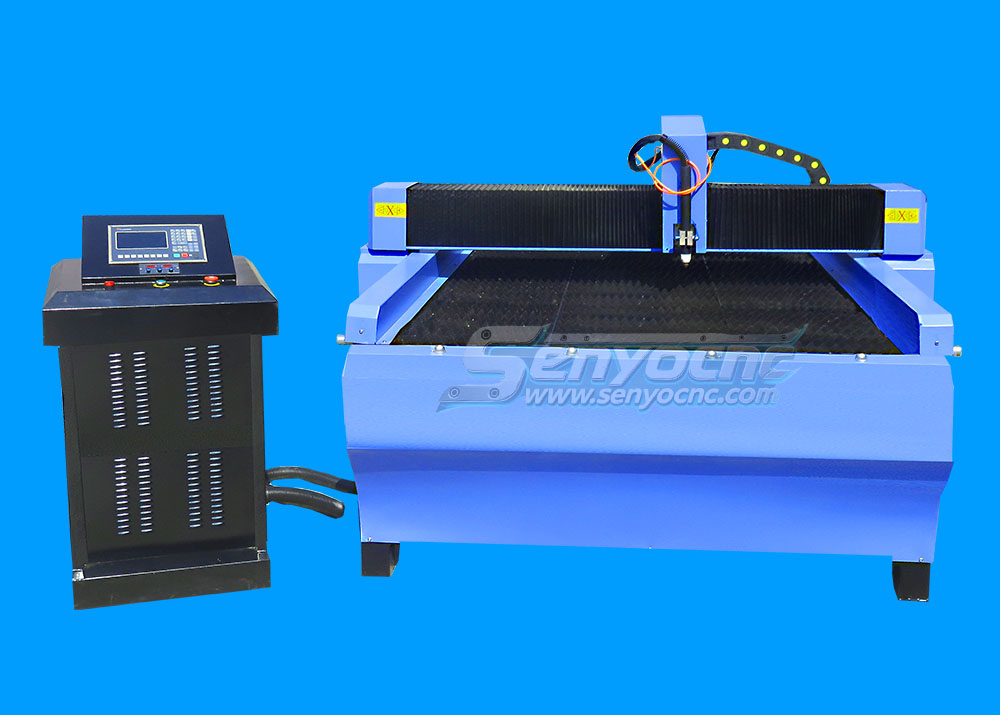
High-Precision Mini Hobby CNC Plasma Cutting Machine for Metal
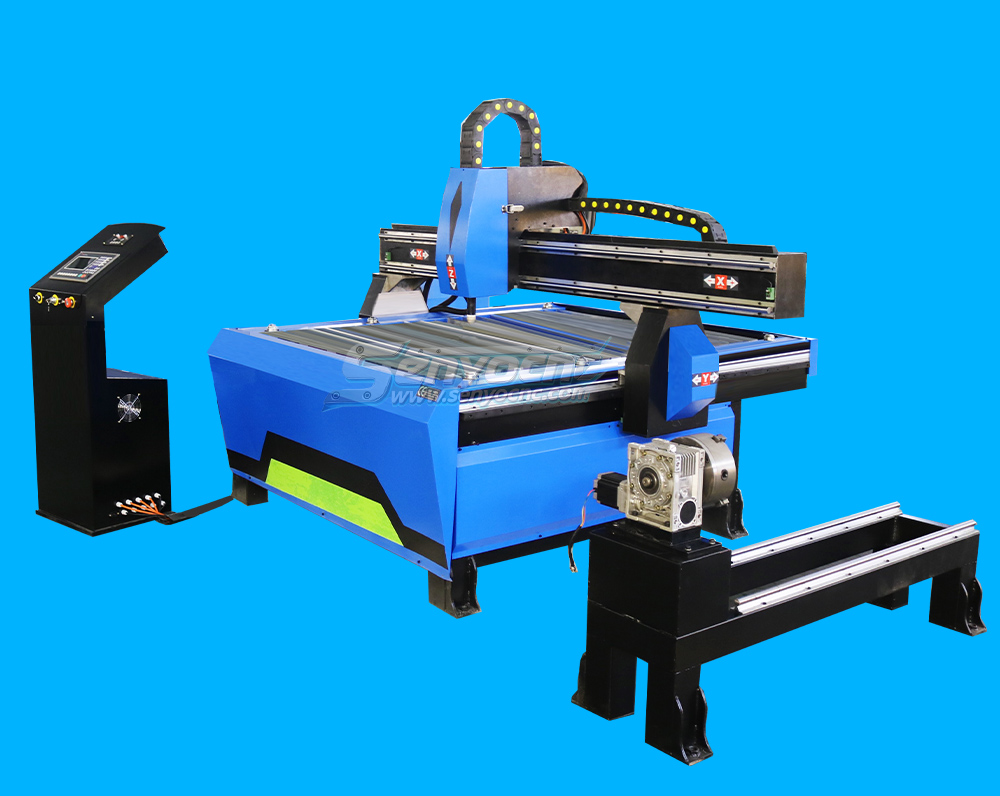
Mini CNC Plasma Cutter With Rotary
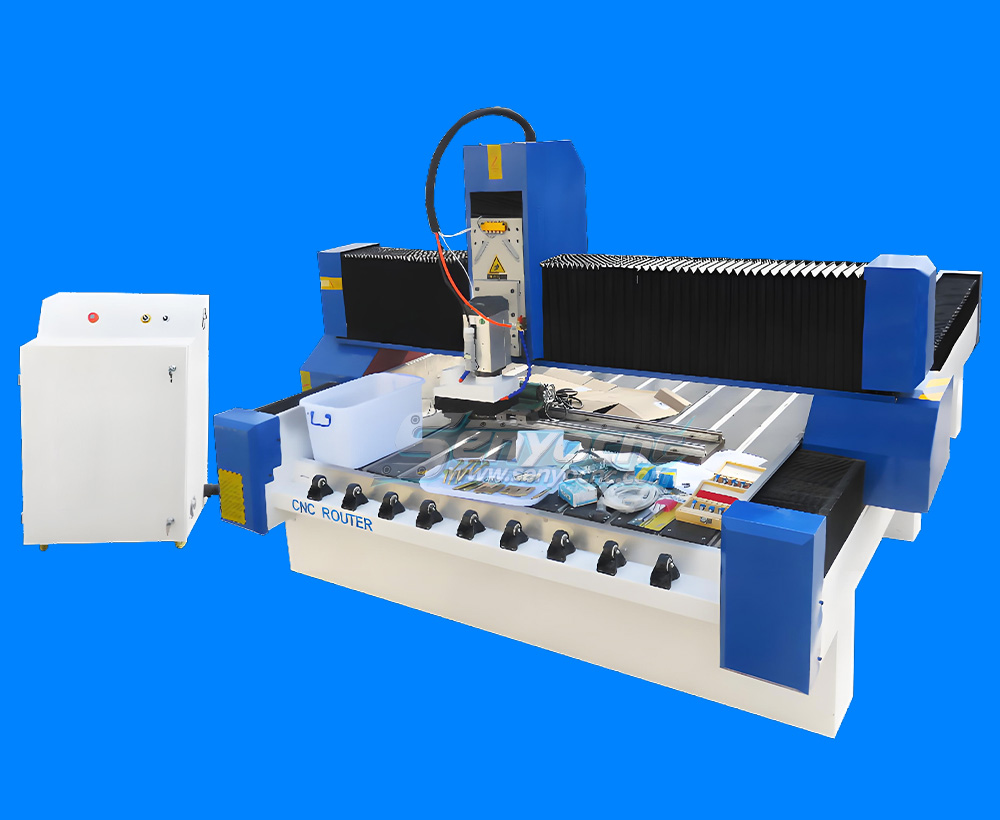
4 Axis 1325 Sculpture Machine Cnc Carving Marble Granite Stone Cnc Router
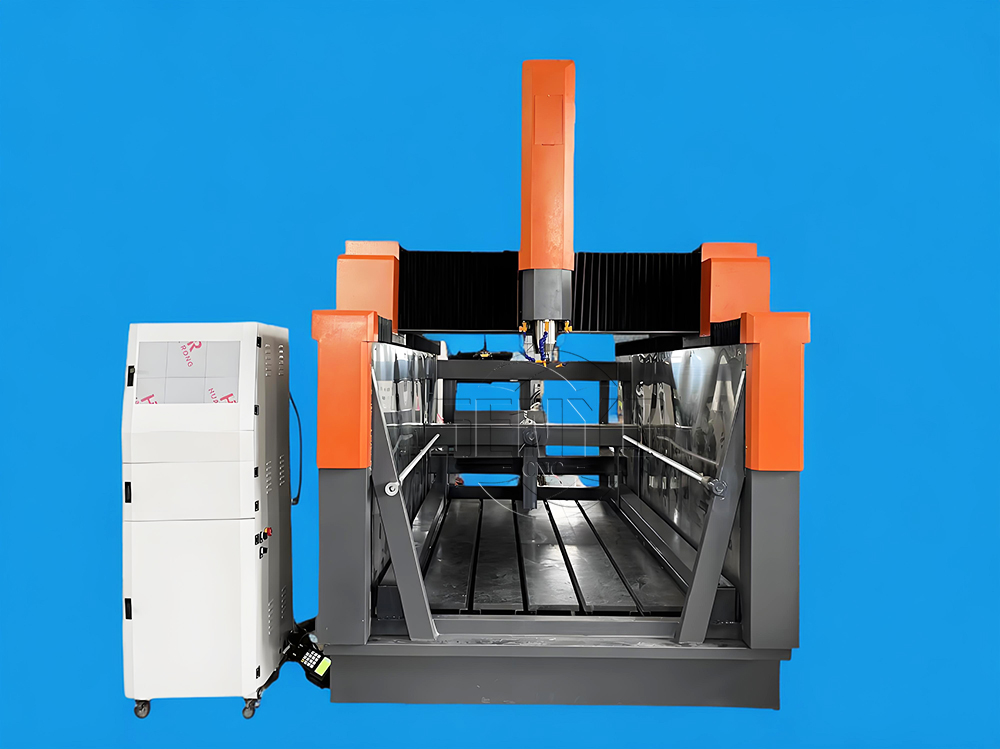
Z Height 1000MM 4-AXIS Stone Engraving CNC Machine Heavy-duty Stone CNC Machine Stone Relief Carving CNC For Sale
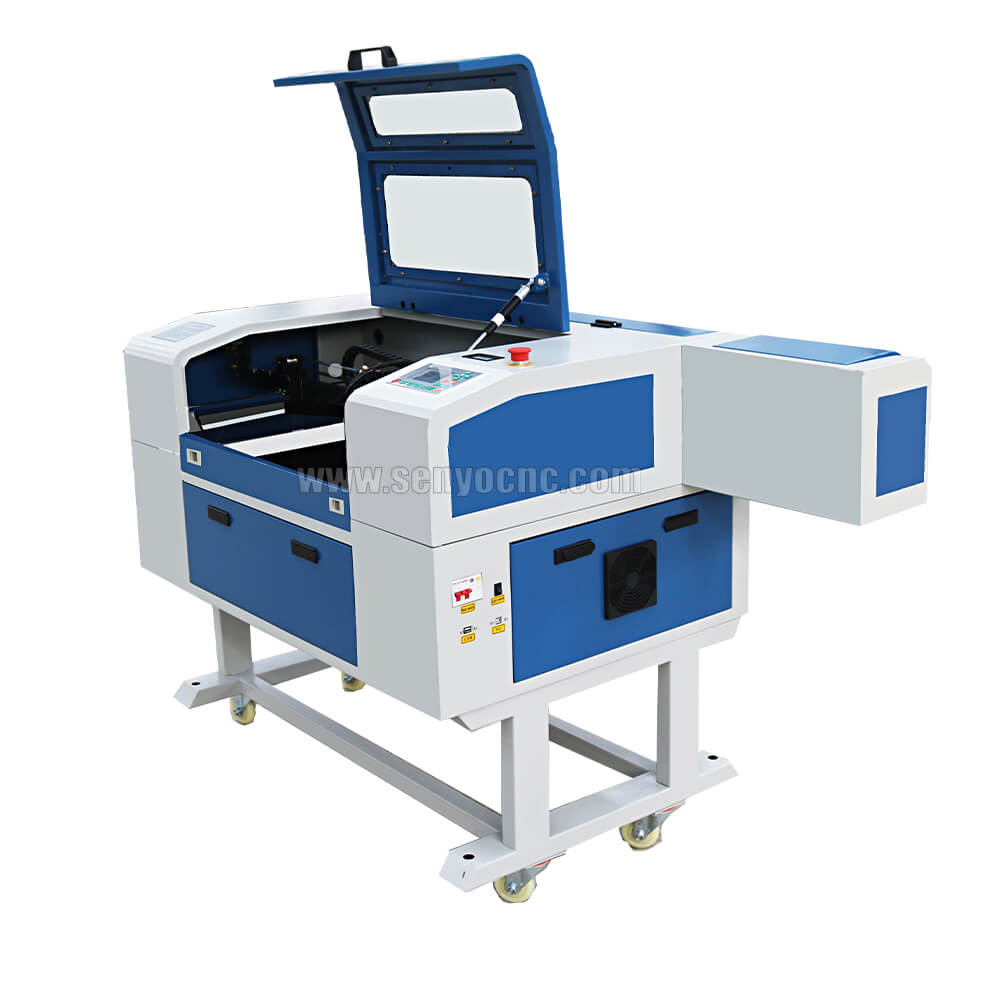
4030 portable mini co2 laser carving and desktop rubber stamp laser engraving machine
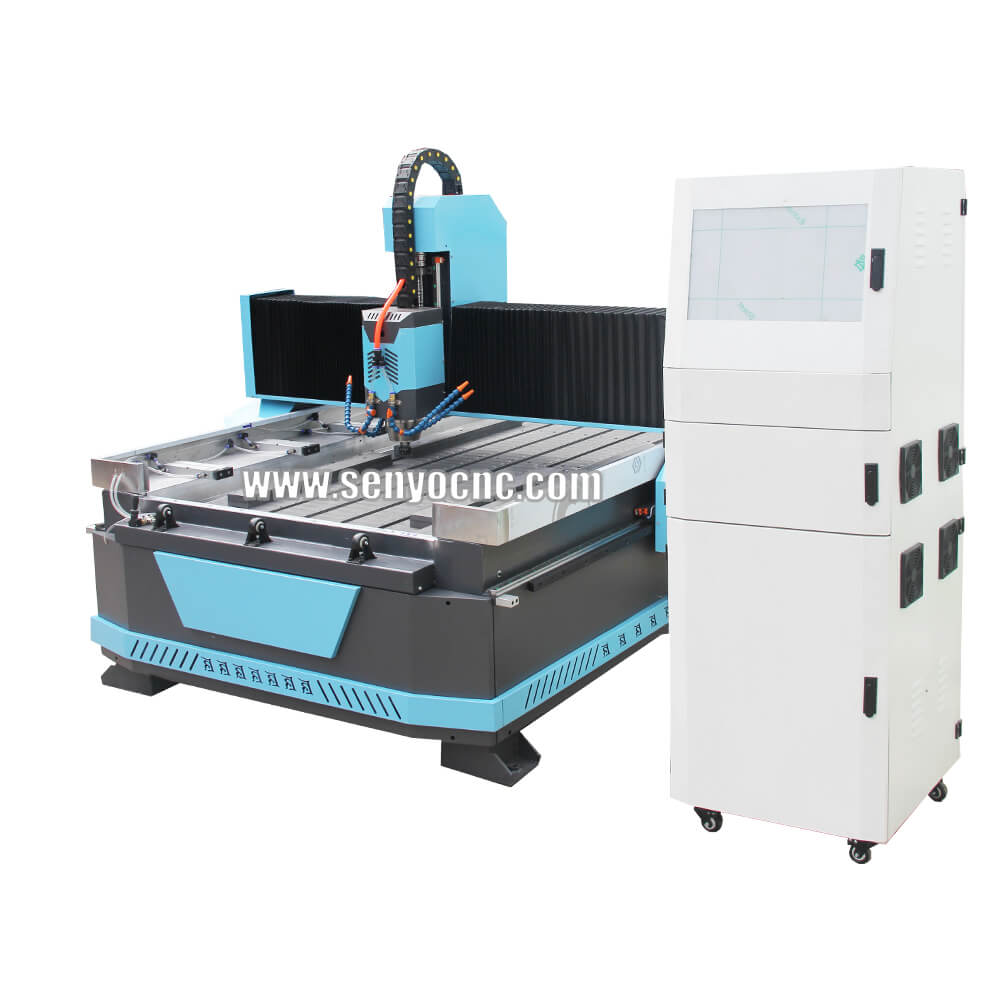
Stone CNC Router For Kitchen sink tile carving and cutting Marble, Granite and Quartz
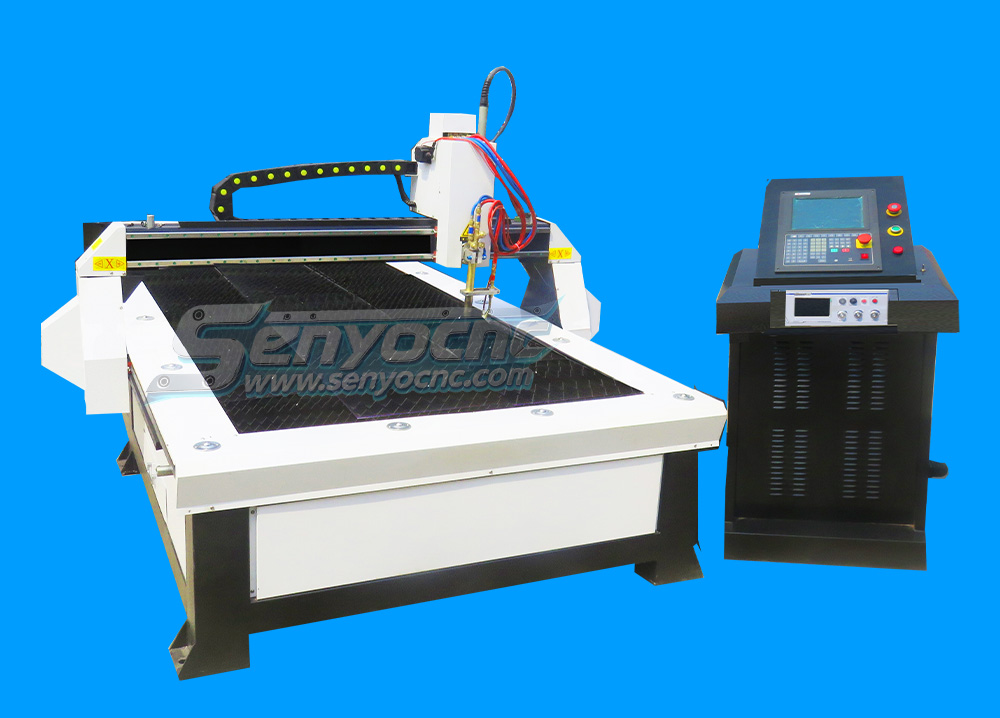
Robust CNC Plasma Cutting Machines with Flame Cut Head for Heavy-Duty Industrial Use
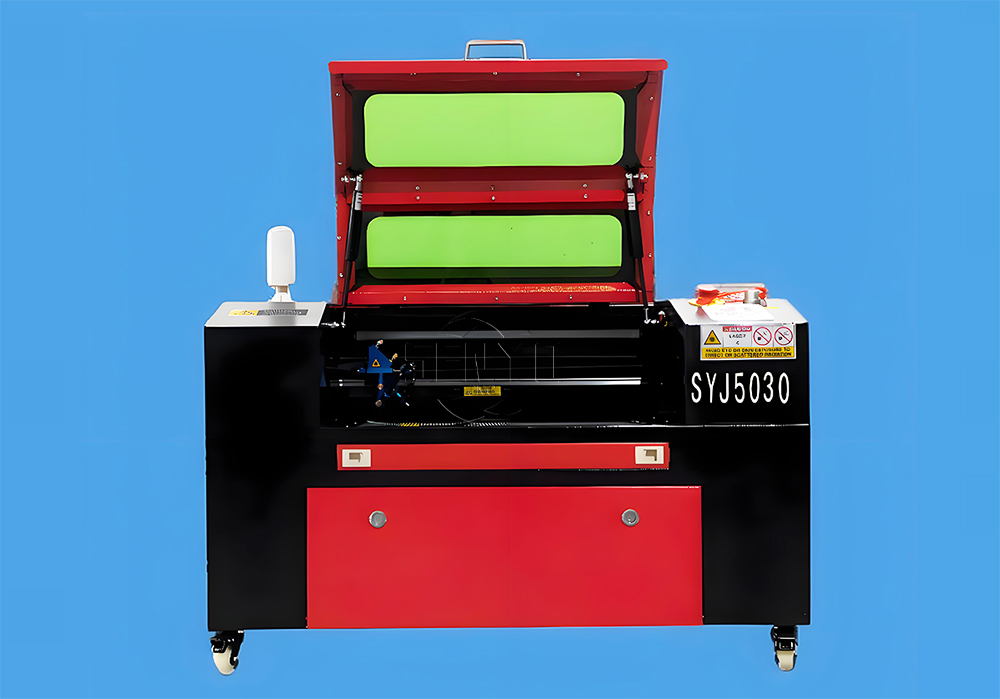
Small Portable CO₂ Laser Cutter Engraving for DIY & Business – Ideal for Wood, Acrylic, Leather
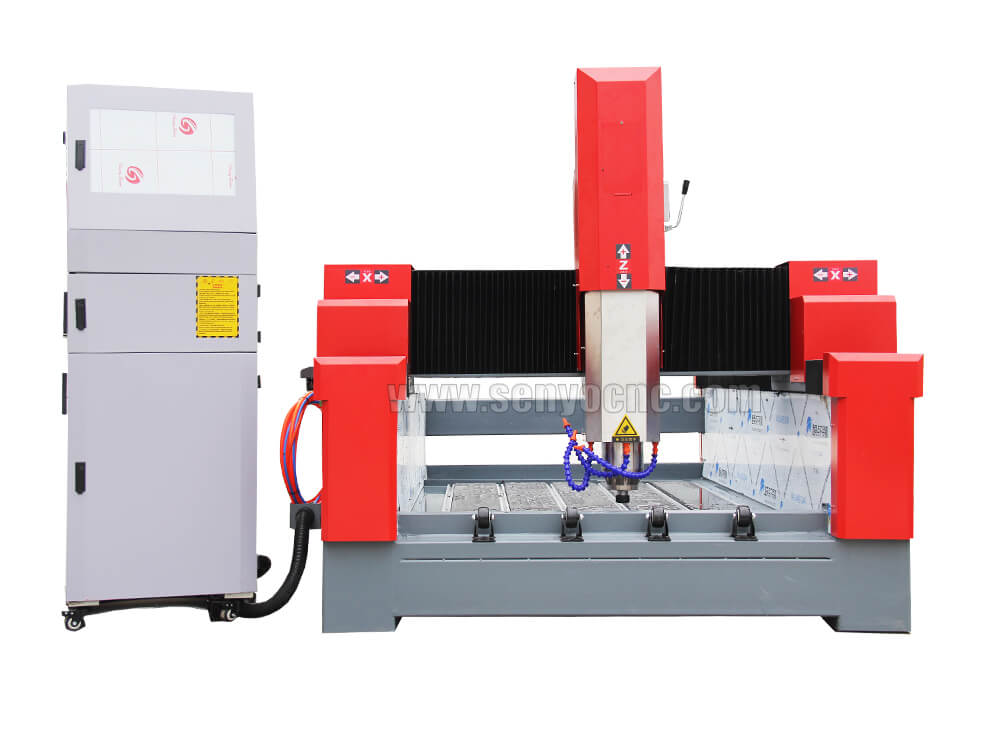
1325 3 Axis 4x8 CNC Stone Router for Sale
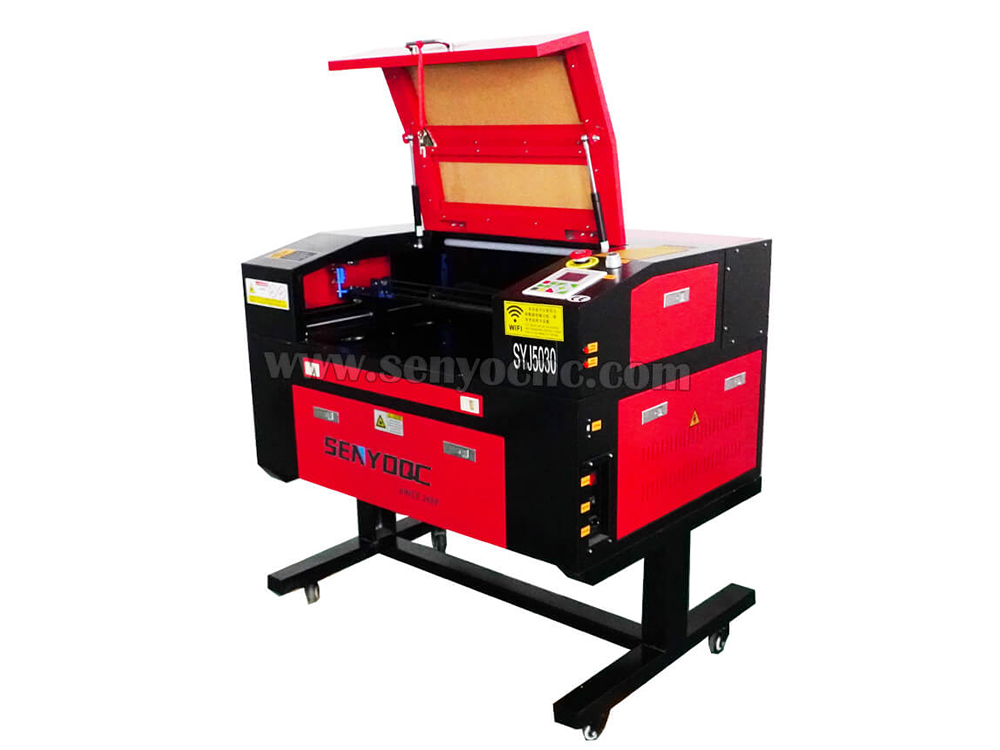
Mini CO2 Laser 5030 Cutting Engraving Machine For Sale
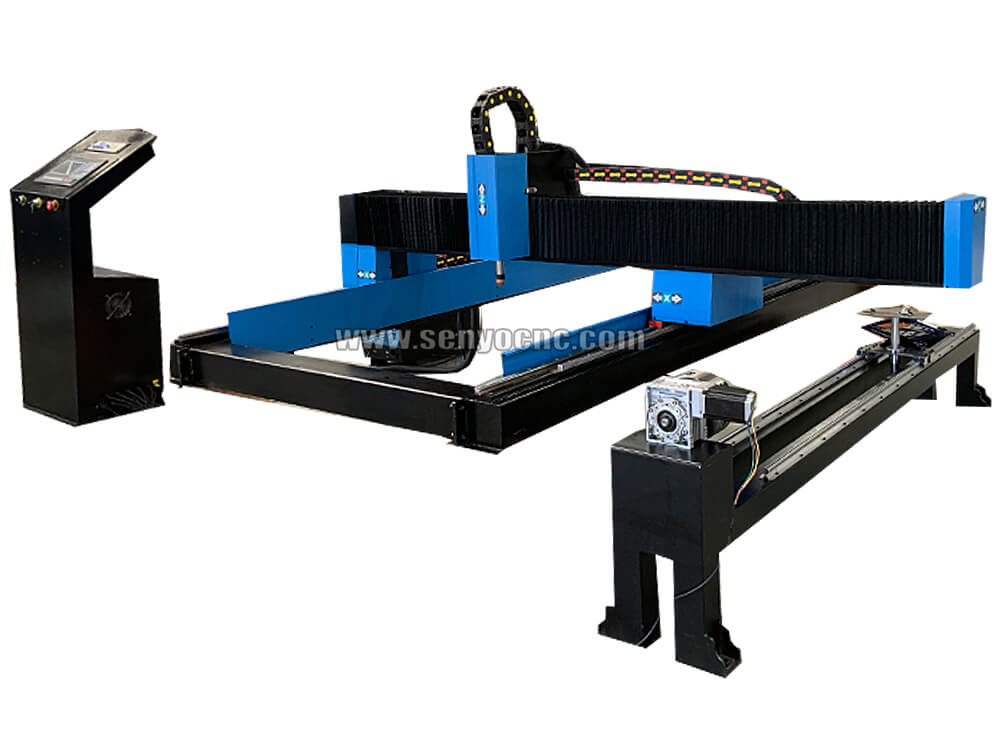
Portable CNC Plasma Flame Cutting Machine for Sale at Cost Price
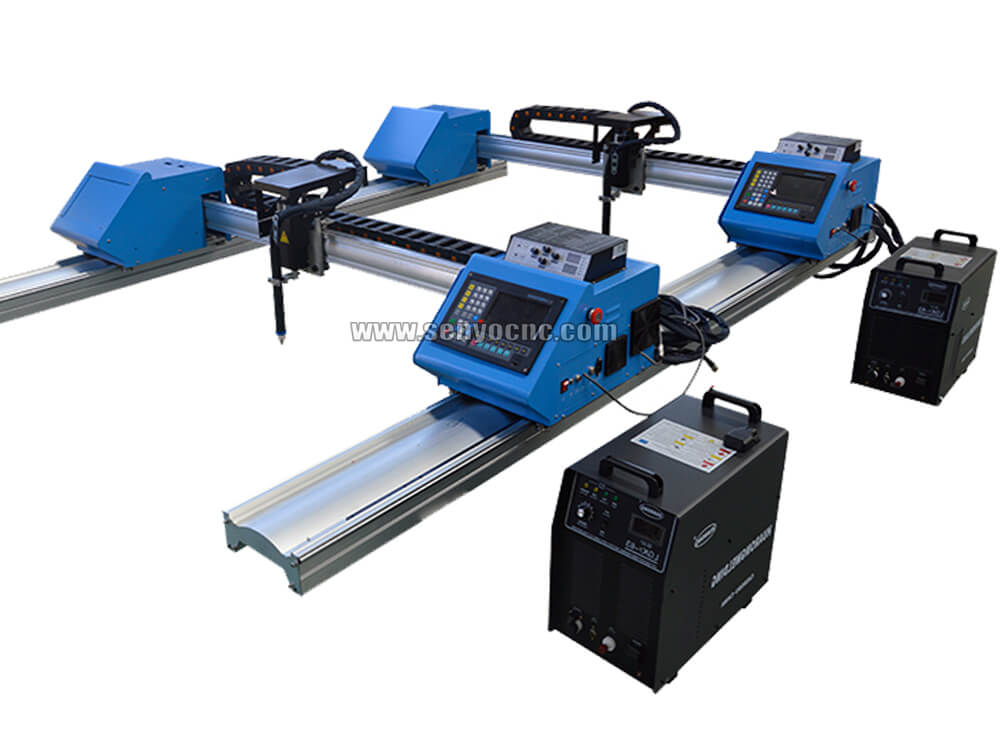
Portable Cnc Plasma Oxyfuel Sheet Metal Cutting Machine for sale
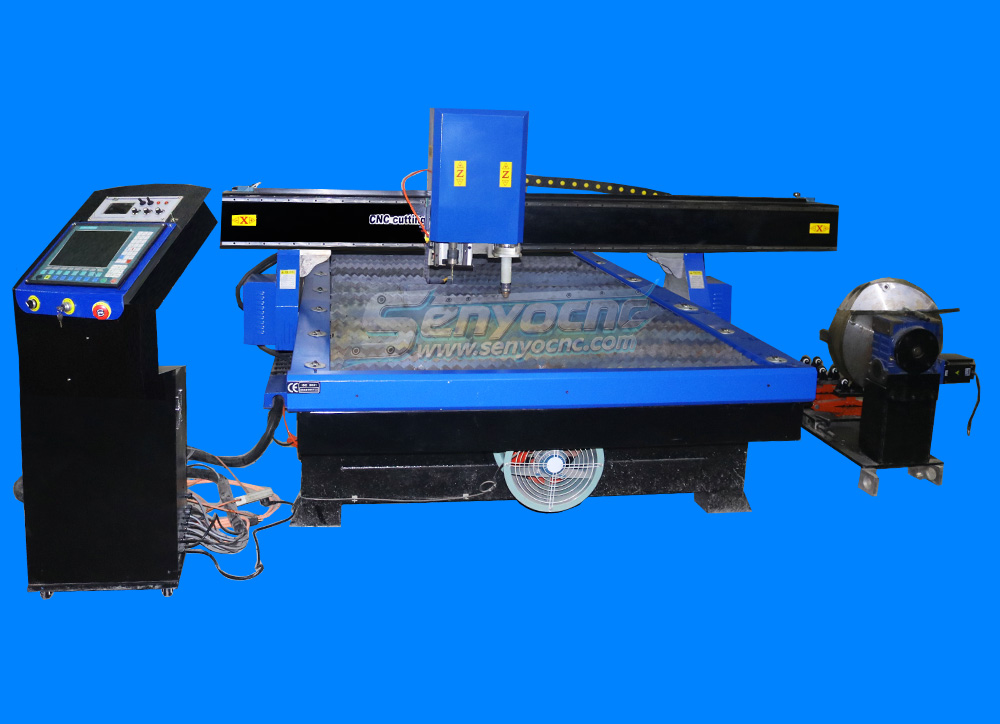
CNC Plasma Cutters for Customized Metalwork –Rotary&Drilling Head
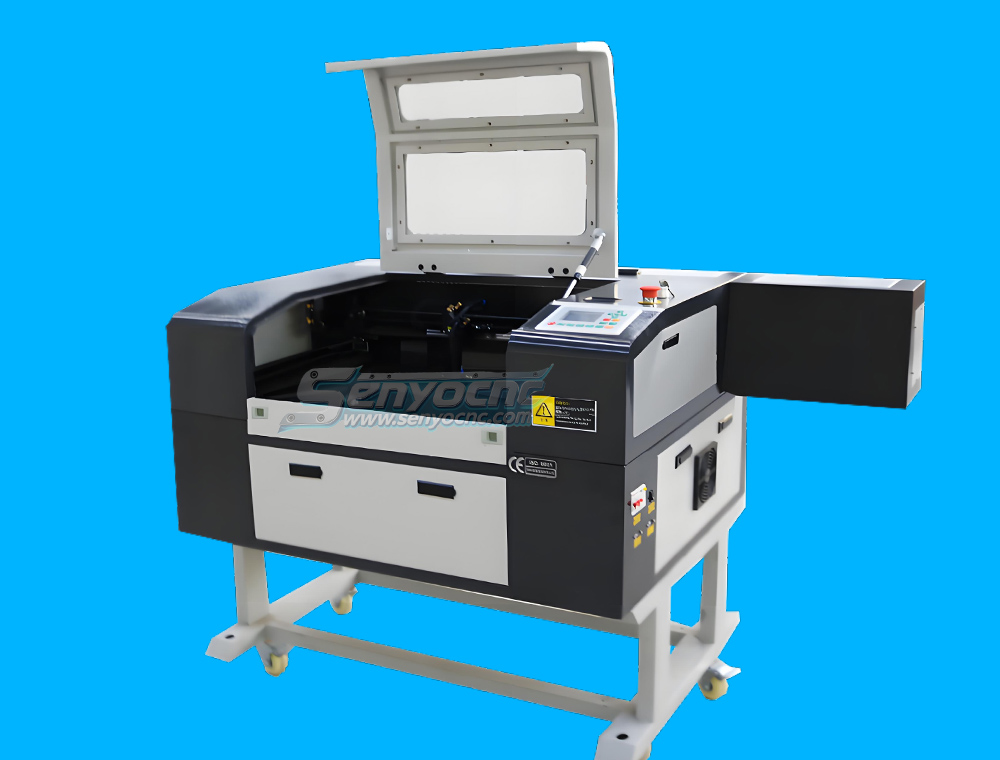
Small Table design 6040 Easy Move CO2 Hobby Laser Cutter Machine for Beginners
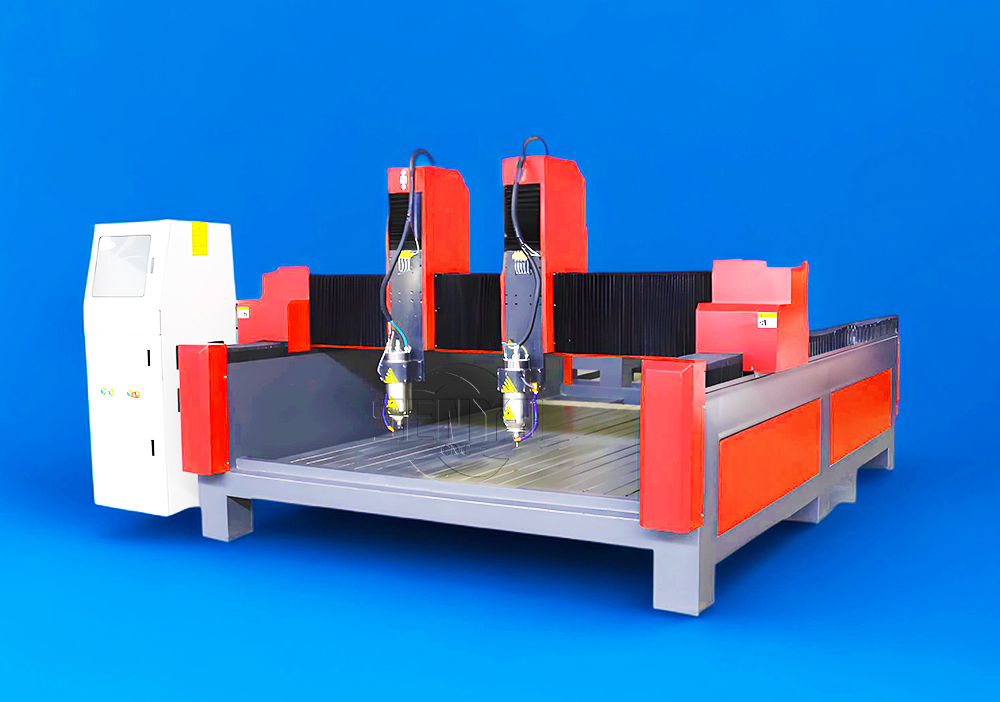
High-Efficiency 2 Heads CNC Machine for Aluminum Stone Marble Engraving & Cutting
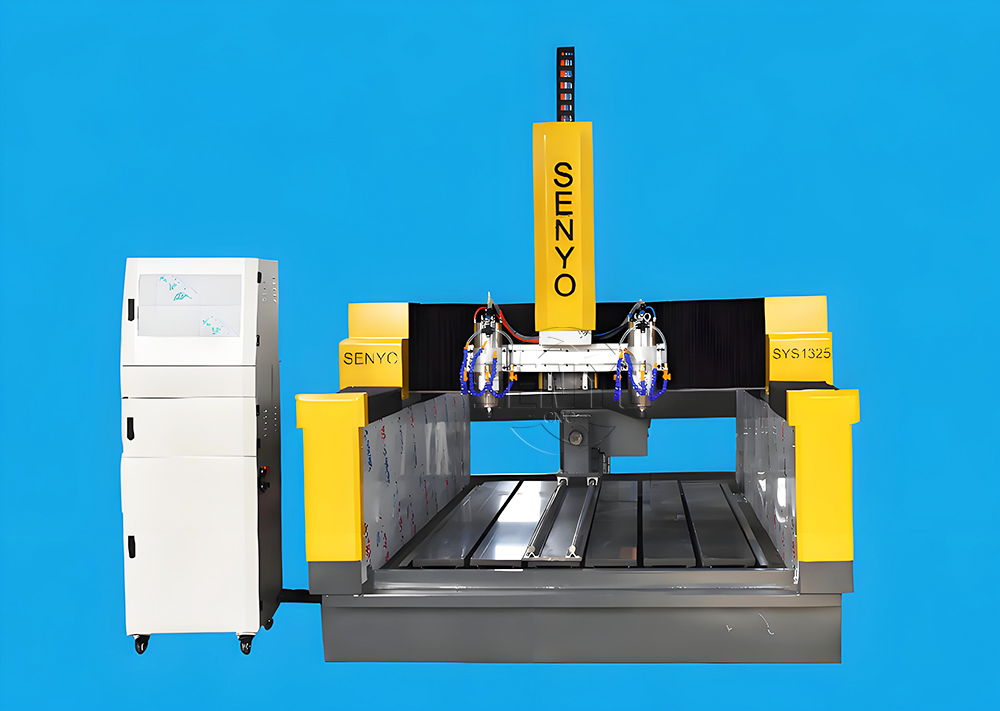
Best CNC 2 Spindle 4-AXIS Stone Carving Machine High-precision Stone Carving Stone Countertop Fabrication
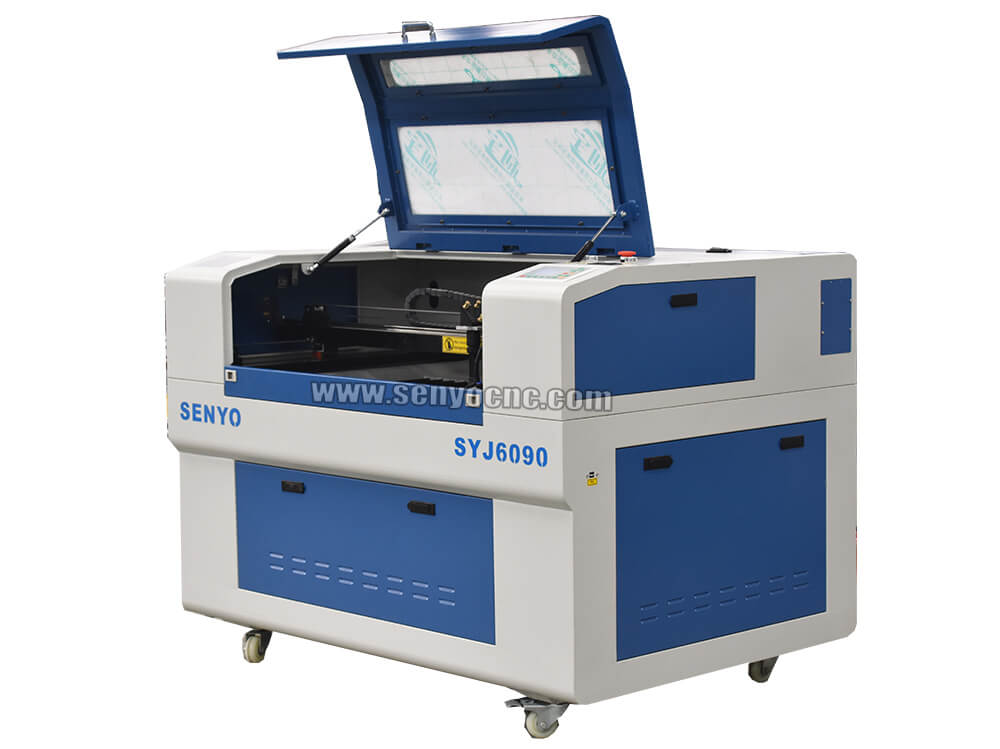
Top Rated 2x3 CO2 Hobby Laser Cutting Machine for Sale at Affordable Price
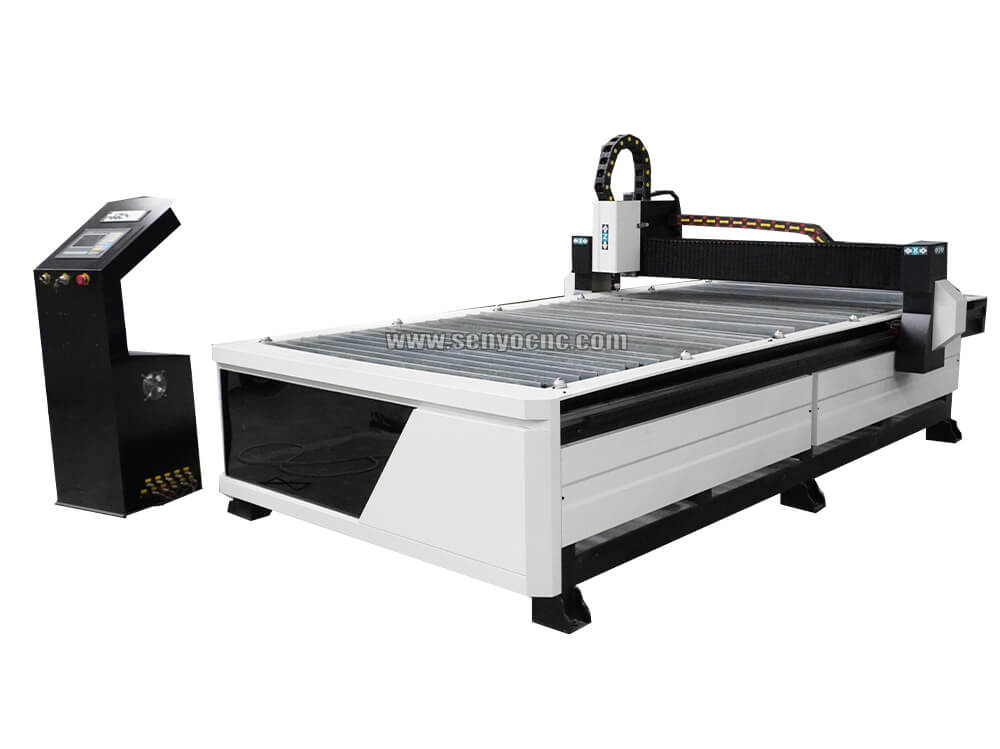
Best 4x8 CNC Plasma Cutter Table for Sale at Affordable Price
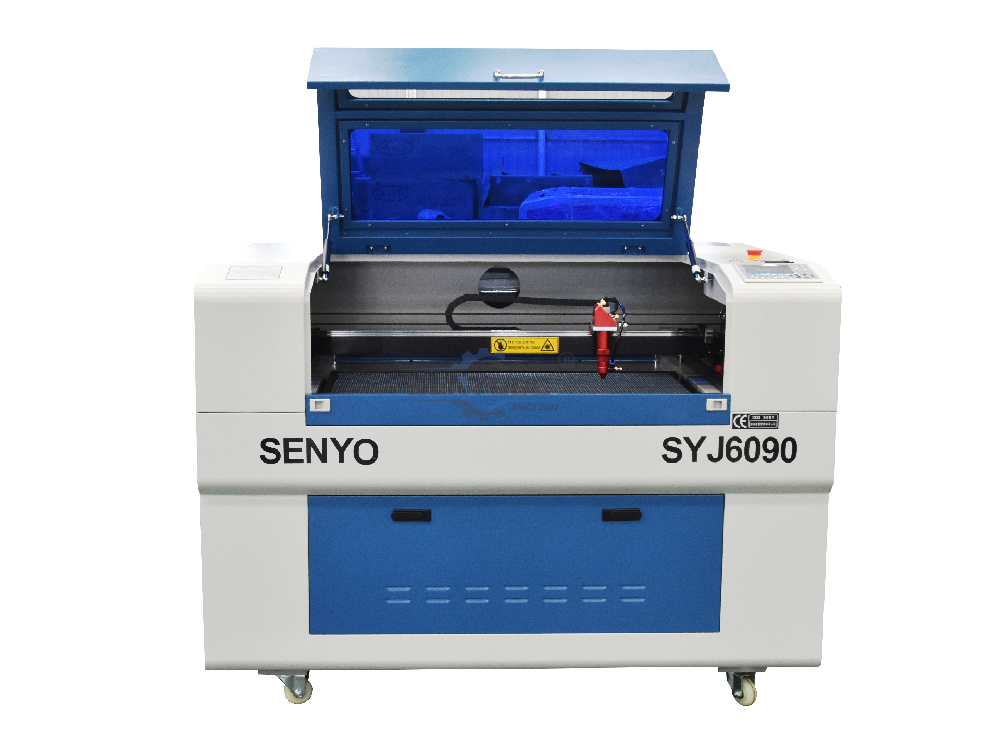
Entry Level CO2 Hobby Laser Cutter Machine for Beginners
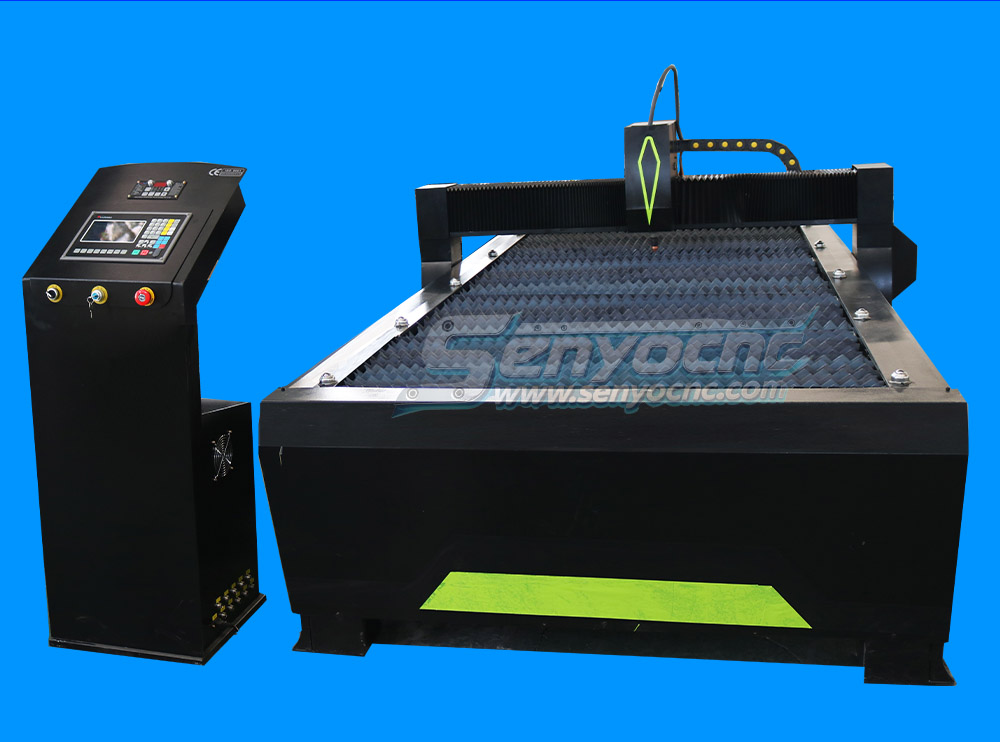
Top CNC Plasma Cutters for Automotive, Aerospace, and Manufacturing Industries
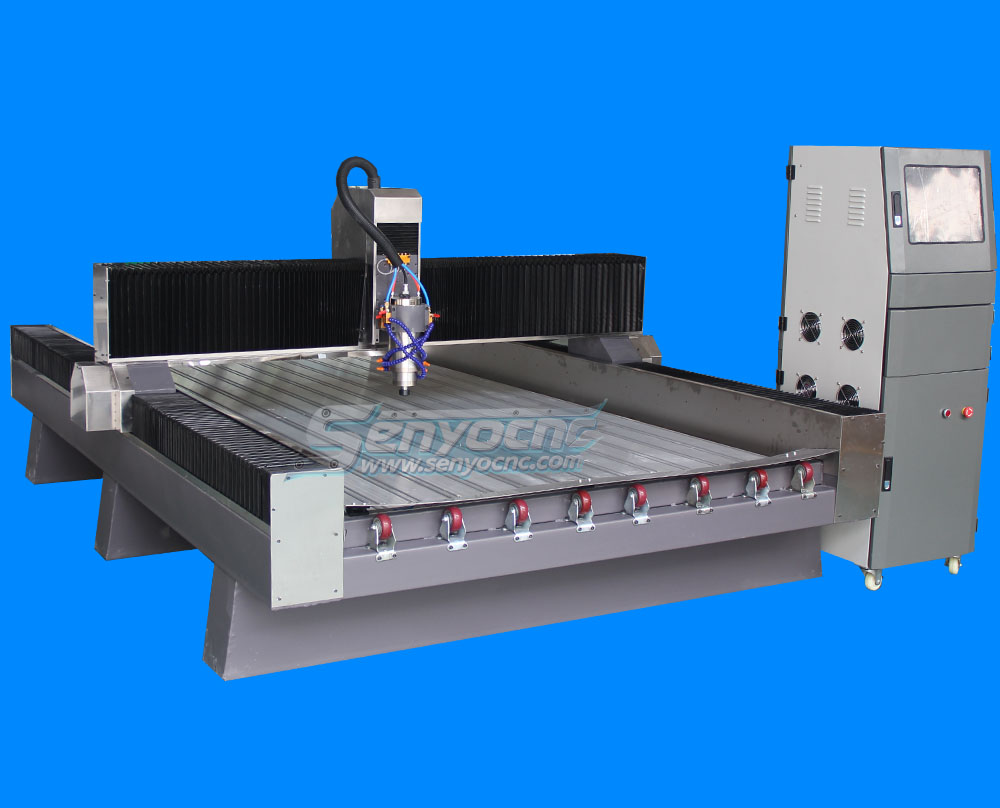
Precision Stone Engraving Machines for Memorials & Signs
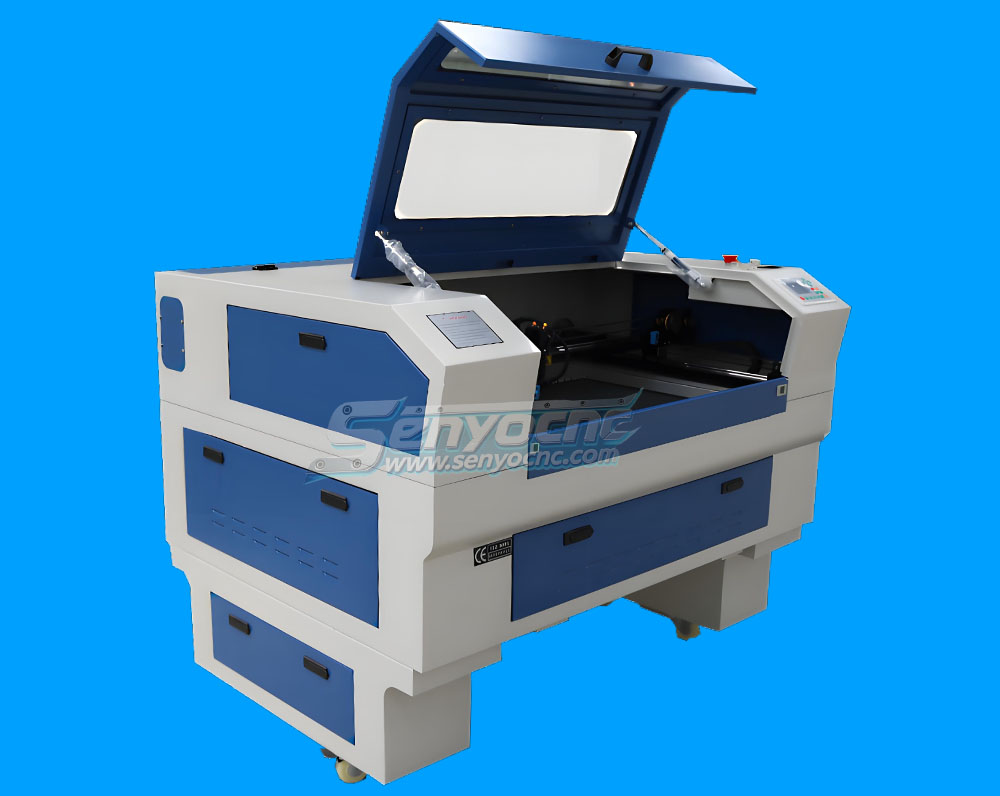
Portable Co2 9060 Laser Nonmetal Cutting Engraving Machine
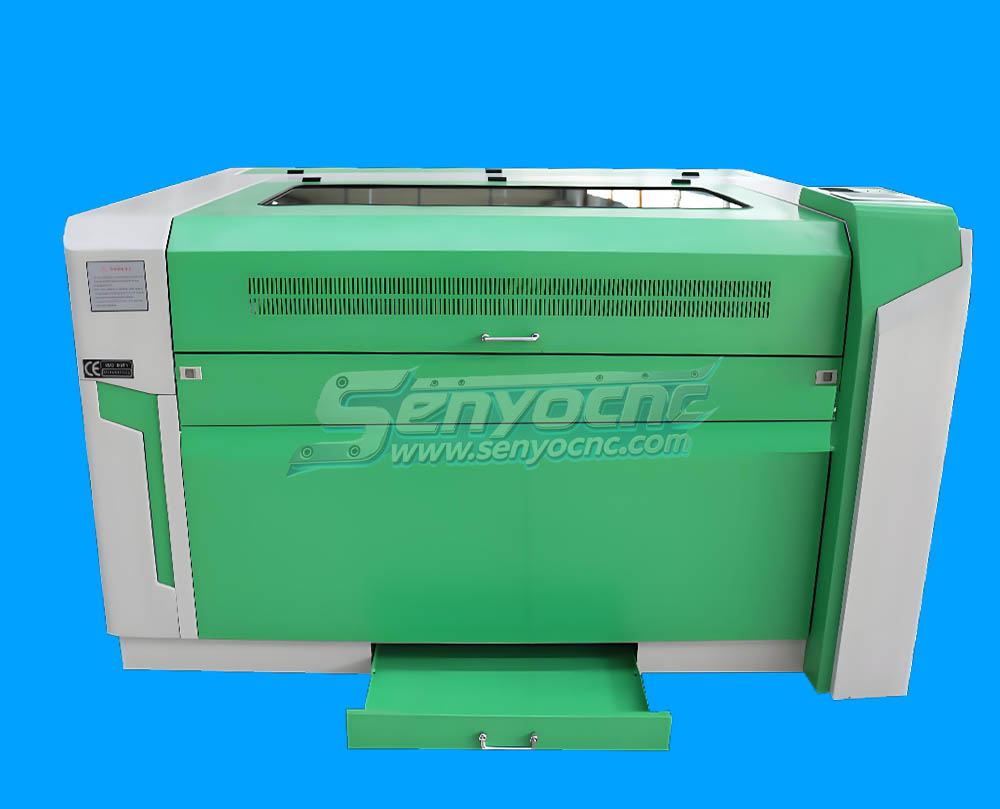
1090 CO2 Laser Machine with Ruida Controller for Non-metal Glass Acrylic Engraving Cutting
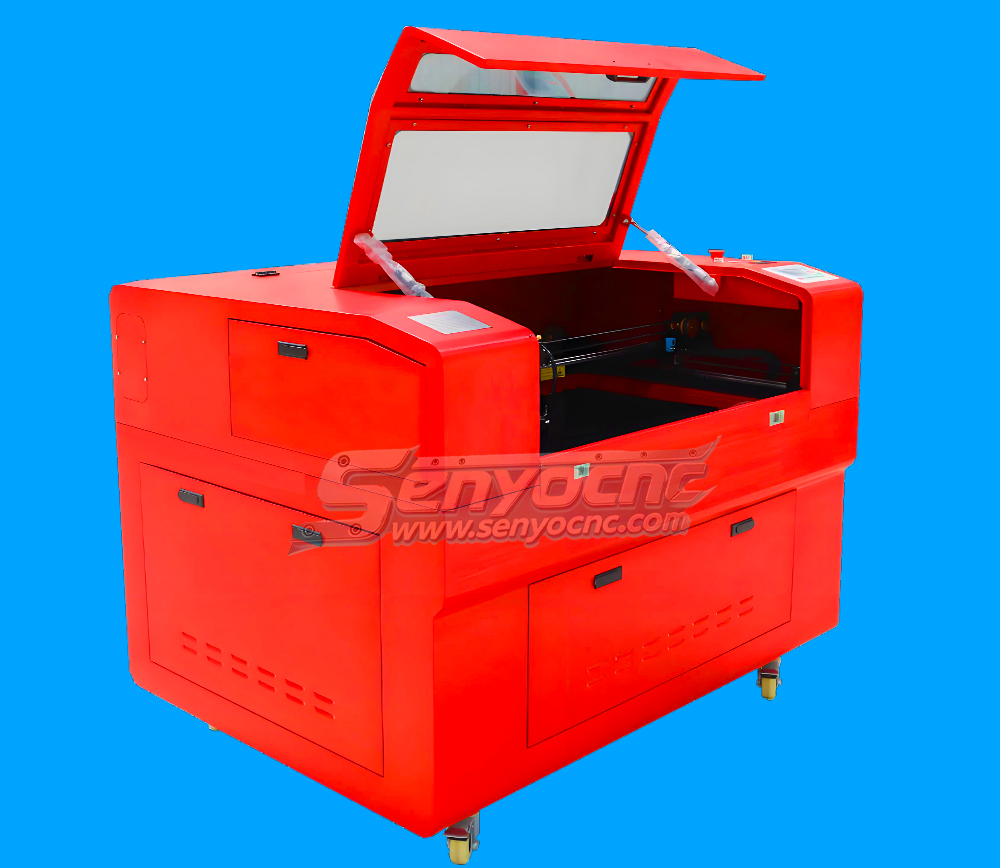
Entry Level 9060 CO2 Hobby Laser Cutter Machine for Beginners
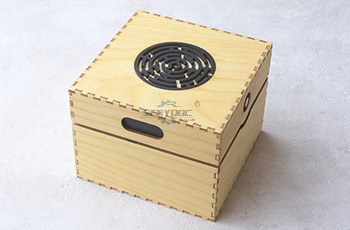
The Apprentice Maze Puzzle Box
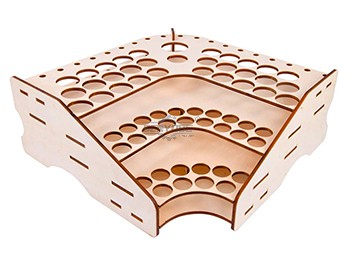
Box laser cutting software share
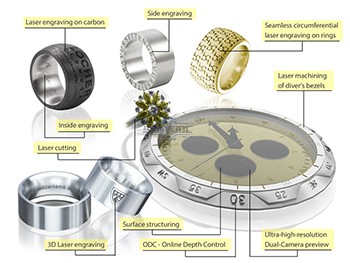
laser marking and engraving for the jewelry industry
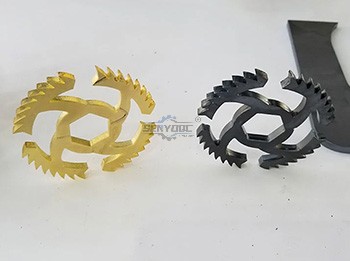
Copper cutting for fiber laser cutting machine
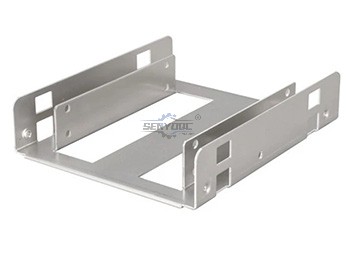
Aluminum Cutting for fiber laser cutting machine
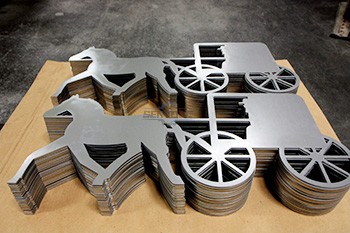
CS Laser Cutting Factors that Affect the Process
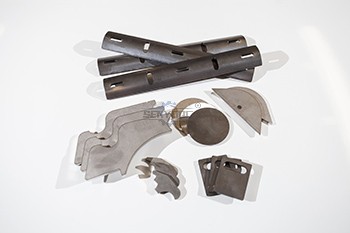
Stainless steel Fiber Laser Cutting
2d&3d wood MDF carving and cutting
3D CNC Router for Stone Relief Carving Projects
Laser Cut Adjustable Table Lamp
CO2 Laser cutting Baby Birth Block
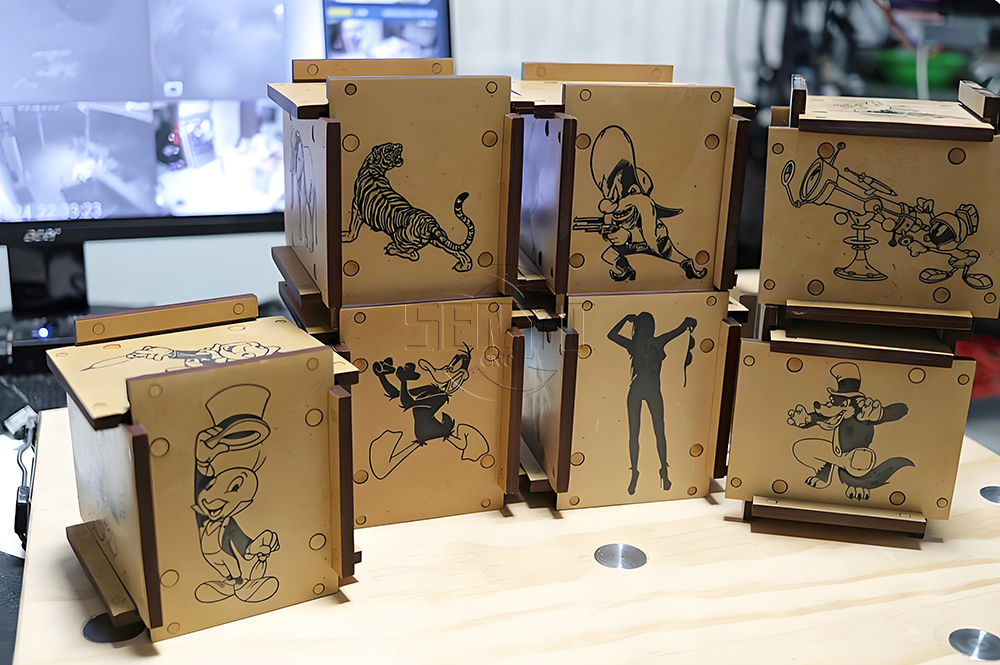
CO2 laser cutting and engraving for 6 Sided Box Puzzle
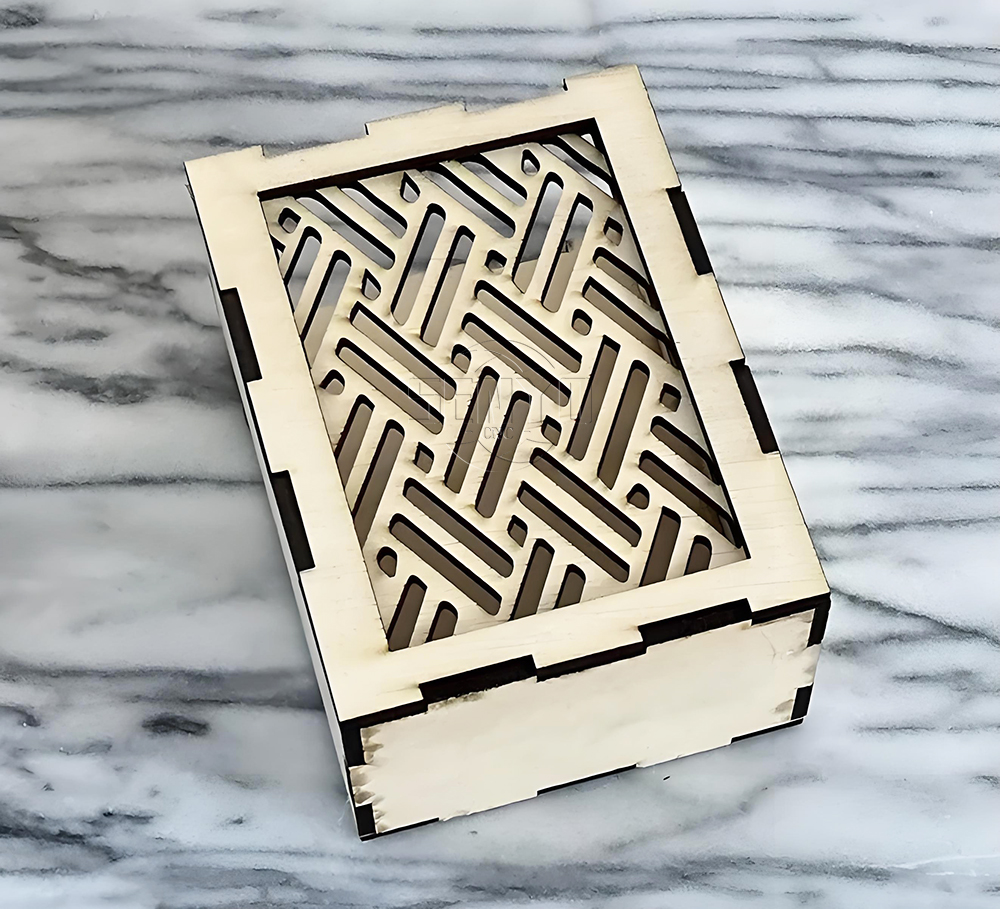
Co2 laser wood cut Illuminated Pattern Box
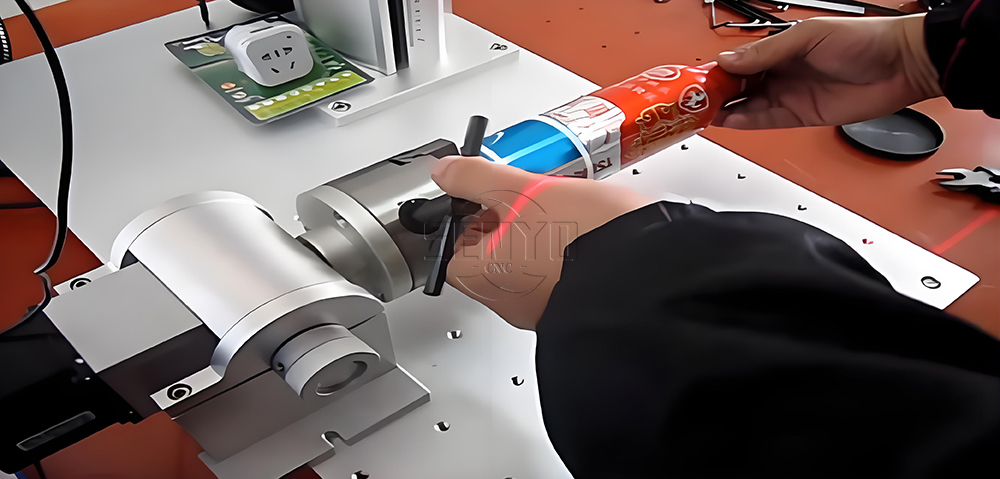
Engrave Round Parts With 50W Fiber Laser Marking Machine
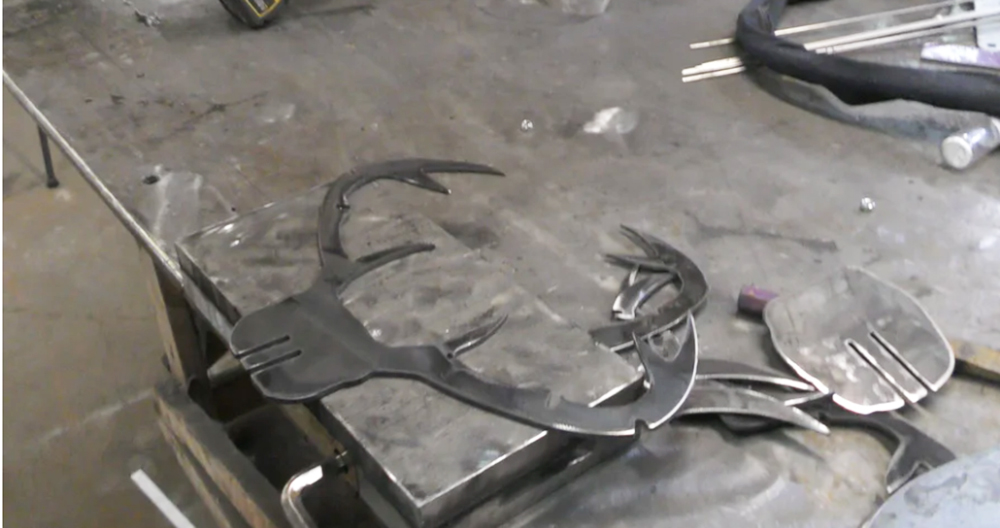
CNC Plasma Cut Deer Head
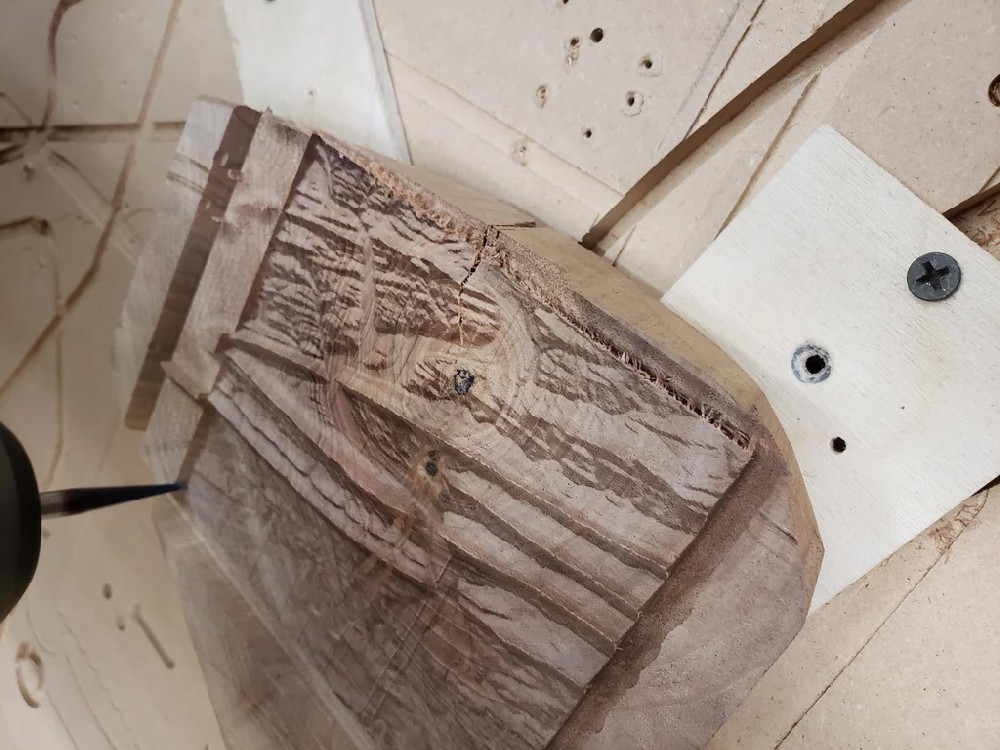
Relief Map on a CNC Router
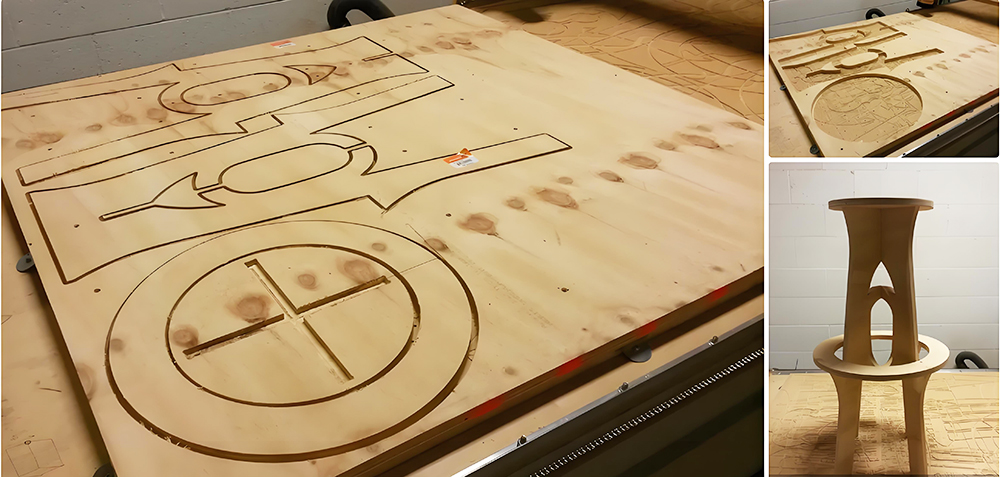
CNC Router Bar Stool

Wood Chair Made With CNC Router
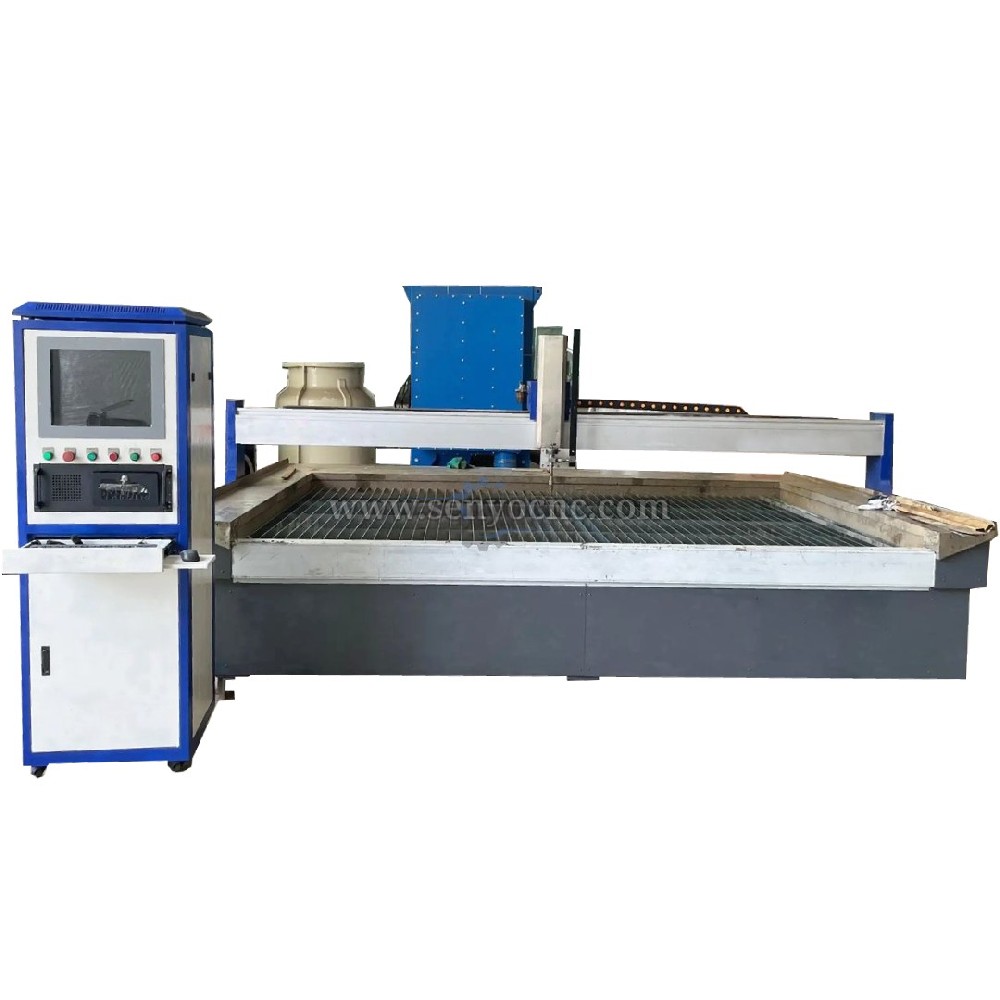
Competitive Price New Design Waterjet Machine 3 axis Cutting Machine

Typical industries that use waterjet technology
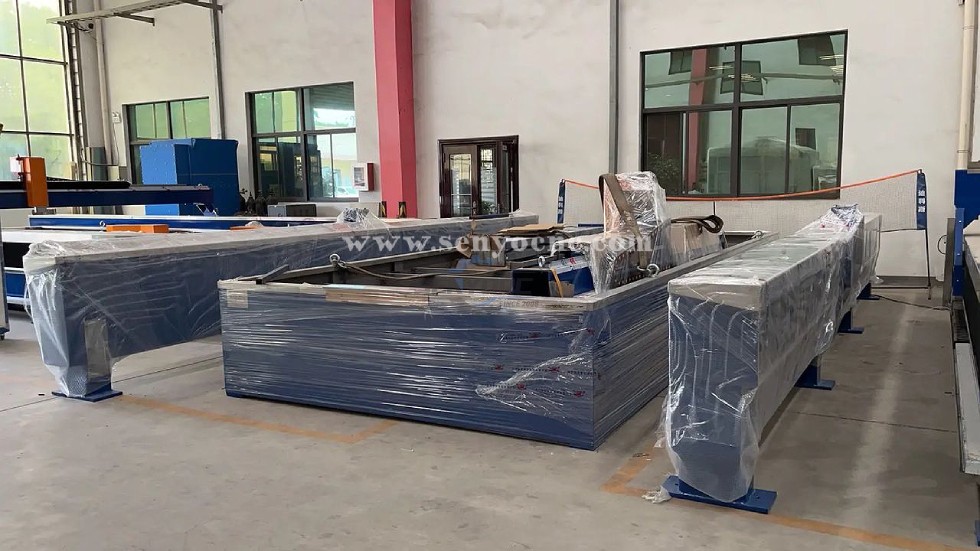
What main benefits to waterjet cutting ?
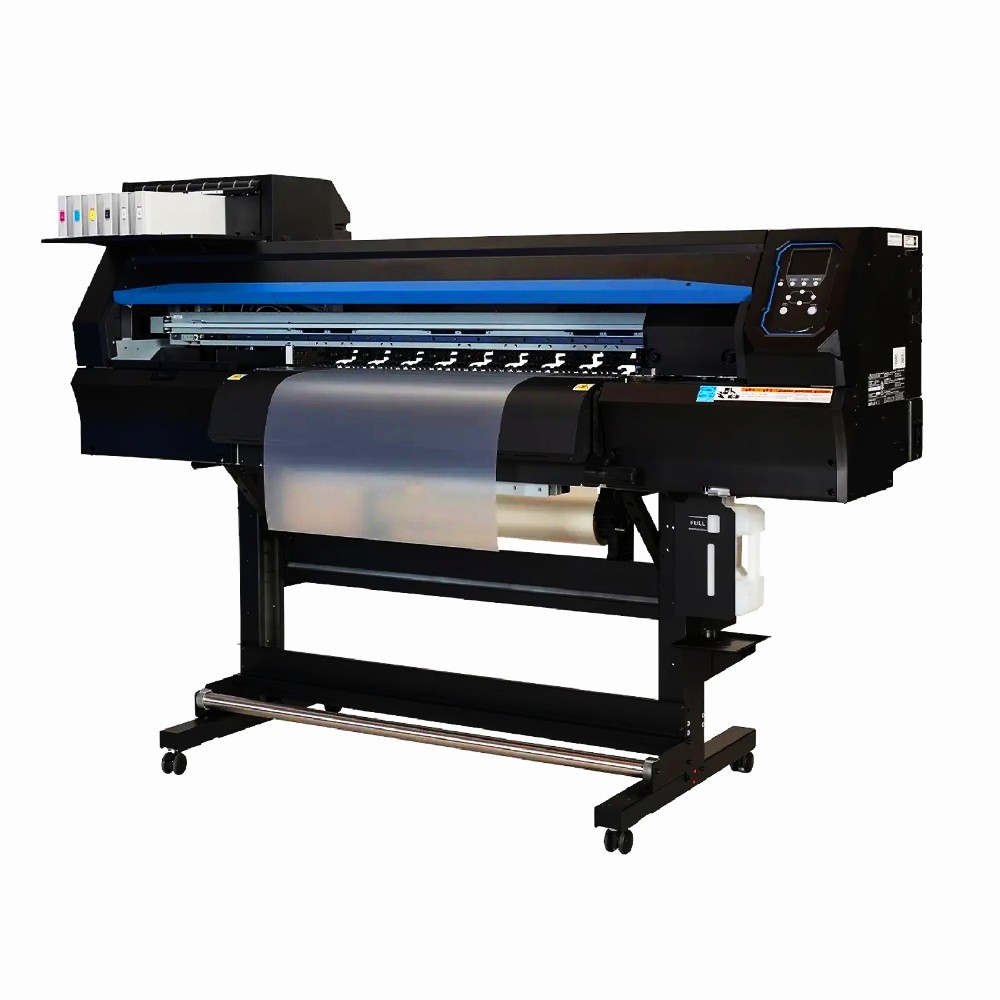
DTF Printer Machine Application
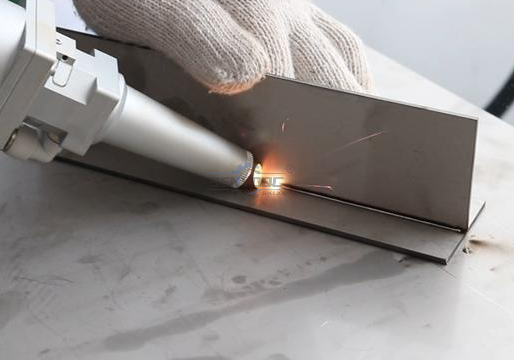
Typical fields of application
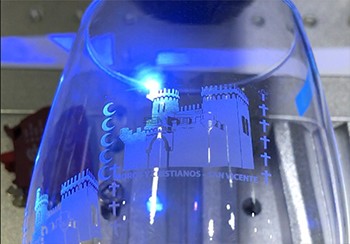
UV Laser Marking Machine For Glasses Engraving

GOLD Engraving -Fiber laser marking work
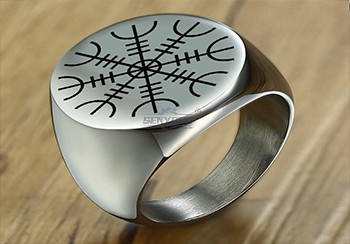
Sover Engraving -Fiber metal engraving and marking
3D Marking Logo deep engraving -Fiber marking machine
MOPA Fiber Laser Marking Machine Application and Samples

Fiber Laser Engraving and Marking Machine for Metalworking Projects
Stone shaft Rotary use engrave cnc router machine

Jacob from United States
I am a beginner at CNC, I’ve never used a CNC machine before and with in a day I was carving. An awesome machine for a beginner to learn as hobbyists. I used the manual and the help video. One hour to assemble and test, very friendly and easy to use. It’s a good buy for the money. I would definitely recommend this machine to someone getting into CNCs.
Weinstein from France
I've been using CNC plasma SYP2060-300A and I am very impressed with this unit.
This unit is of higher quality, made in China. Five stars all the way!
SYM1530 CNC Router 4 Axis from 🇨🇱 Diego Morales — Chile
We use the machine for wooden prototypes, decorative parts and 3D models. The 4-axis capability allows us to create shapes that were difficult to produce before.
SYM1325 CNC ATC Router from 🇳🇱 Pieter Jansen — Netherlands
Our production includes cabinet doors, MDF panels and solid wood components. The automatic tool changer makes repeated production much more convenient.
SYJ1325H CO2 Laser Cutter from 🇵🇹 Tiago Costa — Portugal
We use the laser mainly for acrylic letters and display products. The cutting edges are smooth and the machine is easy for our operators to handle.
SYS1530 CNC Marble Engraving Machine from 🇬🇷 Nikos Papadopoulos — Greece
We purchased the machine for marble signs and personalized monuments. Portrait engraving and lettering are much faster compared with our previous manual process.
CNC Router with Rotary Axis SYM1325-4th Axis from 🇧🇦 Marko Kovačević — Bosnia
We process wooden columns and decorative cylindrical parts. The movable rotary axis gives us more possibilities without purchasing another dedicated machine.
SYM2040 CNC Wood Router from 🇷🇸 Nikola Petrović — Serbia
We make custom wooden doors and furniture decorations. The router handles detailed patterns well and has become an important machine in our workshop.
SYS1530 CNC Stone Carving Machine from 🇷🇴 Andrei Popescu — Romania
We use the machine for marble lettering and religious monuments. The engraving depth is consistent and the machine structure feels very stable.
CNC Router SYM1530 from 🇨🇿 Jan Novák — Czech Republic
The large 1500×3000mm working area is exactly what we needed for full-size boards. We mainly cut plywood and decorative MDF panels. Thanks Senyo team!


Jinan Senyo Machinery Co., Ltd

 manager@senyocnc.com
 SENYOCNC
 +86 1525 3141 880
 +86 1525 3141 880
 2061579344
